
Apps
Google Messages may soon message you about its own features


Google Messages is testing a new feature that can send messages to users about the app itself. The new feature is a business chat that may tell users about new features, updates, and RCS.
The feature was first reported earlier this year. At that time, it was still being tested and did not work very well. Now, Google appears to be testing it with some users.
A Reddit user named iiDez recently shared a screenshot of the new chat. The message explains some basic benefits of Google Messages and RCS. It also gives users options to learn more about different features.
For now, users cannot type their own questions. They can only select from ready-made replies shown in the chat. It is not known if Google will allow users to send their own questions later.
The feature is also not available to everyone. Some users can see it, while others cannot. It has not appeared widely, even among people using the beta version of Google Messages.

Image via Android Authority
This could mean that Google is slowly testing the feature or turning it on for users in selected areas. It may also be a server-side update, so users might get it without installing a new app version.
The new chat could be helpful for people who do not know about all the features in Google Messages. It gives Google a simple way to explain what the app can do. For now, most users will have to wait until Google rolls out the feature more widely.



WhatsApp has stopped supporting some older Android phones. From September 8, 2026, WhatsApp will no longer work on phones running Android 5.0 or Android 5.1. The app now needs Android 6.0 or a newer version.
The change affects both WhatsApp Messenger and WhatsApp Business. WhatsApp announced this decision in April and informed users about it through a message in the app. Users had several months to update their phones or move to a newer device.
Phones that are stuck on Android 5.0 or 5.1 are no longer supported. These are mostly very old phones that do not receive software updates anymore. If your phone can be updated to Android 6.0 or newer, you can continue using WhatsApp after installing the update. If your phone cannot get a newer Android version, you will need to switch to a newer phone to keep using WhatsApp.
Before changing your phone, make sure your WhatsApp chats are backed up. Your backup may be stored on Google Drive or your phone’s local storage. After getting a new phone, install WhatsApp and use the same phone number. You can then restore your available chat backup.
WhatsApp needs newer Android versions to add new features and improve security. Older Android versions may not support some of the technology needed for these updates. If your phone runs Android 6.0 or newer, you do not need to do anything. WhatsApp will continue working as usual.
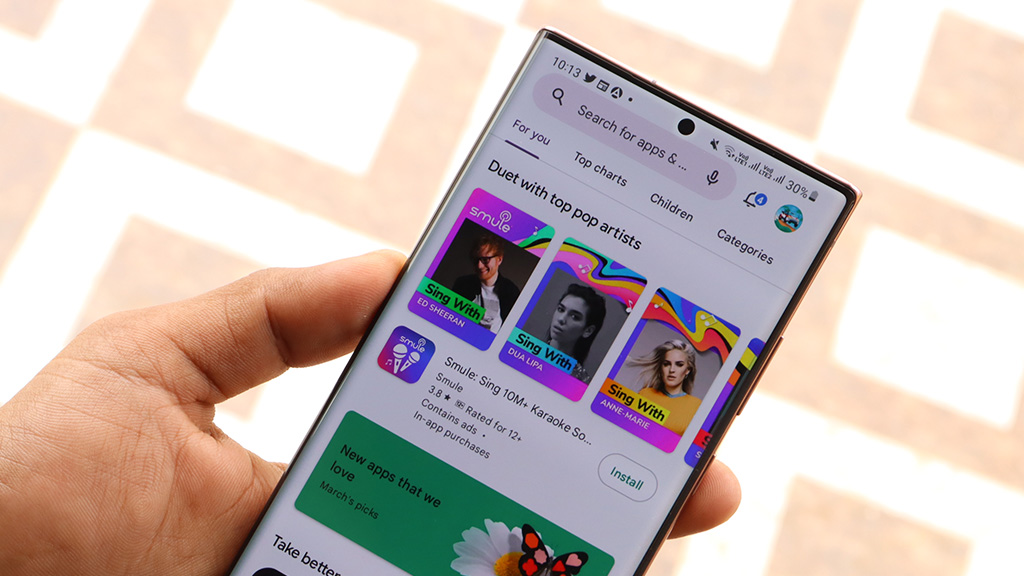
Google is prepping a new feature for the Play Store that will make app downloads easier to manage. The new feature will let users pause and resume app downloads without canceling them.
The feature has been found in Google Play Store version 53.0. It was seen earlier, but it did not work at that time. Now, the feature has been made to work on a test device, which means Google may release it in a future update.
Currently, when you download an app, the Play Store gives you the option to cancel the download. There is no way to stop it temporarily. With the new feature, users will see a “Pause” button during the download.

Image via Android Authority
When users tap “Pause,” the download will stop but will not be canceled. They can later tap “Resume” to continue the download from where it stopped. The Play Store will also show paused downloads in its download manager. This means users can easily continue a download without searching for the app again.
The new feature could be useful for people who use mobile data. For example, if a large app is downloading, users can pause it to save mobile data. They can then connect to Wi-Fi and resume the download later. It can also help users manage multiple downloads and choose which app they want to download first.
Google has not announced an official release date yet. However, since the feature is now working, it could arrive for users with a future Play Store update.

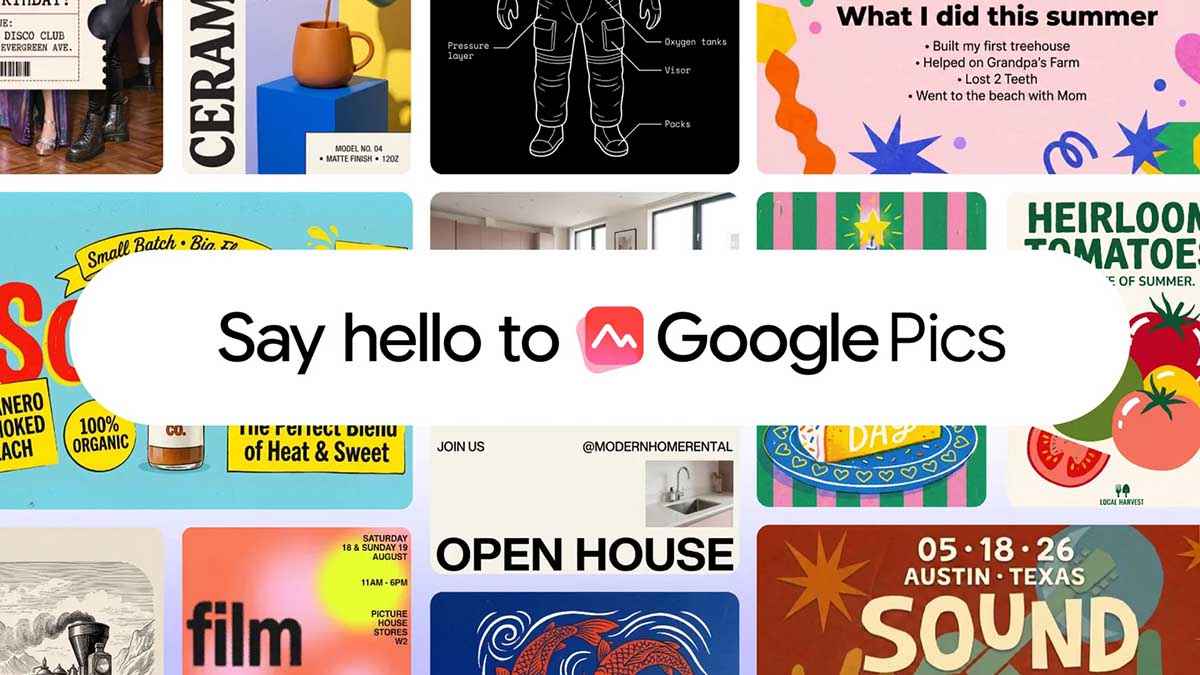
Google has officially taken the wraps off Google Pics, a highly capable new AI image creation and editing tool built directly into the Workspace ecosystem.
If you’ve been relying on third-party software to generate, refine, and co-create images, Google wants to bring all of that functionality right to where you already work.
Google Pics brings AI image creation
Rolling out over the coming weeks to all Google AI Pro and Ultra subscribers, alongside most Workspace business customers, Google Pics is powered by the company’s new “Nano Banana” image generation and editing model.
As showcased in Google’s introductory video, the tool provides a blank canvas where simple text prompts turn into high-quality visuals.
That makes Pics useful for everything from presentation graphics and promotional material to social media artwork and simple illustrations. Google has also built it as both a standalone experience and a feature that can appear inside Workspace app.
The standalone experience is available through pics.new, while deeper Workspace integration means users can create or modify images without constantly moving between different applications.
Google is rolling out Pics to Google AI Pro and Ultra subscribers, as well as most eligible Workspace business customers.
Editing is where Google Pics gets interesting
Generating an image is increasingly easy, but making precise changes without ruining the rest of the image remains one of the bigger challenges with generative AI. Google Pics attempts to solve that with more targeted editing controls.
Users can isolate individual objects or areas of an image and then describe what should change. This means you can potentially add, remove or transform a particular element while preserving the surrounding composition.
In-Image Text Editing and Translation
Historically, handling text inside generative AI images has been a nightmare, but Google is addressing that head-on.
You can now modify or translate text directly inside an image without disrupting the surrounding design or the original font.
A demonstration showed a user tweaking a generated corporate gift box, effortlessly changing the embedded text from “Thanks for being a valued customer” to a more concise “Thank you.”
Pics generates several options from a single prompt, allowing you to choose your favorite from a variety of iterations. Google has made it easy to share your Pics creations with teammates, allowing multiple users to collaborate and edit the exact same image together.
Pics is coming to Google Docs and Slides
Google Docs and Google Slides are getting the feature first, with Google Drive integration planned for a later rollout.
In Slides, for example, users can take an existing image and use an AI prompt to change its setting or appearance without leaving the presentation.

Some users of Samsung Galaxy foldable phones have reported a problem with the Favorites section on the home screen. They say that when they use the phone with only the Home Screen, Favorites cannot be completely disabled. Even after turning off the related setting, the Favorites section still remains visible.
This issue can be confusing because users expect Favorites to disappear after they turn off the “Show Favorites” option. However, the setting does not work in the same way for every home-screen setup. The behavior depends on how the Fold phone is configured.
In response to this, a community moderator explained that the “Show Favorites” feature is available when the phone is set to “Use Home and Apps screen.” In this setup, users can use the option to control whether Favorites are shown on the device.
However, there is an important limitation. The moderator said that the “Show Favorites” option does not apply when the phone is set to “Use Home Screen Only.” This means users who choose the Home Screen Only layout cannot use this setting to remove Favorites.
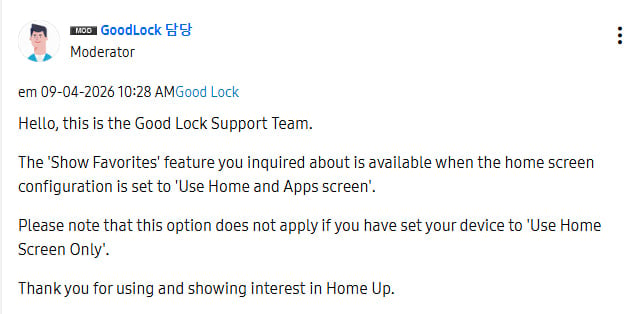
The problem does not appear to be a fault with the phone or the setting itself. Instead, it is related to how the Home Screen Only mode is designed to work. Users who want more control over the Favorites section may need to switch to “Use Home and Apps screen.”
WhatsApp is working on a new feature that will let users pin up to four messages in chats and groups. Earlier, users could pin only three messages at the top of a conversation.
Pinned messages are useful because they help users keep important information easy to find. For example, people can pin an event detail, important announcement, address, phone number, or useful link.
Using the new feature is simple. Users need to tap and hold a message, choose the Pin option, and select how long they want the message to stay pinned. The fourth message will then appear with the other three pinned messages at the top of the chat. Users can tap the pinned-message bar to see all four messages.
The feature will work in both individual chats and group chats. It could be more useful in busy groups where important messages can quickly get buried under new conversations.
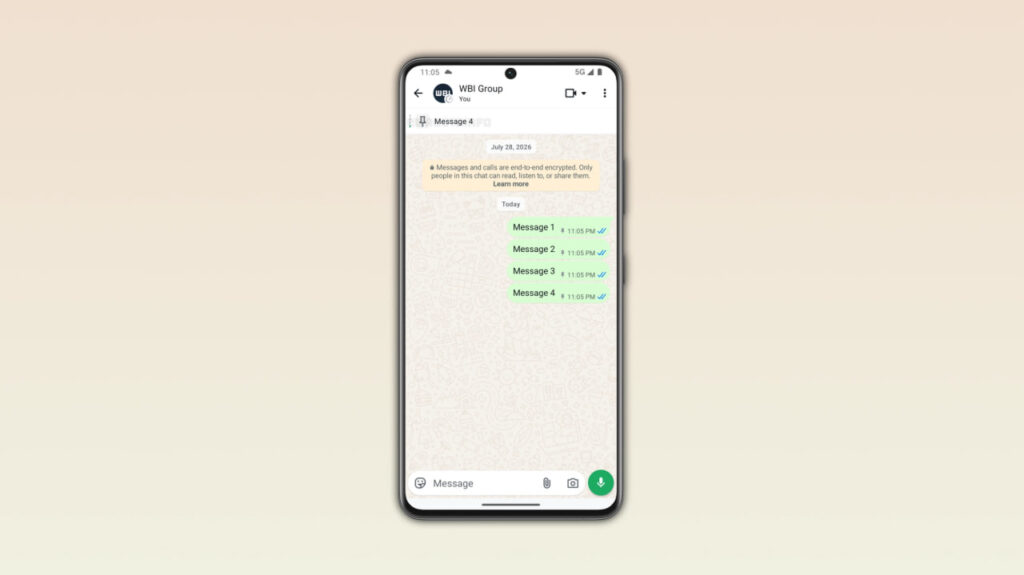
Image via WABetaInfo
WhatsApp has also recently introduced notifications for pinned messages. Users can receive a notification when someone pins a message. However, these notifications will not appear if the chat is muted.
The new feature has been found in WhatsApp beta for Android version 2.26.35.8. It is currently available to some beta testers through the Google Play Store. WhatsApp is releasing the feature slowly, so some beta users may not see it yet.
For now, the four-message pinning feature is available only to some Android beta testers. WhatsApp has not yet announced when it will reach the stable version. The company is expected to roll out the feature to more users in the coming weeks.
-

 One UI11 hours ago
Samsung opens One UI 9 Beta for Galaxy A35 smartphone
-
 Samsung2 days ago
Samsung updates One UI software rollout roadmap – September 2026
-
 One UI2 days ago
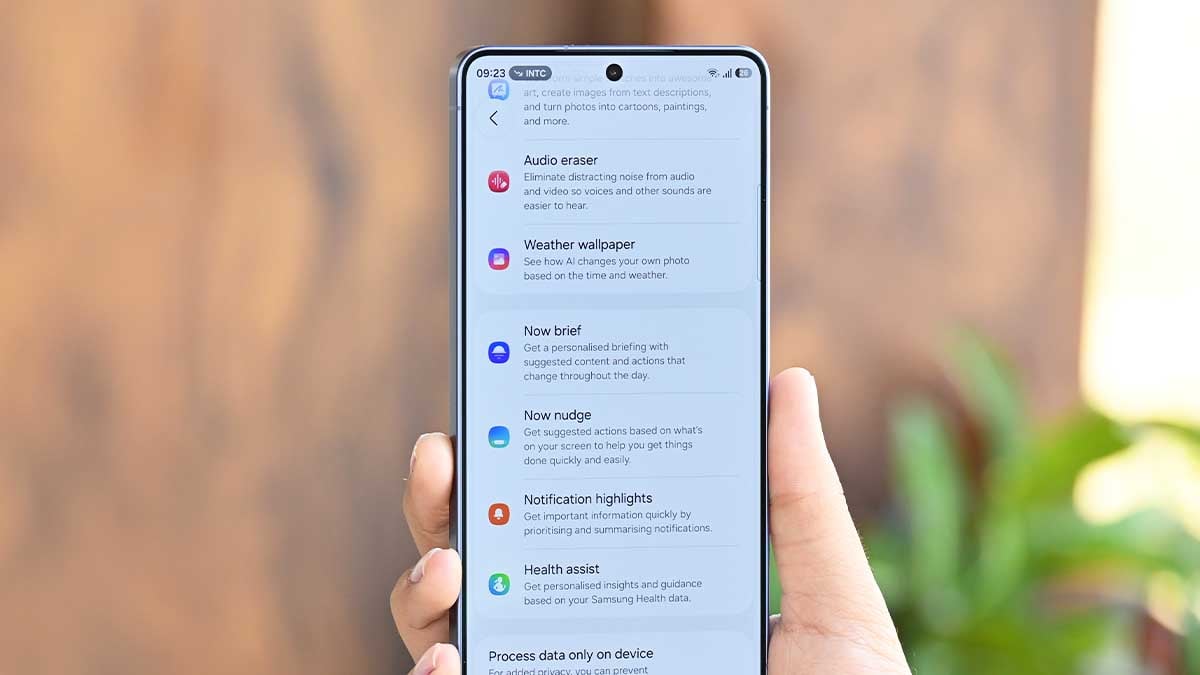
Samsung Galaxy S25 series (FE too) get One UI 9 Beta 2 with new AI features
-

 News3 days ago
Samsung puts Galaxy Z Fold 8 on city streets before Apple’s foldable debut