
Apps
A Good Lock plugin crushing Samsung Edge Panel, fix is coming


Edge Panel is a signature feature of Samsung One UI, but a Good Lock module badly hurt its functionality. Samsung, meanwhile, found the root cause, which is linked to One Hand Operation +, and a fix is on its way.
Samsung users complained that the Edge Panel isn’t triggering with a swipe. The problem was widespread, but targeted specifically the users who have been using the Good Lock’s One Hand Operation + plugin.
Edge Panel comes preinstalled, while Good Lock has to be downloaded manually from Galaxy Store. Good Lock is a launcher, and modules are the ones that unlock various new features and customization tools for the users.
Therefore, users didn’t simply find that the problem with Edge Panel is tied to a buggy One Hand Operation + module. Meanwhile, a Samsung moderator confirmed that the problem will be addressed with a future/next update.
The mod also shared a workaround if you can’t disable the Good Lock module. You need to launch an app that supports landscape mode and rotate the screen, then rotate the screen back horizontally to make Edge Panel functional again.
If you use Edge Panel more than the One Hand Operation +, I recommend that you simply disable the module for a while. Samsung is working on a fix, which could take a few days to arrive on Galaxy devices.
Until then, give the module a break so Edge Panel offer optimal user experience.




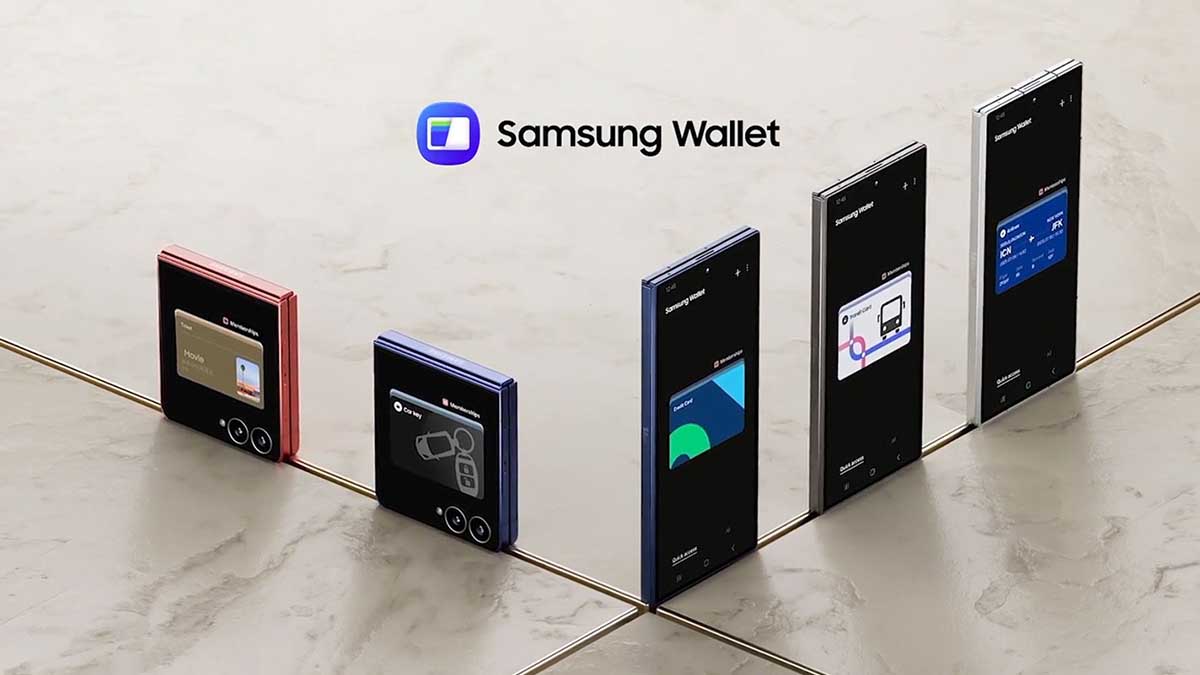
Samsung Wallet is getting upgraded with new features and One UI 8.5 design. The fresh perks are available across Galaxy devices regardless of OS version. Meanwhile, the new features carried out in this update are mainly crafted for Indian users.
One UI 8.5 redesign
Samsung Wallet adopted One UI 8.5 design perks. The app has added a floating navigation bar and buttons. The bottom bar no longer occupies a full strip on the screen, the same way the top navigation buttons do.
These changes are made as part of Samsung’s new Ambient Design. The company has made the majority of UI elements float over the interface. They keep the functionality unchanged, but extend the screen estate.
Aside from buttons, Samsung has also refreshed the check bank balance. Your accounts are now present under a slider, with the check balance activity having added minimal animations.
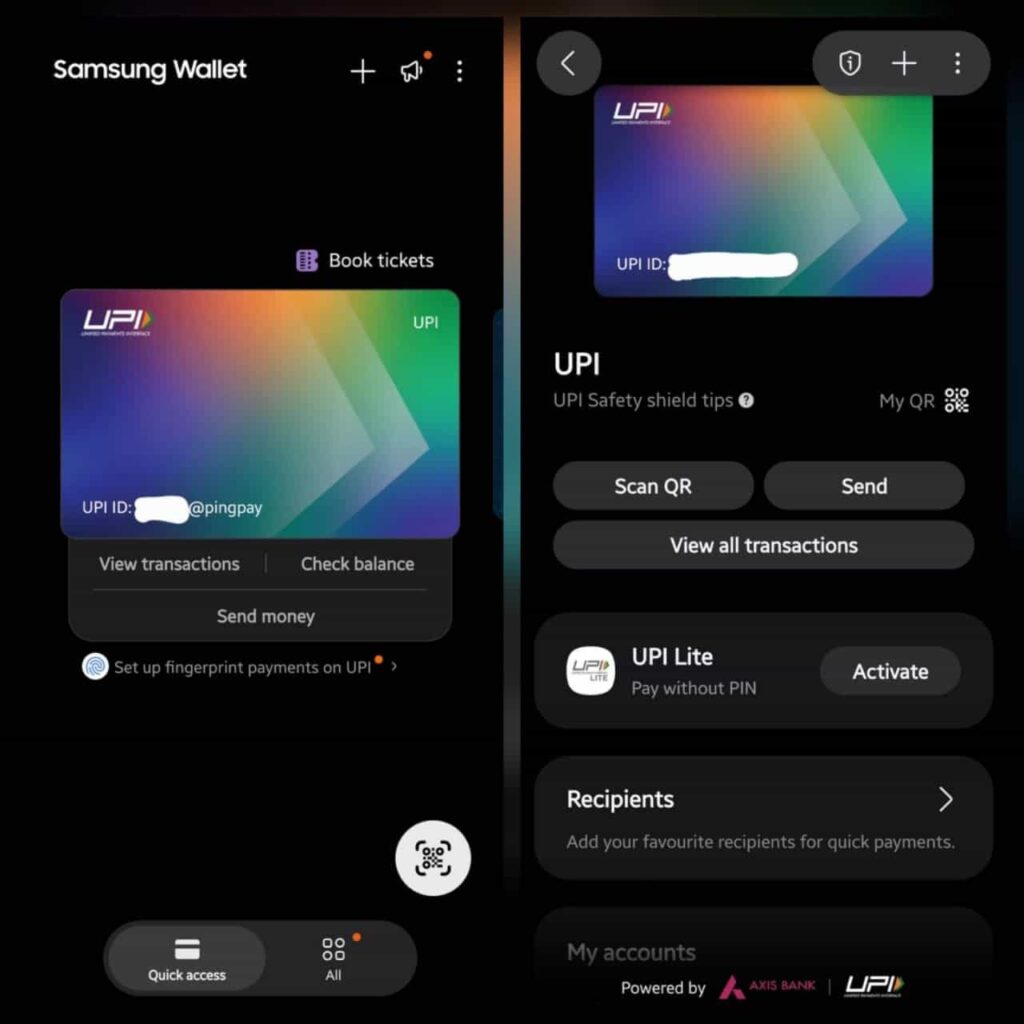
Samsung Wallet is also getting three new features, which include one for frequent travellers.
If you’re an Indian resident, Samsung Wallet’s two new features are made for you. You can now enable biometric authentication for UPI transactions to make payments of up to INR 5,000.
In addition, the app has adopted the UPI Payment Interface API 2.0. This is the page where you enter your UPI PIN to make the payment.
Lastly, the Wallet app now allows you to change the country. It is a very useful feature if you are traveling abroad to optimize your experience as per the country’s ecosystem.

Samsung Wallet just got a lot more useful for Galaxy owners in Malaysia. The company has teamed up with Maybank to bring the country’s first Samsung Wallet QR Payment experience, and it’s rolling out starting this week.
What’s changing for Galaxy users
Through a Collaboration Agreement signed with Maybank, Samsung is folding the bank’s MAE Scan & Pay functionality directly into Samsung Wallet.
It means eligible Galaxy users won’t need to jump into a separate banking app just to scan a QR code at checkout; a swipe within Samsung Wallet is enough to pull up the scanner and complete a transaction.
Regional reach and rewards baked in
The integration isn’t limited to Malaysia either. Since it runs through Maybank’s MAE ecosystem, users can scan and pay across Singapore, Thailand, Indonesia, and Cambodia as well, which is a nice bonus for anyone who travels around Southeast Asia often.
Every transaction also earns Samsung Reward points, redeemable for products and vouchers via the Samsung Members app.

Rollout timeline and launch incentives
The native QR payments feature is already arriving from July 21, 2026, through the latest Samsung Wallet and software update.
Samsung is also running a promotional campaign from July 28 to October 30, offering up to RM500,000 in rewards, including RM5 for activating QR Payment and up to RM15 in cashback or vouchers on spending.
Related news:

Samsung Electronics is considering bringing support for the Stablecoin to the Samsung Wallet app. During its Galaxy Unpacked keynote, Samsung showcased its future plans that include expansion of its Wallet platform.
Lee Dinham, Samsung product manager, teased the potential integration of the Stablecoin into its Samsung Wallet app (via TradingView).
The official stated that the company plans to expand Samsung Wallet beyond traditional payments by adding support for stablecoins. That said, Samsung Wallet will continue to evolve beyond being a payments and digital ID platform.
“Samsung Wallet will expand beyond cash and savings. It will embrace new forms of digital value, including stablecoins,” Dinham said. He added that the move would make Samsung “one of the first major mobile brands to bring native stablecoins to a smartphone, enabling fast and trusted digital value transfers.”
While an official announcement was made, Samsung didn’t disclose the upcoming stablecoins. More details would follow once the company finalizes preparations and begins public rollout to millions of Samsung Wallet users.
Samsung Wallet allows users to make digital payments, store their debit and credit cards as well as certain identity documents. It also supports an NFC-powered digital key feature for partnering car models and door security locks.
Stablecoin integration will follow the Coinbase support in Samsung Wallet. However, the timeline remains a mystery for now as the Galaxy Unpacked just had a glimpse of potential arrival, not a specific press release.
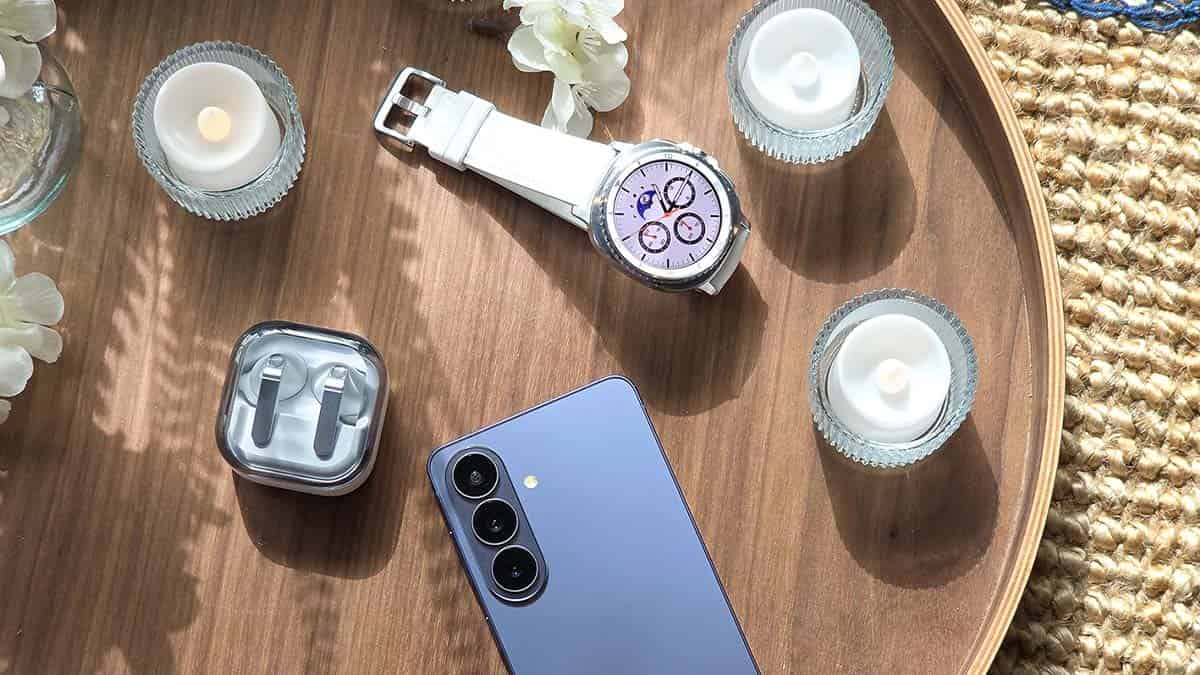
Samsung has quietly improved the Samsung Internet app for Wear OS with a feature many Galaxy Watch users have been missing. Samsung Browser app now lets you download images and GIF files right on your Wear OS watch.
You can now download images directly from websites to your smartwatch, including PNG, JPG, JPEG, and GIF files up to 10MB. The downloaded files are saved to the watch’s internal Downloads folder, making it easier to keep reference images, QR codes, or animated GIFs on your wrist.
This is one of those small additions that removes a long-standing limitation. The update also introduces a dedicated Downloads section on the browser’s homepage, giving users a simple way to manage saved files without searching through system folders.
How to download images in Samsung Browser on Wear OS
Downloading an image is straightforward. After long pressing a supported image on a webpage, the browser saves it locally if it meets the supported file type and size requirements.
- Supported formats: PNG, JPG, JPEG, GIF
- Maximum file size: Up to 10MB
- Save location: Downloads folder
- Built-in management: Thumbnail view, multi-select, delete
The update also adds a few quality of life improvements:
- Browse downloaded images through thumbnail previews.
- Select multiple files for quick deletion.
- Keep images stored locally on the watch.
- Download animated GIFs alongside standard images.
While Samsung Browser can save and display thumbnails of downloaded files, you will need a compatible file manager or gallery app on your Wear OS watch to open images in full resolution.
For Galaxy Watch users who frequently browse the web from their wrist, this makes Samsung Internet noticeably more capable.

Samsung uploaded a new Good Lock version on Galaxy Store, which improves its stability and UI. Galaxy users who run the personalization suite on their devices can navigate to the Updates section on the native app store to install the latest version.
Over the past couple of days, Samsung has been gradually rolling out a new Good Lock update, which improves the app’s stability and UI. The latest version is 3.0.16.6, which is being rolled out to compatible devices sequentially.
This 16MB Good Lock update comes after Samsung made the most famous modules functional with One UI 9 operating system. The company has released Home Up with tons of gesture customization options for the latest OS.
With the previous Good Lock update, Samsung fixed a severe bug causing issues with plugin updates. Galaxy users reported some plugins were not updating as intended, and Samsung quickly offered the fix with an update.
Good Lock wallpapers
You may find it interesting that Good Lock has an expansive collection of wallpapers. The titles are driven by various apps and plugins of the native app. You can have them on the home screen and/or lock screen for a unique look.
Good Lock app’s home page has a “Gift box” icon near the Settings gear. Tap that icon, and you see the Wallpapers awaiting your attention. You can have a quick preview of each title before applying them to your smartphone.
-
 One UI3 days ago
One UI 9.0 (Android 17) testing on these 49 Samsung devices
-
 One UI2 days ago
How to install One UI 9 Watch Faces on your Samsung smartwatch
-
 One UI2 days ago
Samsung One UI 9.0 Beta Program isn’t ending anytime soon
-
 One UI22 hours ago
One UI 9 is coming, but when will your Samsung phone actually update?