
Updates
Samsung Galaxy S22 series May 2023 update begins rolling out

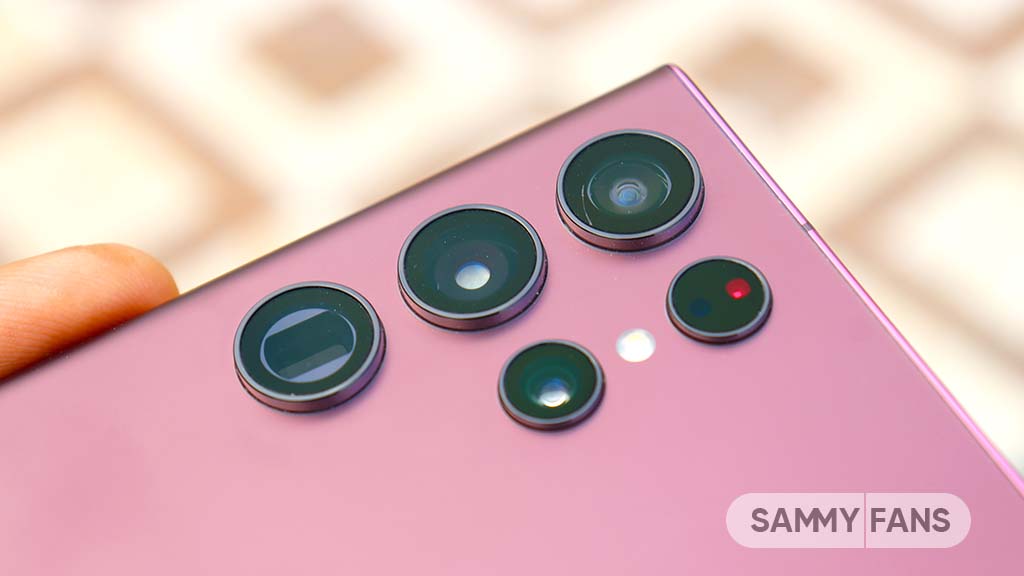
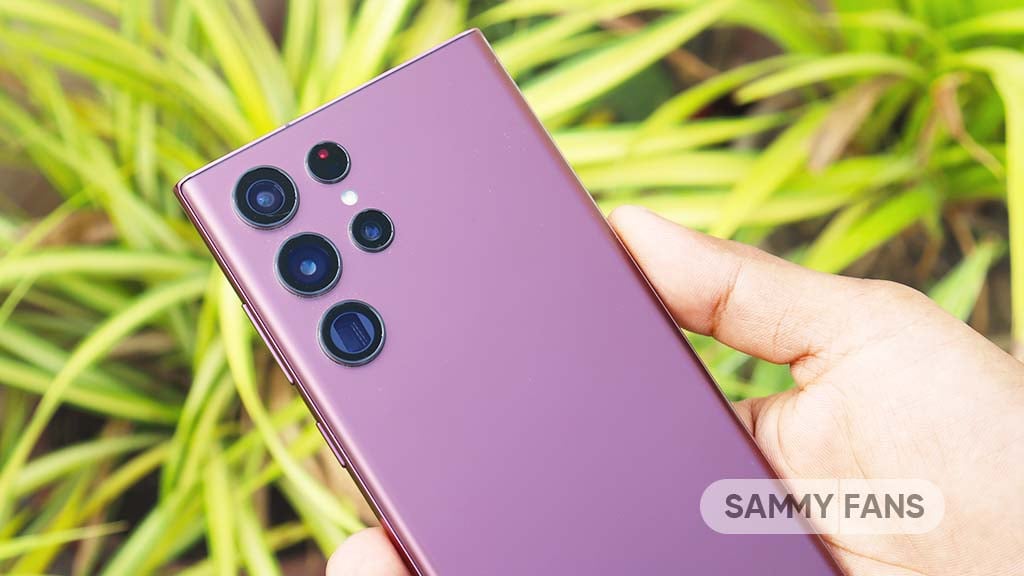
After Galaxy S23, Samsung has kicked off a new update with May 2023 security patch for another S series – the Galaxy S22. Right now, the latest software is rolling out for Galaxy S22 models in Brazil.
The new update installs the latest Android patch to improve system security. In addition, it brings stability optimization, bug fixes, and functional enhancements to provide a smoother and error-free experience.
As per the details, May 2023 security patch fixes over 70 security flaws including 4 critical, 48 high, and 3 moderate levels of common vulnerability exposures.
Users of Galaxy S22, Galaxy S22 Plus, and Galaxy S22 Ultra smartphones can identify the May 2023 security update via the One UI firmware versions S901EXXS4CWD5, S906EXXS4CWD5, and S908EXXS4CWD5 respectively.
Follow our socials → Google News, Telegram, Twitter, Facebook
The installation package size of the latest update for the Samsung Galaxy S22 smartphone is around 340 MB. You can connect your device with Wi-Fi to install this update by visiting the Software Update section under Settings and then Press Download and install option.

It is just an incremental monthly update so it does not contain any new features or improvements apart from security maintenance. Samsung is initially rolling out this update in Brazil and the company will soon expand to Galaxy S22 models in more markets.
In late April 2023, Samsung pushed the second April 2023 security update for the Galaxy S22 series. Through this major update, the company brought an Image clipper feature and camera improvements.
Samsung Galaxy S22 grabs massive second April 2023 security update


Samsung is pushing out its November 2026 security patch (SMR Nov-2026 Release 1) to a wide lineup of Galaxy smartphones and tablets across South Korea, India, Europe, and Southeast Asia.
Arriving right after the major Android 17-based One UI 9.0 rollout, this maintenance package closes 179 vulnerabilities, including 155 Google Android OS fixes and 24 Samsung Vulnerabilities and Exposures (SVE) items.
Stabilizing One UI 9.0 ahead of One UI 9.5
This release acts as an essential security and stability bridge for devices running One UI 9.0. While Samsung actively tests the One UI 9.5 Beta on the Galaxy S26 lineup, millions of Galaxy owners on the stable One UI 9.0 branch rely on these monthly maintenance releases to keep daily performance tight and system defenses current.
Which Galaxy S, Z, A, and Tab models are getting the update
Samsung kicked off the rollout in South Korea before expanding server-side builds to India, Europe, and Southeast Asia. Download sizes generally sit between 380MB and 625MB depending on your exact model and carrier configuration.
Flagship Galaxy S series
- Galaxy S26, S26+, S26 Ultra
- Galaxy S25, S25+, S25 Ultra, S25 Edge, S25 FE
- Galaxy S24, S24+, S24 Ultra, S24 FE
- Galaxy S23, S23+, S23 Ultra, S23 FE
- Galaxy S21 FE
Foldables (Z series)
- Galaxy Z Fold 8, Z Fold 8 Ultra, Z Flip 8
- Galaxy Z Fold 7, Z Flip 7
- Galaxy Z Fold 6, Z Flip 6
Mid-range / Galaxy A and others
- Galaxy A57 5G, A56 5G, A55 5G, A37, A26
- Models noted in expansions: A05s, A27, A35, A34, A54, M55, M54, XCover7 / XCover7 Pro
Tablets
- Galaxy Tab S11, Tab S11 Ultra
- Galaxy Tab S10 series (including +, Ultra, FE, FE+)
- Older models such as Tab S8 series (Wi-Fi variants) and Tab Active models
How to verify your security software version properly
If your Galaxy phone or tablet hasn’t popped up an automatic notification yet, you can pull the update manually by heading to Settings > Software update > Download and install.
Because server-side uploads often go live a few hours before push alerts trigger, checking manually frequently grabs the package early.

Samsung has started rolling out the One UI 9 update for Galaxy Tab A11+ users in India. The latest update brings Android 17 to the tablet, along with new software improvements and the latest security patch.
The update comes with firmware version X230XXU7CZK7 and has a download size of around 2.4GB. Users are advised to use a Wi-Fi connection while downloading the update because of its large size.
With One UI 9 based on Android 17, Galaxy Tab A11+ users can enjoy Samsung’s latest software experience. The update is expected to bring new features and improvements to the user interface, system performance, and overall device experience. It also gives users access to Samsung’s latest software features and improvements.
Also, this update brings the November 2026 security patch. It helps improve device security by fixing known security issues and keeping users’ personal data safer.
Samsung is continuing to bring its latest software updates to Galaxy devices. This update is an important release for Galaxy Tab A11+ users in India, as it brings the tablet to the latest Android version mentioned in the update details.
Users can check for the new update by opening Settings >> Software Update >> Download and Install on their Galaxy Tab A11+. If the update is available, they can download and install it directly from there. The update may not reach all devices at the same time because Samsung usually releases software updates in phases.
One UI 9 update brings Android 17 and the November 2026 security patch to the Samsung Galaxy Tab A11+ in India, giving users a more up-to-date software experience.

Samsung has released the first software update for its new Galaxy Buds On earbuds. The update is currently available in South Korea and brings improvements to make the earbuds more stable and secure.
The first software update for Samsung Galaxy Buds On comes with firmware version U600XXU0AZK4 and has a download size of 9.44MB. Samsung has not announced when it will be available in other countries, but the rollout is expected to expand to more regions.
This update does not bring any new features or major changes. Instead, Samsung has made some internal improvements to improve the overall performance of the earbuds.
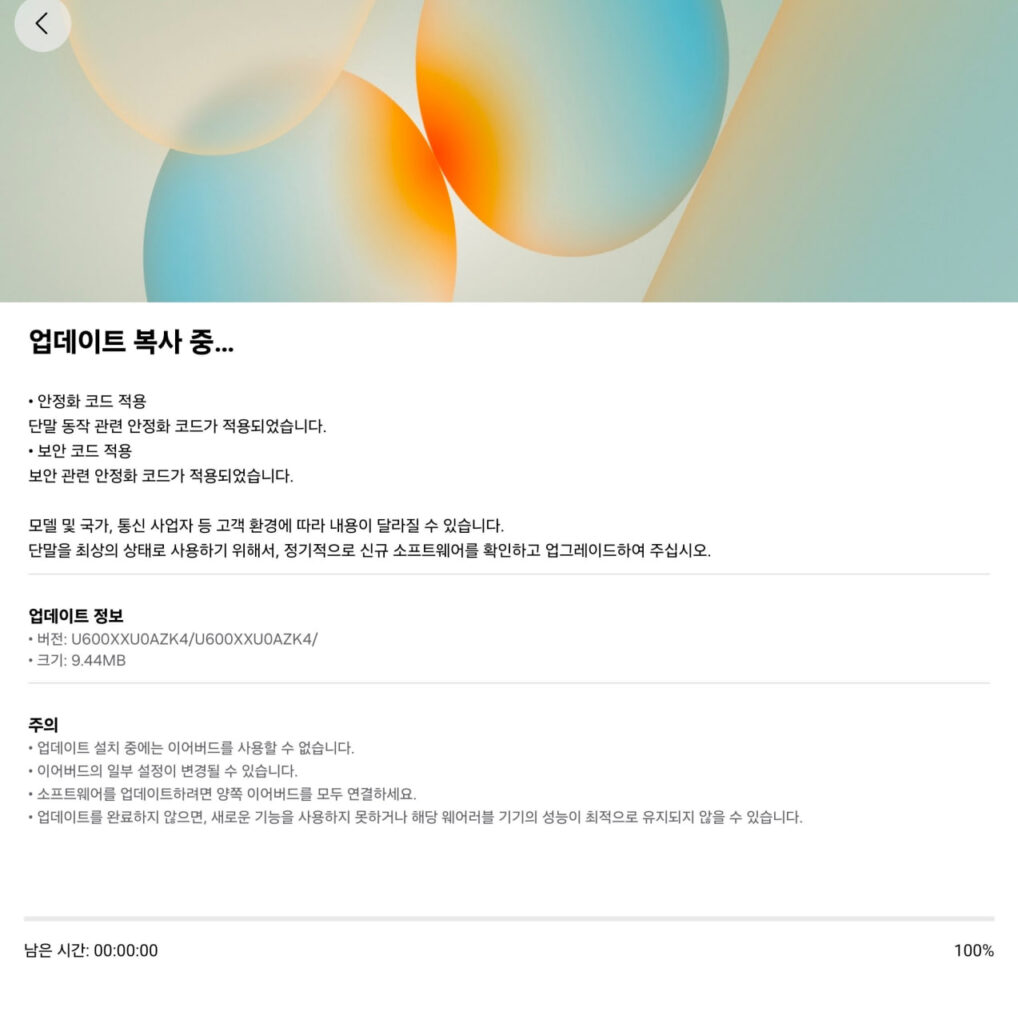
Image via Samsung community
According to the official changelog, it includes stability improvements related to device operation and security-related code changes. These changes should help the earbuds work more smoothly and provide a better user experience.
Users can download the latest update through the Galaxy Wearable app on their smartphones. First, open the app and connect your Galaxy Buds On. Next, go to Earbuds settings, select Earbuds software update, and tap on Download and install. Wait for the installation to finish.
Since the update is currently rolling out in South Korea, users in other regions may need to wait until Samsung makes it available in their country.

Samsung is releasing a November 2026 security update for the Galaxy A55 and Galaxy S25 FE. The new update brings security improvements and fixes to both smartphones. The Galaxy A55 is receiving the update in Europe, while the Galaxy S25 FE is getting it in Indonesia.
The Korean tech giant has released the November 2026 security update for the Galaxy S25 FE in Indonesia. The update comes with firmware version S731BXXSBCZK3 and includes the November 2026 security patch.
Alongside the Galaxy S25 FE, Samsung has also released the November 2026 security update for the Galaxy A55 in Europe. Samsung is expected to expand its availability to other regions soon. The update comes with firmware version A556BXXSJEZK2 and brings the latest security improvements to the device.

The latest update mainly focuses on improving phone security and fixing known security issues. It helps keep the device safe and protected. Users of these devices can now check their phones for the latest update by going to Settings > Software update > Download and install.
Both smartphones are now receiving the November 2026 security update in selected regions. Users in other regions may have to wait a little longer as Samsung gradually expands the rollout.
Aside from this, the One UI 9.5 Beta update is live for the Galaxy S26 series in selected countries. Galaxy A55 and Galaxy S25 FE are also eligible for the One UI 9.5 update.

Samsung has pushed the November 2026 update for the Galaxy S23 series in South Korea. The update is currently available in Samsung’s home market, and the company is expected to release it in other regions in the coming weeks.
The latest update comes with build number S91xNKSS8GZK3 and has a download size of around 500MB. Galaxy S23 users in South Korea can now download and install it on their devices.
November 2026 update mainly focuses on improving device security and fixing possible issues. It brings the latest security patches to help protect Galaxy S23 phones from security threats. Users can also expect general improvements to the phone’s performance and stability, although no major new features have been mentioned.

The update is being released for the Galaxy S23, Galaxy S23+, and Galaxy S23 Ultra. However, the availability may depend on the device model and region. For now, the update is limited to South Korea. Samsung is expected to expand the rollout to other countries, including India, in the coming weeks. Users in other regions may have to wait a little longer to receive the latest software update.
Galaxy S23 series users can check for the latest update by following these simple steps:
- Open the Settings app on your phone.
- Go to Software update.
- Tap on Download and install.
- If the update is available, download and install it.
Make sure your phone has enough battery and is connected to a stable Wi-Fi network before starting the installation.
-
 Wearables3 days ago
Samsung confirms Galaxy Watch 9 features for older models, including Watch 4!
-

 One UI22 hours ago
You no longer need to clear app caches one by one on Samsung Galaxy Phones
-

 News3 days ago
Galaxy S25 could be banned in the US as Samsung loses camera patent case
-

 Samsung1 day ago
Samsung’s new page transition effects make One UI feel surprisingly playful