
Android
Google rolls out new search bar design for Android users


Google is rolling out a new search bar design in its Google app. The update makes the search bar look cleaner and helps users access AI features more easily. Google has also added labels to the Search Live and Nano Banana buttons to make them easier to understand.
The new search bar is slightly thinner than before. It has a white background, a light border, and a small shadow.
The main change is the new plus (+) icon on the left side of the search bar. Users can tap it to upload images or files, create images using Nano Banana, or switch between different models in AI Mode.
Earlier, users had to tap the search bar before they could find the option to upload files or images. With the new design, these options are easier to access. This also helps users discover features they may not have noticed before.

Image via Android Authority
Google has also updated the buttons below the search bar. The Nano Banana button now has the label “Create,” while the Search Live button is labeled “Talk.”
These labels make it easier for users to understand what each feature does. The Create button helps users access image creation, while the Talk button provides access to Search Live.
The redesigned search bar and new labels appear to be rolling out with version 17.65.17 of the Google app. The new design has been spotted on several test devices, suggesting that Google may be making it available to more users.
However, the update may not reach everyone at the same time. Users who still see the old design may need to wait a little longer. The update makes Google’s search bar simpler and gives users quicker access to useful AI tools.

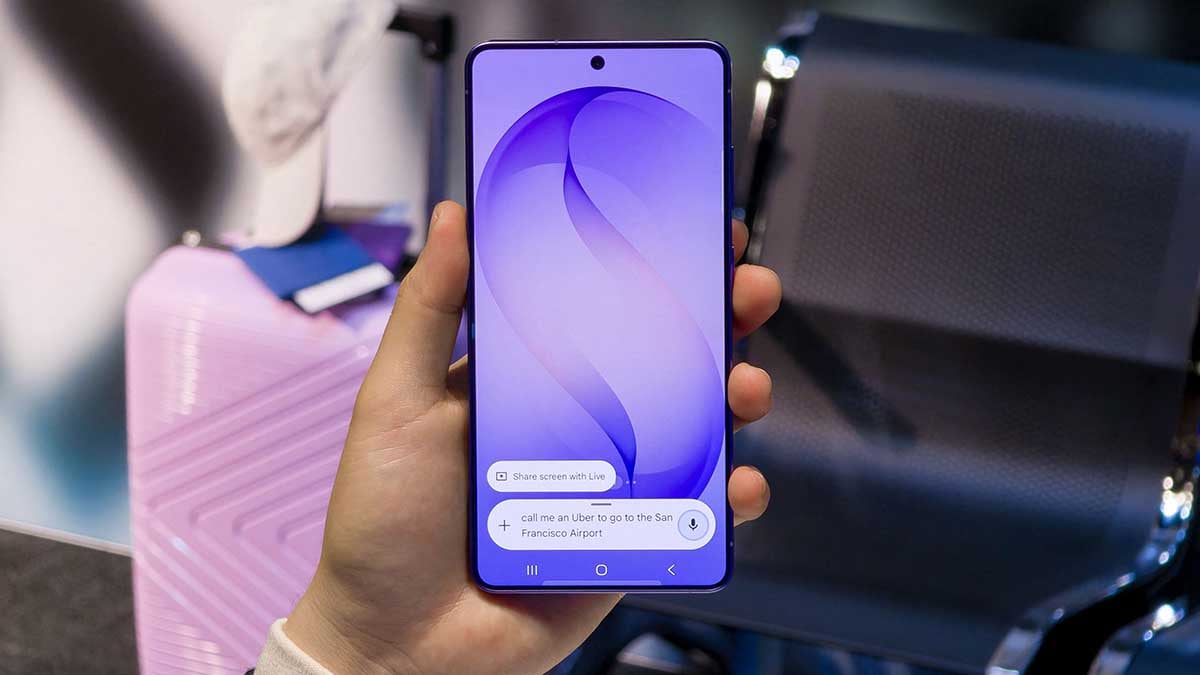


People using older Android phones may soon face a problem with Android Auto. Some users with Android 10 phones have started getting warnings that their phones may stop working with Android Auto.
The warning appears when the phone is connected to a car. It reportedly says, “Phone will no longer be supported.” The message also tells users that Android Auto will soon stop working because their phone cannot update to the required Android version.
Google has not officially confirmed this change yet. Its current support information still says that wired Android Auto works with Android 9 Pie or newer. Wireless Android Auto generally requires Android 11 or newer.
Some users have reported a support warning on phones such as the Samsung Galaxy Note 9, Galaxy S9, and Sony Xperia XZ2 Compact. These phones received Android 10 as their last major software update. So, their owners may not be able to update them to Android 11.

Image via Reddit
The new warnings could mean that Google is planning to make Android 11 the minimum requirement for wired Android Auto as well.
Google has already stopped supporting older Android versions. Android 8 Oreo and older phones lost support in 2022. In 2024, Google increased the minimum requirement to Android 9 Pie.
For now, there is no official date for when Android 10 phones will stop working with Android Auto. If Google makes the change, affected users may need to update their phone to Android 11 ot buy a newer phone to keep using Android Auto.

Google has rolled out five Android Auto media changes that make in-car audio easier to control. Drivers can now access phone-based media apps from the dashboard, switch active media sessions with a swipe, use a redesigned player, get smarter autoplay behavior, and track songs more easily with a new seekbar.
The biggest change is broader media support.
Android Auto can now display album art and playback controls for phone media apps that do not have their own Android Auto experience.
That means background audio from YouTube Premium, browser streams and smaller apps can finally appear on the car display instead of remaining invisible.
Google has also redesigned the media player across different screen sizes, moving commonly used controls onto the main interface and scaling album artwork more effectively.
Spotify, YouTube Music and other services already benefit, while Google says additional apps will gain more customized player designs over the coming months.

Switching between multiple active media sessions is also quicker. A left or right swipe on the player now lets drivers jump between them without returning to the launcher.
Autoplay received less flashy but arguably more useful fixes. Android Auto should avoid choosing apps you rarely use, offer a quick way to disable autoplay when you repeatedly reject it, and stop sending unwanted playback commands when autoplay is disabled.
The new squiggly seekbar rounds things out, giving users a more glanceable indication of their position in a track. The seekbar could remain the most debated part of this redesign, while the expanded media support could have the biggest practical impact.
Most of these changes are broadly available with Android Auto 17.3 or newer on Android 9 and above.

Android 17 QPR3 Beta 1 started rolling out, bringing a new Notes Quick Settings tile, subtle status bar changes, and signs of Gemini Intelligence features expanding beyond the Pixel 11 series. Google also included a long list of fixes covering connectivity, camera, battery, telephony and system stability.
The QPR3 cycle is expected to lead to a stable release in March 2027, so this first beta is more about refining Android 17 than introducing a major redesign. Google’s official release notes also confirm that QPR3 does not introduce app-impacting API changes.
What new features does Android 17 QPR3 Beta 1 add?
The most visible addition is a Notes Quick Settings tile for the Pixel 11 series. QPR3 Beta 1 adds another convenient way to reach Notes directly from Quick Settings.
Google has also refined the status bar. The VPN indicator is now more prominent, the silent-mode icon better matches the volume interface, and icons such as Bluetooth and Airplane Mode appear slightly larger.
There is another interesting change on Pixel 10. After installing QPR3 Beta 1, the phone can show the Gemini Intelligence boot animation previously seen on the Pixel 11 series.
Proactive Assistance has also appeared inside system Settings, positioned above Magic Cue.

Android 17 QPR3 Beta 1 addresses these bugs
Google addressed crashes involving Quick Settings foreground services, NFC, Face Unlock, MediaPlayer, calling apps and the Settings app. It also fixed fingerprint-unlock freezes, app launch ANRs, missing recent-app previews and excessive spacing between application icons.
Here’s the full changelog:
- Audio output device cannot be switched while playing audio from apps without active media controls.
- Apps crash when attempting to start a foreground service from a Quick Settings tile.
Application icons in the app menu display with excessive spacing. - App previews fail to display in the recent apps screen.
- NFC service crashes with DeadObjectException and stops detecting tags after the initial scan on Android 16.
- Device freezes and becomes unresponsive when unlocking with the fingerprint sensor.
- Device crashes when selecting the require eyes to be open option in Face Unlock settings.
MediaPlayer crashes when handling non-ASCII audio attribute tags. - Applications freeze and trigger an Application Not Responding (ANR) error when launched.
- Camera feed is rotated 90 degrees when using video calling apps on an external display in desktop mode.
- User interface issues when navigating back to the home screen from an app.
- Unexpected dot displayed on the Mobile Data icon in Quick Settings.
Front camera fails to function while screen recording is active. - Calling apps crash with ForegroundServiceStartNotAllowedException when handling calls immediately after device reboot.
- eSIM profile cannot be enabled and silently reverts to off in Settings.
- Excessive battery drain during idle when Flip to Shh is enabled.
- Settings app crashes when opening battery settings.
- Audio playback stops on active LHDC v5 Bluetooth devices when a second connected device disconnects.
- com.android.phone crash loop and complete loss of cellular service when the modem reports unexpected SIM slot indices.
- Wi-Fi fails to automatically reconnect during background wakes when hardware PNO scans fail or are unsupported.
WhatsApp is testing a new privacy feature, Restricted Chat, for some Android beta users. The new feature is replacing Advanced Chat Privacy and gives users more control over specific conversations.
Restricted Chat is replacing the older Advanced Chat Privacy feature. WhatsApp already protects messages and calls with end-to-end encryption. So, users do not need Restricted Chat for basic security. Instead, the new feature provides extra privacy controls.
Users can turn on Restricted Chat from the chat info screen. It is turned off by default, so users have to enable it themselves. At the moment, the feature works only with individual chats.
When a chat is restricted, WhatsApp adds several limits. Photos and videos from the conversation will not be automatically saved to the phone’s gallery. Users also cannot export the chat. Meta AI features will also not work inside a restricted conversation.

Image via WABetaInfo
There ‘s also a new change that is restricted chats will work only on the primary phone. They will not be available on linked devices such as WhatsApp Web or other connected devices.
WhatsApp will also show a message in the chat to let everyone know about this restriction. The primary-device limit may also help prevent unofficial apps and AI tools from accessing messages through linked devices.
WhatsApp is slowly rolling out Restricted Chat to Android beta testers. As the rollout is limited, some users may still see the old Advanced Chat Privacy option.
The feature was spotted in WhatsApp beta for Android version 2.26.39.11. WhatsApp has not yet confirmed when Restricted Chat will be available to all users.

Google just pushed Android 17 QPR2 Beta 6.1 update, which introduced a new feature, minor user interface tweaks, and a set of bug fixes.
Beta 6.1 is a minor update, which seems incremental over Beta 6. Notably, Google released Android 17 QPR2 Beta 6 for Pixel devices on September 25 with 5 key enhancements.
Distinct changes
The latest Android update comes with a nifty UI tweak for the battery icon. When the phone is charging, the battery icon in the status bar adds a thin border all around.
Additionally, the update introduces the HiLight feature for messages on Pixel 11 Pro. Messages from favorites: Glows when your favorite contacts send you messages.
App lock removal
The native App Lock function is no longer accessible in Android 17 QPR2 Beta 6. The company may have changed its plans for the feature, keeping it under the hood rather than letting consumers play with it.
This is a notable change as Pixel users were really enjoying the App Lock feature. If Google intends to keep it inaccessible, Samsung might not ship App Lock with One UI 9.5 update next year.

Source – 9to5Google
Beta 6.1 known issues
- Pixel 11 Pro Fold users may have to re-enroll Face Unlock.
Beta 6 fixes
- A visual regression causing letterboxed content to leak through the status bar during activity transitions.
- The screensaver displays a blank screen while charging.
- Unexpected device reboots on Pixel 9 Pro Fold when initializing the camera viewfinder in third-party applications.
- Locked applications could not be dismissed using swipe gestures in Recents.
- A system kernel crash causing devices to unexpectedly reboot when third-party applications requested simultaneous camera and microphone access during biometric identity verification.
- An issue that caused device crashes, reboots, or hangs when scrolling.
-
 One UI2 days ago
One UI 9.0 official update now rolling out to these Samsung phones
-

 One UI3 days ago
Galaxy Watch 7 and Watch 6 receive One UI 9 Beta 3 update fixes
-
 News3 days ago
Samsung updates One UI software rollout roadmap – October 2026
-

 One UI3 days ago
Samsung Galaxy A54 receives One UI 9 Beta 2 with October 2026 patch