
Issues
Samsung Galaxy users report slower charging after One UI 9.0 update


Some Samsung Galaxy users are reporting slower charging after the One UI 9.0 update. The issue is being discussed by users on Reddit, Weibo and other online platforms.
Some users say their Galaxy phones are no longer reaching the same charging speeds as before. Super Fast Charging may now use less power, which can make the phone take longer to charge fully.
The reports appear to involve the Galaxy S25 series and some older Galaxy models. Users claim that both the maximum charging power and charging speed have been reduced after the software update.
Some users believe Samsung may have changed the charging system to reduce heat and improve battery safety. This speculation comes after reports of battery-related fire incidents involving Galaxy S25+ phones.

Samsung Galaxy S24 Ultra (left) and S25 Ultra (right)
However, Samsung has not confirmed that the One UI 9.0 update was made to reduce charging speeds because of these incidents. The slower charging could also be caused by normal temperature controls, the charger, cable or battery settings.
For now, it is unclear whether this is a planned safety change or a software issue. More testing and an official explanation from Samsung will be needed to know the exact reason behind the reported charging slowdown.







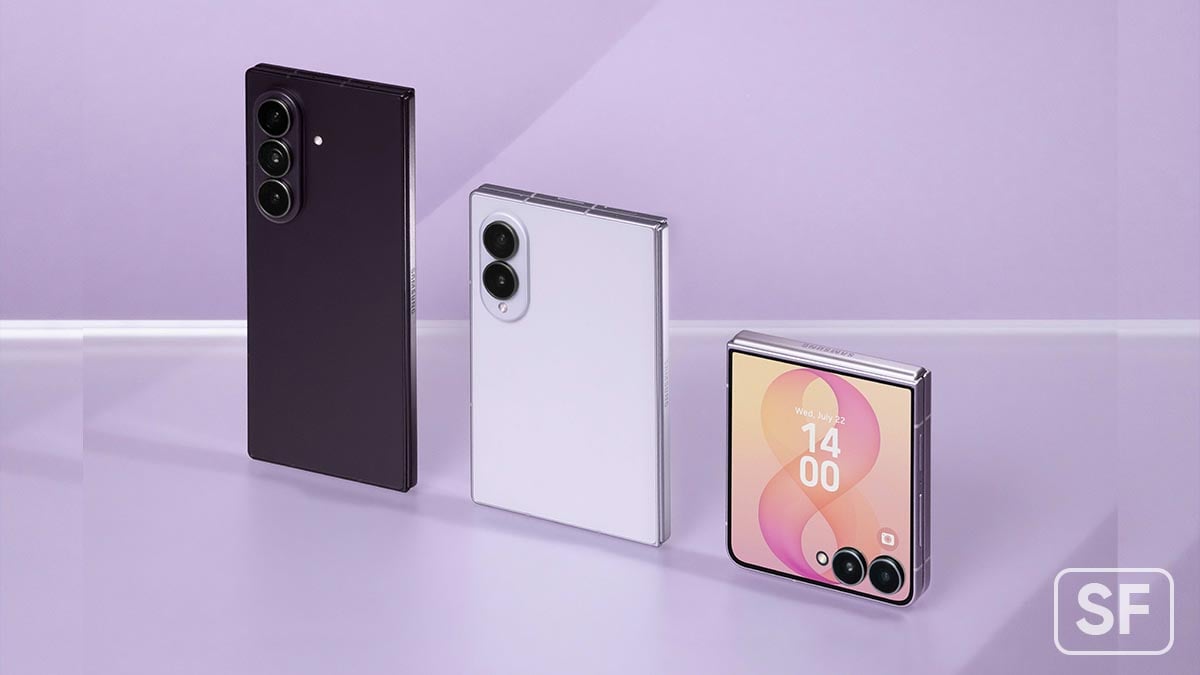


Google Messages users are facing a problem with the camera flash when they take photos inside a chat. For some users, the flash does not turn on even when they select it. For others, the flash turns on too early, before the photo is taken. This can make the photo dark.
The problem has been seen on different phones, including Samsung Galaxy S24 Ultra and Google Pixel phones. It also does not seem to be linked to one version of Google Messages. Some users have seen it on the normal version, while others have faced it on the beta version.
The flash works normally when users use the phone’s main camera app. This means the phone’s camera and flash are working properly. The problem seems to happen only when users take a photo using the camera inside Google Messages.
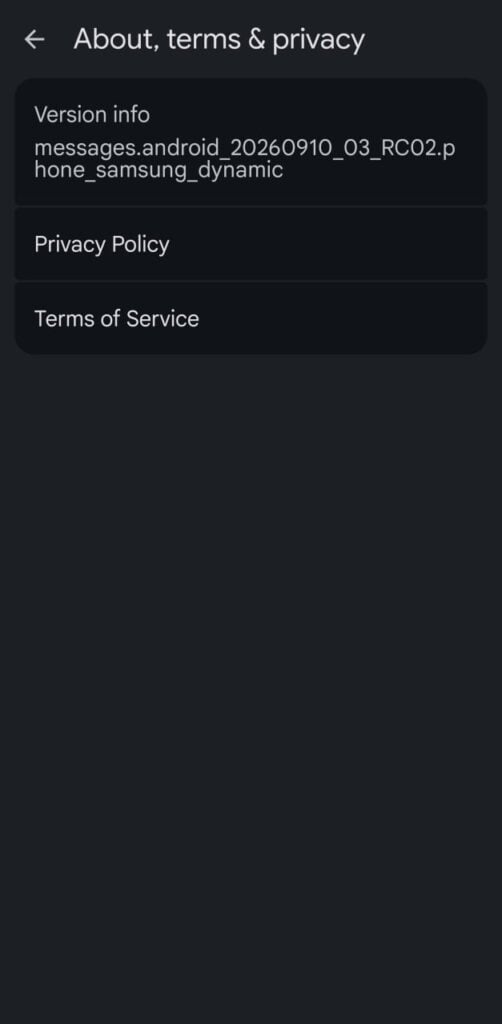
Image via Reddit
The issue is also not new. Some users reported similar problems more than a month ago. A few users say the problem sometimes goes away and then comes back. This makes it difficult to find the exact reason behind the bug.
Google Messages allows users to take and send photos directly from a chat. This is a useful feature because it saves time. However, the flash problem can be annoying, especially when users are trying to take photos in dark places.
For now, users can take photos using their phone’s regular camera app and then attach them to a Google Messages chat. Google has been informed about the problem, but the company has not yet provided a clear reason or confirmed a fix for the camera flash issue.
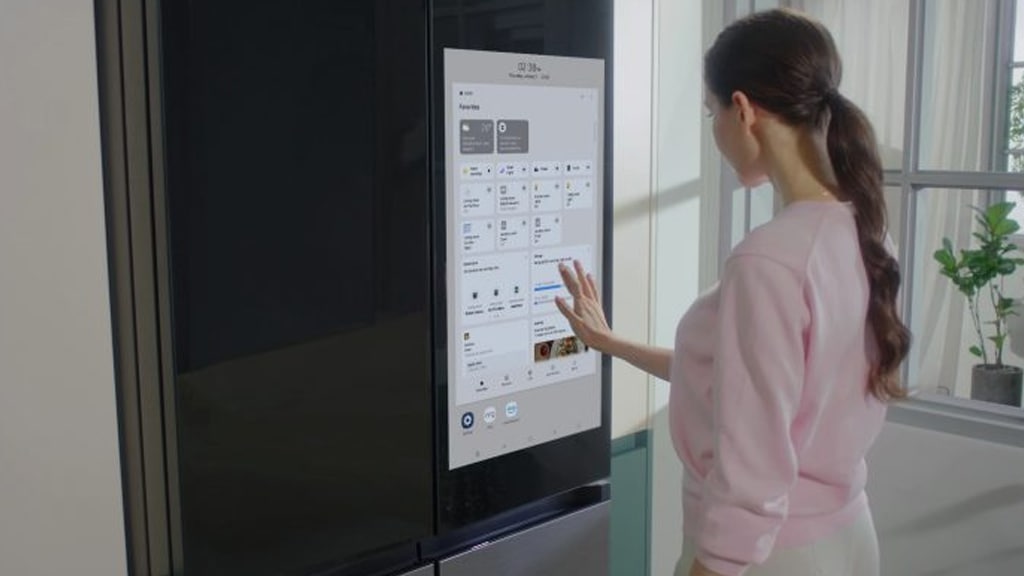
Samsung has stopped software updates for some of its refrigerators after a software problem caused some refrigerators to stop working properly.
The problem happened just before the Chuseok holiday in South Korea. Several customers reported the issue on Samsung’s online community, Samsung Members. They said their refrigerators started having problems after receiving an update through the SmartThings platform.
A customer said the refrigerator became completely unresponsive after the update. The customer also tried removing the refrigerator from the SmartThings app and adding it again, but the problem was not fixed.
Other customers reported that the automatic door-opening feature stopped working. Some also said cold air was escaping and the inside lights of the refrigerator had stopped working.
Samsung said the problem may have happened because software that was still being tested inside the company was accidentally sent to customers. The company believes a system error caused the wrong software to be distributed.
After discovering the problem, Samsung immediately stopped the software update to prevent more refrigerators from being affected.
Samsung has also sent service engineers to customers whose refrigerators have problems. The engineers are working to repair the affected refrigerators and make them work normally again. The company said it hopes to complete the repairs by September 24. However, some repairs may take longer if customers are not available when engineers visit.
A Samsung official said the company acted quickly after discovering the mistake. Samsung also said it would work hard to fix the problem and reduce customer inconvenience before the Chuseok holiday.
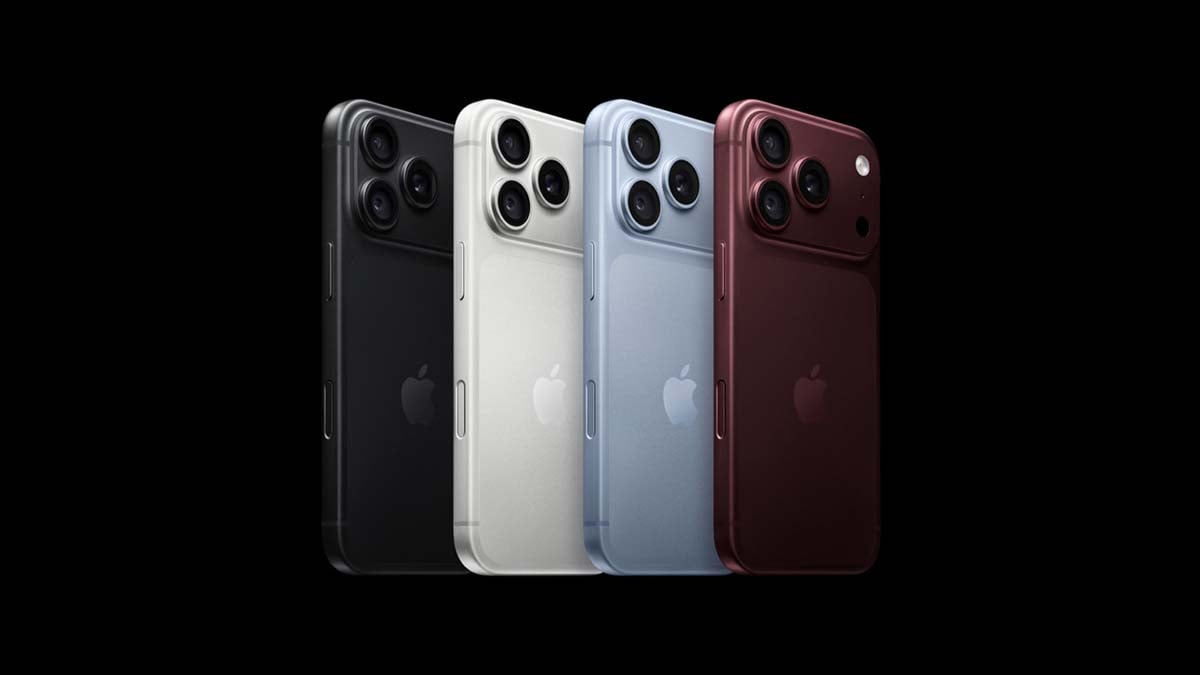
Some iPhone 18 Pro and iPhone 18 Pro Max users say their phones are freezing and then restarting on their own while running iOS 27. In some cases, the phone stops responding, the screen goes black, and the Apple logo appears before the phone starts again.
One iPhone 18 Pro Max user reported two unexpected restarts recently. The restarts happened at around 10:10 AM and 7:28 PM. The user found ResetCounter logs showing “rst wdog” and “reset_in_1.” There were no “panic-full” logs.
Another iPhone 18 Pro user reported around five random crashes and restarts. The user said the problem seemed to happen while using Face ID. The user also found a panic-full log after each crash and recorded one of the crashes on video.
Similar reports have appeared on Apple Community and Reddit. However, these reports do not prove that every iPhone 18 Pro has this problem. They also do not confirm that iOS 27 is the reason for the crashes.
The problem could be caused by an iOS 27 software bug, but a hardware problem is also possible. The only way to know more is to have Apple check the phone and run diagnostics.
If the iPhone keeps freezing and restarting, users should contact Apple Support or visit an Apple Store or Apple Authorized Service Provider. Users should also check the return policy of the store where they bought the phone. Apple generally has a 14-day return period for eligible purchases, but the rules can vary by country and seller. Stay tuned for more information.

Some Samsung Galaxy S25 users have noticed a small problem while recording videos. When they zoom in, the camera view may shake or suddenly move a little. This can happen even when the phone is held completely still.
Users have tried clearing the Camera app cache and restarting the phone. Some users have also turned off automatic lens switching, but the problem can still happen.
According to a Samsung Community moderator, this is mainly because the Galaxy S25 has more than one camera lens. The lenses are placed in different positions on the back of the phone. Each lens also has a slightly different viewing angle.
When you zoom in while recording, the phone may switch from the main camera lens to the telephoto lens. Because the two lenses are in different places, the camera view can move slightly when the phone changes from one lens to another.
Photo – Chanakya Shrutam/X
This can make it look like the screen is shaking or the camera angle is changing. However, your hand may not be moving at all.
Samsung suggests using Pro Video mode if you do not want the phone to change lenses while recording. Before starting the video, choose the lens and zoom level you want to use. The phone can then continue using that lens while you record.
Samsung also recommends using the Zoom Rocker feature for smoother zooming. To use it, open the Camera app and select Video mode. While recording, tap the magnifying-glass Zoom Rocker icon at the bottom-right of the screen. You can then control the zoom speed and make the zoom movement smoother.
So, if your Galaxy S25 moves slightly when you zoom during video recording, it may be caused by the camera switching between lenses. Using Pro Video mode and the Zoom Rocker can help reduce this effect and give you smoother videos.

Samsung Galaxy A07 users are facing performance problems after installing the One UI 8.5 update. Some owners say their phones have become slow, while others are reporting touchscreen problems.
The Galaxy A07 4G is one of Samsung’s best-selling budget phones. Samsung has promised six major Android updates for the 4G model, which launched with Android 15. The Galaxy A07 5G came with Android 16. Both phones have now received the One UI 8.5 update.
According to reports on Reddit, Facebook, and Samsung’s community forums, some users are seeing phone lag and screen freezing. In some cases, the touchscreen stops responding or takes a long time to register a touch.
Not all users are facing the problem. Some Galaxy A07 4G owners say the lag started with the earlier One UI 8 update, while many newer complaints appeared after One UI 8.5. Similar issues have also been reported on some other budget Galaxy A-series phones.
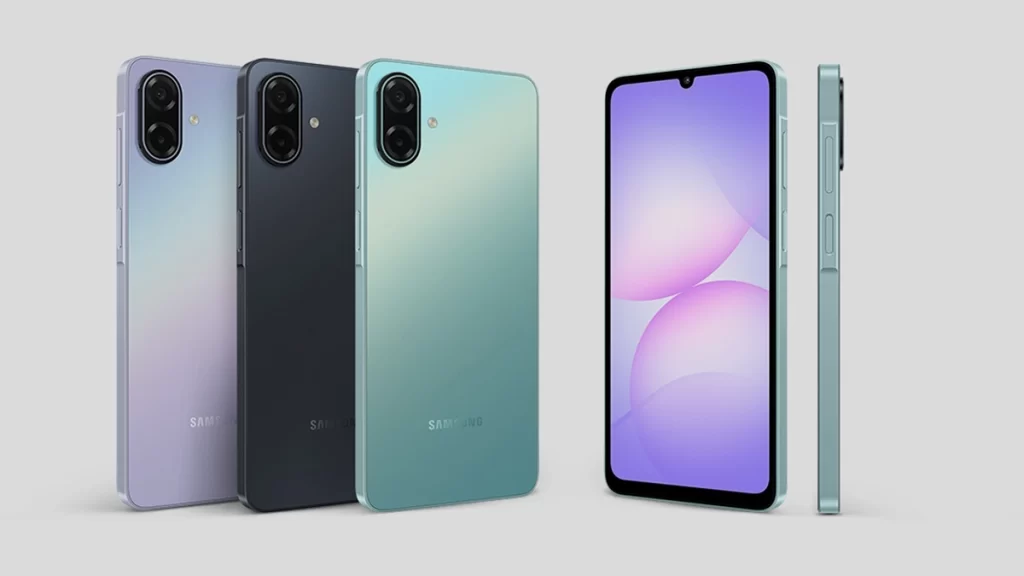
Source – Samsung India
Some users have found temporary solutions. One owner said locking and unlocking the phone makes the touchscreen work again, but the problem later returns. Another user said a factory reset did not fix the issue.
Samsung has released two updates since One UI 8.5 for the Galaxy A07 5G, including improvements to stability and reliability. However, the 4G model has not received a similar performance update.
Samsung usually releases quarterly updates, so another update could arrive in October. It may fix these problems. For now, Samsung has not officially confirmed the issue or announced a fix.
-
 Updates2 days ago
Galaxy S26 getting October 2026 update on One UI 9.0 in Europe, India
-
 One UI2 days ago
Samsung Galaxy A15 5G is now getting One UI 9 Beta 2
-
 Phones3 days ago
Samsung Galaxy S27 Ultra to introduce a software-focused camera upgrade with these three changes
-

 Updates2 days ago
Samsung Galaxy S24 series gets ready for One UI 9 with September 2026 patch