
Apps
Google Messages bringing a new search design with useful changes


Google is making it easier to find old messages and shared files in its Messages app. The company has started rolling out a new search design to some users who are using the beta version of Google Messages.
The new update brings a fresh look to the search screen. Earlier, users had to use different filters to find unread messages, starred messages, senders, and shared media. Now, the app shows separate sections for photos, videos, and links shared in conversations. Users can easily browse these sections and find what they need.
Google has also changed the position of the search bar. It now appears at the bottom of the screen, making it easier to use. When users type something in the search box, the app shows matching chats and messages separately. This will help users find old conversations and specific messages without spending much time.

Image via Android Authority
Another change is also being tested. Some beta users have spotted a new search icon inside individual chats. This feature will let users search for old messages directly within a conversation. They will no longer need to open the three-dot menu to find the search option.
Google first revealed these search changes in September. At that time, users had to turn on the new design manually. Now, the update is appearing automatically on some beta devices.
Google has not shared an official release date for these features. For now, only a limited number of beta users can access the new search experience. Other users may have to wait for a wider rollout.




Samsung has released new updates for two Good Lock modules on the Galaxy Store. The latest updates are now available for Wonderland and One Hand Operation.
Both updates bring some useful improvements, bug fixes, and better app performance for Galaxy users. The new versions are Wonderland v1.6.28 and One Hand Operation v9.4.23.0.
Samsung’s Wonderland module has received several improvements with the latest update. Samsung has improved the wallpaper editor preview, making it easier for users to see their changes while creating wallpapers.
The update also adds support for landscape lock screens. Another new feature allows users to restore layers that are placed outside the screen. This can help users while editing and managing different wallpaper elements.

Image via SammyFans
Apart from these changes, Samsung has also fixed some problems with video wallpapers. The company has improved the saving speed, so users can save their work faster. The update also brings better stability for a smoother experience.
Meanwhile, the One Hand Operation module has also received a new update. The latest version 9.4.23.0 fixes an issue with the Home button’s long-press function in landscape mode. Samsung has also fixed other bugs and made improvements to the app’s stability. These changes aim to provide a better experience when using the module.
Galaxy users can download both updates through the Samsung Galaxy Store. To get the latest versions, simply open the Galaxy Store, search for Wonderland or One Hand Operation, and check for updates. If you have received the update, download it now.

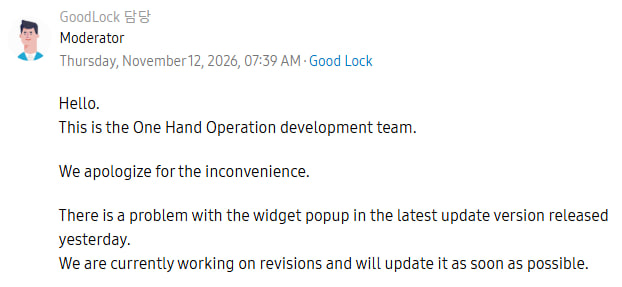
Samsung has acknowledged a display scaling bug affecting widget pop-ups in its Good Lock UI customization tool, One Hand Operation+, following widespread complaints from Galaxy users this week.
According to official community feedback, Samsung’s development team is already preparing a software patch to resolve the issue, which drastically shrinks the floating container used for quick-access widgets.
The regression first surfaced after Samsung pushed version 9.4.21.0 earlier this week, an update primarily intended to fix a landscape-mode Home button long-press flaw alongside routine stability improvements.
Users quickly noticed that triggering a widget pop-up via edge-swipe gestures now spawns a noticeably narrower window than before. The container compresses, cramping third-party and native widgets alike.
Affected users point to a layout conflict between One UI’s main launcher grid and the module’s internal rendering engine. While many Galaxy owners configure their primary home screens on a 5×7 grid, One Hand Operation+ restricts its widget pop-ups to a four-column horizontal layout.
In the current build, the module appears to miscalculate padding and column width when bridging those two different grid densities. Even the subsequent 9.4.23.0 build fails to resolve the erratic resizing.
For power users relying on Good Lock to navigate large-screen flagships one-handed, broken pop-ups undermine a core productivity shortcut.
A Samsung community moderator has officially confirmed (via SammyGuru) the bug and noted that a fix will roll out soon, likely arriving as a minor point release on the Galaxy Store within days.
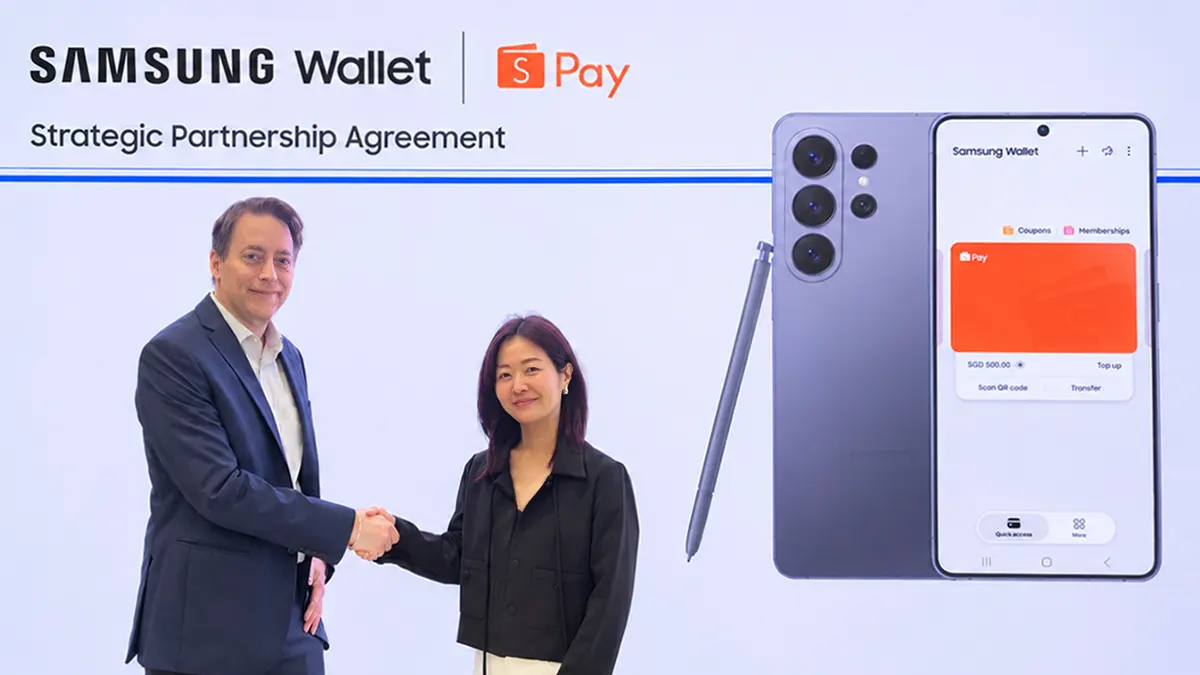
Samsung Wallet is adding ShopeePay-powered multi-market QR payments for Galaxy consumers in Singapore and Vietnam.
On November 13, the South Korean tech giant officially revealed its partnership with ShopeePay to make everyday payments more convenient for consumers across Southeast Asia.
Samsung says its collaboration with ShopeePay gives consumers greater convenience and flexibility to use familiar payment methods across online marketplaces, mobile wallets and physical stores.
Additionally, this is the company’s first collaboration in the emerging region to support QR payments in Samsung Wallet across multiple markets.
How it works
Samsung Wallet users can scan participating merchants’ QR codes using the Samsung Wallet app and pay using the payment methods linked to their ShopeePay account.
This allows users to complete their transactions without switching between apps, providing greater convenience at checkout. They can also earn Shopee Coins on eligible purchases made with ShopeePay.
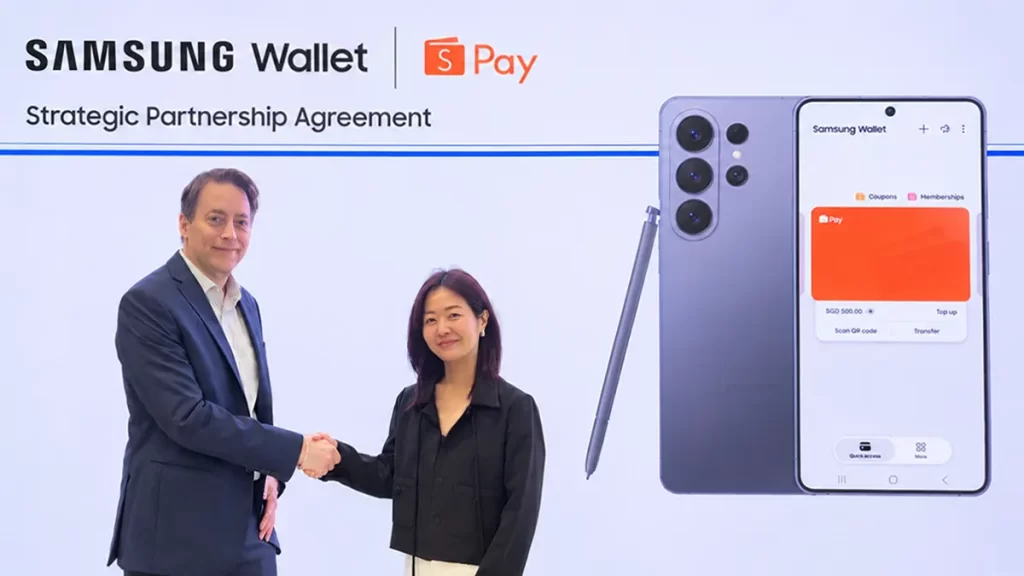
If you own a Galaxy smartphone with Samsung Wallet, you can make QR payments with ShopeePay in Singapore and Vietnam. The company also revealed that both integrations are expected to be available in Malaysia in the coming months.
Samsung Pay x Shopee
Beyond ShopeePay integration, Samsung Pay has also been added as a checkout option on Shopee, while consumers can use ShopeePay, which supports SPayLater, among other payment options, to purchase Samsung products on Samsung.com.
“By deepening our partnership with ShopeePay, Samsung is bringing our payment ecosystems closer together, giving consumers greater choice and flexibility in how they pay. Whether shopping online or purchasing a device in-store, we want to remove friction from the experience and make it easier for consumers across Southeast Asia to use the payment options they prefer.”
– Carl Nordenberg, Vice President, Samsung Electronics Southeast Asia and Oceania

Samsung is redesigning its native Phone and Contacts apps in One UI 9.5. These are some of the most heavily used applications on Galaxy devices. Whenever you need to make a phone call, you either need to open the Phone app or Contacts. The new design tweaks make it easier to access, search, and connect via call.
Samsung Phone
Samsung Phone (Dialer) app relocates the Search icon from the header to the bottom navigation bar. This joins as the fourth tab on the navigation bar, making it easier to find contacts and connect easily, as per SamMobile.
Another notable change is a tiny toggle that minimizes the navigation bar while retaining the Search icon. The number-type interface also added a Search button, replacing its header position. It joined the small keypad button, but preferred the bottom position, rather than taking the upper side.
The Search page names the interface as “Search,” which is empty in One UI 9.0. Also, the company has slapped different text, “What are you looking for,” inside the search bar above the keyboard. The new experience also adopts fluid animations.
Samsung Contact
Samsung Contacts redesign has the same scenario, where the Search button is turning into a dedicated Search bar. There’s no navigation bar like the Phone app, but the empty bottom now has a prominent Search bar, which offers text and voice input methods.
The Contact app’s separate contact interface is getting tweaked too. The navigation bar now features buttons, namely QR code, Edit, and Share.
Favorites and More are no longer in the One UI 9.5 version of the Contacts app. The page is getting an expanded experience, thanks to the new options, including Profile picture and Profile card and picture.

Source – SamMobile
More on One UI 9.5:
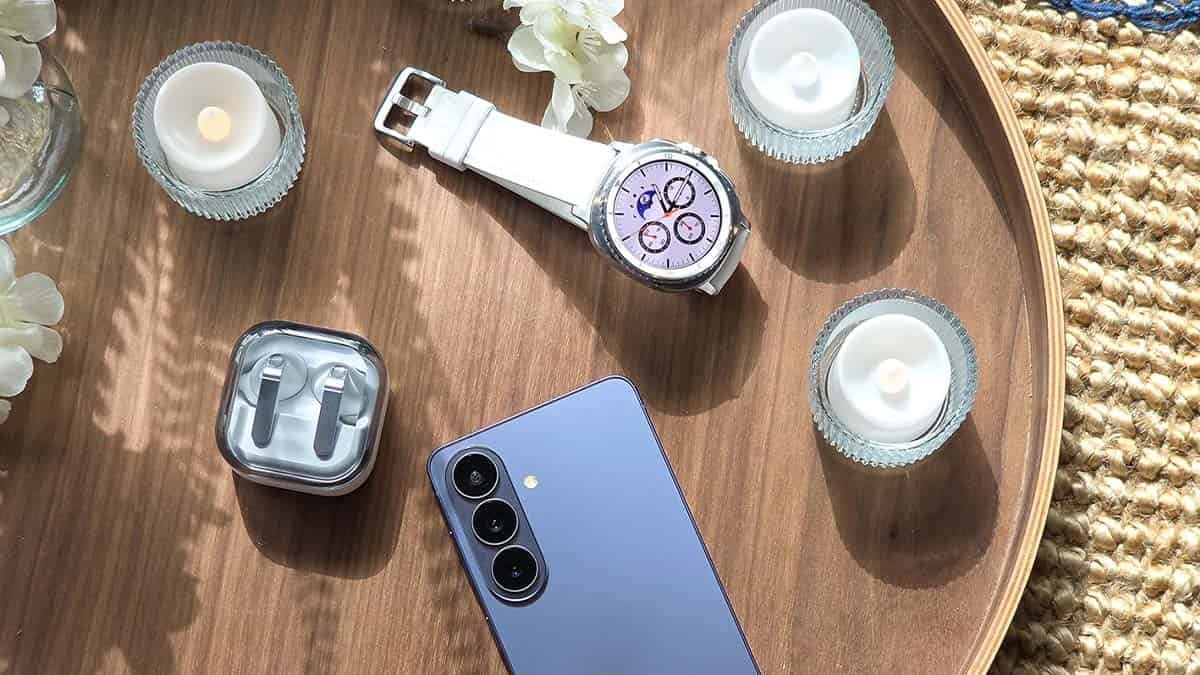
Samsung is turning Samsung Health from a simple tracking app into a digital healthcare platform that links Galaxy wearables, hospitals, and third-party medical AI services. The aim is for data from devices like the Galaxy Watch to matter in clinical care, not just personal fitness.
Speaking at DHP 2026 in Seoul, Choi Jun-il, Vice President of Samsung’s MX Business Digital Health Team, said the company is building both a data platform and a service platform for more comprehensive health management.
A key piece is Samsung’s acquisition of US firm Xealth, whose infrastructure lets doctors prescribe digital programmes for blood pressure, blood sugar, and pre- and post-operative care. Samsung plans to use it to connect data such as sleep, exercise, and blood pressure readings with medical institutions, targeting 100 US hospital chains by 2030.
For Galaxy Watch users, that could mean clinicians working from continuous data rather than occasional hospital readings, helping them better understand conditions and assess whether treatment is working.
Samsung is also opening its sensor data to partners under formal agreements, hoping medical AI firms and healthcare providers will build specialised services on its infrastructure instead of Samsung developing everything itself.

South Korea is a harder market
Unlike the US, where Epic and Oracle Health offer established integration paths, Korean hospitals often run fragmented information systems. Samsung says government support for data standardisation will be important for expanding Korea’s digital healthcare model abroad.
With roughly 86 million users worldwide, Samsung also wants to extend the ecosystem to TVs and refrigerators. The ambition is clear: Samsung Health should do more than report how well you slept and become a bridge between daily monitoring and professional medical care.
-
 One UI11 hours ago
One UI 9.0 official update now rolling out to these Samsung phones
-

 One UI2 days ago
Fresh One UI 9.5 leaks reveal AI Rambler, Telegram and WhatsApp call recording, new widgets and UI tweaks
-
 AI2 days ago
Gmail gets new Gemini AI tools for writing and email summaries
-
 Updates1 day ago
Flagship Galaxy S26 lineup now getting November 2026 update globally