
Apps
Google Photos may soon let you back up photos overnight

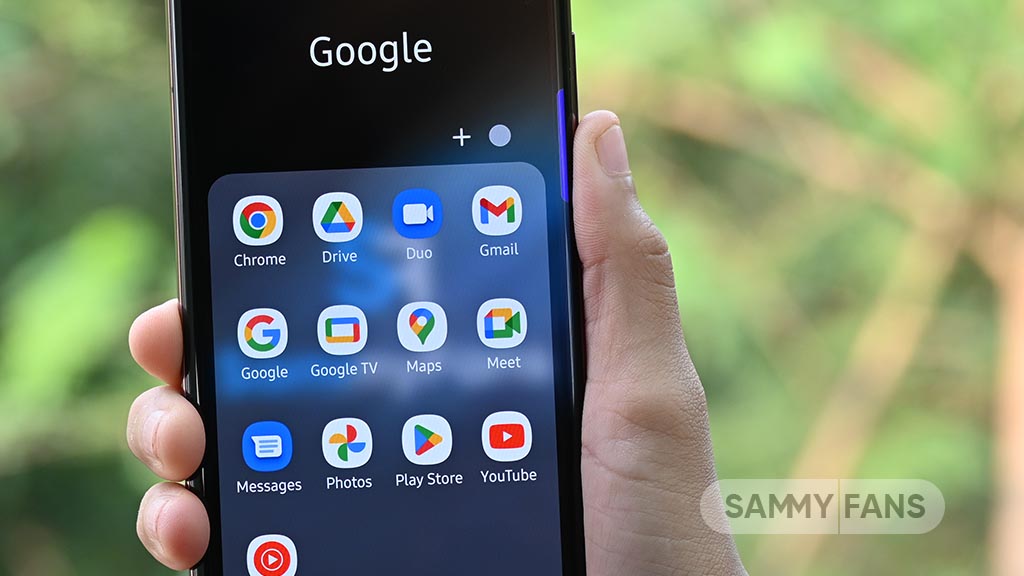
Google Photos is working on a new feature, Overnight Backup, which will make it easier for users to back up their photos and videos. The feature will allow users to upload their media to the cloud at night without having to keep checking their phones.
The new feature has been spotted in version 8.0 of the Google Photos app. It includes a new option called “Keep your device awake overnight for faster backups” in the Backup settings.
To use this feature, users will need to turn it on manually. They will also need to keep their phone unlocked, connected to a charger and Google Photos open on the screen.
After setting everything up, users can tap the “Start overnight backup” button. A progress circle will show how much of the backup is complete. Once the process starts, the phone screen will turn black to save battery, but the backup will continue.

Image via Android Authority
Users can tap the screen anytime to check the backup progress. Once the upload is complete, Google Photos will show how many photos and videos have been saved to the cloud. If Wi-Fi is not available, the app will give users the option to continue the backup using mobile data.
This feature could be very useful for people who have thousands of photos and videos on their phones. It will help them back up their memories without having to keep the app active manually.
However, the Overnight Backup feature is still under development and is not available to everyone yet. Google is also testing another feature that could allow users to schedule backups for a specific time.



WhatsApp is working on a new feature that will make it easier for users to manage their chats with Meta AI. The messaging app is introducing separate chats for Meta AI, allowing users to create different conversations and find them easily in their chat list.
With this feature, users can create separate chats with Meta AI for different topics. To create a new chat, users need to open their conversation with Meta AI and select the new chat option from the three-dot menu. They can then enter a name for the chat and choose a custom profile picture to identify it easily.
Once created, the new chat will automatically appear in the WhatsApp chat list, just like regular conversations. A small Meta AI logo on the profile picture will help users identify these AI chats.

Image via WABetaInfo
WhatsApp is also adding a new AI filter in the Chats tab. Users can tap this filter to see all their conversations with Meta AI in one place. They can also move the filter to a separate section if they do not want it in the main chat list. Users can delete these chats whenever they want.
Earlier, users had to open the main Meta AI conversation and find their saved threads through the menu. The new feature makes it easier to switch between different AI conversations.
The feature was spotted in the WhatsApp beta for Android 2.26.44.6 update, available on the Google Play Store. It is currently rolling out to some beta testers. There is no information about when it will be available to all users.

Samsung Good Lock‘s Nice Catch feature helps users check their blocked app notification history. However, some users have reported that notifications automatically disappear after three days. They want to know if there is a way to increase this time limit.
A user reported that an alarm notification received on October 29 at 20:30 disappears from the history on November 1 at 20:30. This happens because of the time limit set by the app that sends the notification.
The issue is that some users do not check their notifications every day. They prefer to collect notifications for a few days and read or manage them all at once. Because of the three-day limit, they may lose notifications before getting a chance to check them.

In response to this concern, a community moderator from the Good Lock Support Team explained that Nice Catch allows users to check the history of blocked notifications. However, there is currently no option to change or extend the notification retention period.
The moderator also explained that how long a notification stays available depends on the app that sends it. Users need to check with the respective app for more details about its notification settings.
It would be helpful if Samsung added an option to keep notifications for 7, 15 or 30 days. This would allow users to manage their notification history according to their needs. Hopefully, Samsung will consider adding this option in a future Good Lock update.


Samsung’s One UI updates usually rank among the smoothest Android rollouts in the industry, but major system transitions invariably introduce hiccups where mobile software meets legacy hardware. That point of friction surfaced again this week for Galaxy owners running the latest One UI 9 build based on Android 17, who found their Android Auto dash experience abruptly broken due to a bug.
Following widespread reports of complete connection failures and constant dropouts across both wireless and wired setups, Google confirmed to Android Authority that a server-side patch is officially rolling out to resolve the glitch.
A spokesperson for Google clarified to Android Authority that the company identified the underlying trigger and initiated a fix targeting the “Android 17 / One UI 9” build environment.
Since the resolution is being pushed dynamically through play services and backend infrastructure updates, affected users won’t necessarily need to wait for a full carrier-OTA software patch from Samsung to regain functionality.
A multi-week delay in resolving dash-disconnect issues typically triggers high churn toward competing mobile ecosystems, making day-one projection stability a top priority for Google’s engineering team.
While the update is deploying in phased batches across global regions, full propagation across all active Galaxy devices on One UI 9 is expected within the coming days. Owners experiencing persistent drops should verify that their Google Play Services and Android Auto app versions are fully updated through the Play Store.


Google is giving its Messages app a fresh new look with a redesigned app icon. The new icon has appeared in the latest Google Messages v20261030 beta update and brings the app’s design closer to other Google apps.
The current Google Messages icon features two overlapping pill-shaped designs in different shades of blue. However, Google is now replacing this simple design with a more familiar messaging bubble.
The new icon features a large, rounded speech bubble with a smooth blue gradient. Its upper part has a light pinkish-blue shade, which slowly changes into a bright royal blue toward the bottom. There is also a smaller, dark blue speech bubble behind the main one, giving the icon a layered look.

Image via Android Authority
The new design looks more colourful and modern than the previous icon. It also makes it easier for users to recognize that the app is used for messaging. The redesigned icon is not just available on Android phones. Google has also introduced the same icon on Wear OS smartwatches with the latest beta version.
This update comes as Google continues to make changes to its Messages app. The company is also working on a redesigned settings menu to improve the overall look and experience of the app.
For now, the new icon is only available to users running the Google Messages beta version. Google has not yet shared when it will arrive for everyone through the stable update.
It is also unclear whether this is the final design. However, the new gradient icon gives Google Messages a fresh appearance and makes it look more consistent with Google’s other apps.
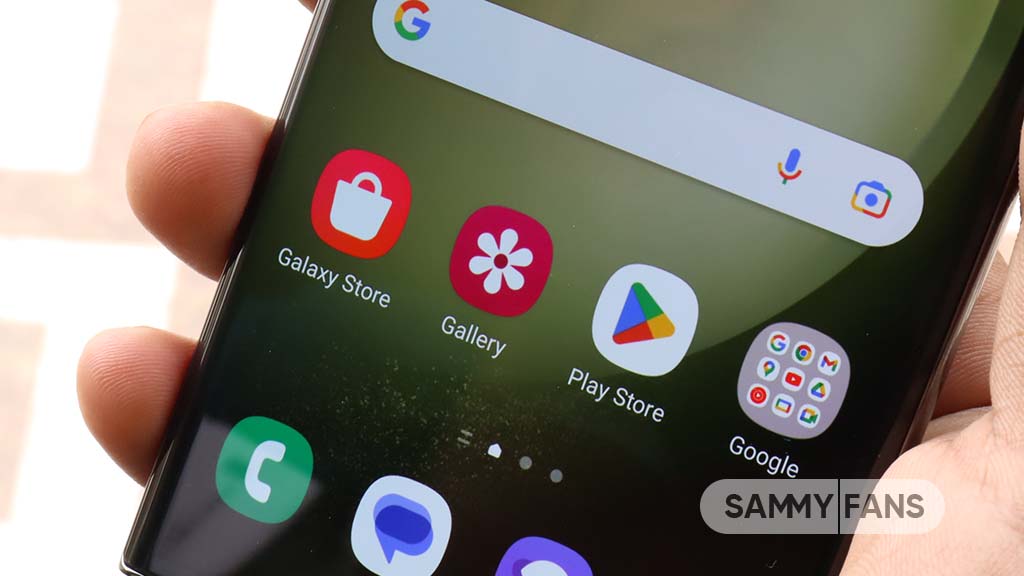
Google has started restricting older Android apps on the latest smartphones, including Samsung Galaxy devices, as the extended deadline for developers to update their apps ended on November 1. This means users may no longer find or download some older apps from the Google Play Store on newer Android phones.
Under the new rules, all newly published and updated apps must target Android 16 or higher. Existing apps must target at least Android 15 to remain available for new users on the latest Android devices. Google had earlier given developers extra time until November 1 to meet these requirements.
However, this does not mean that older apps will be deleted from smartphones. Users who have already installed these apps can continue using them. They can also reinstall previously downloaded apps on Android versions supported by those applications.

Image – SammyFans
Google says the main reason behind this change is to improve user security and privacy. Older apps may not support the latest security features that protect personal information, including camera, microphone and location access. The new rules will encourage developers to keep their apps updated with the latest Android security standards.
This change may affect developers who have not updated their apps for a long time. Smaller developers may also face difficulties in updating their applications to meet Google’s requirements.
As a result, users with the latest Galaxy phones and other Android devices may find it harder to download older games, utility apps and other applications that no longer receive updates. However, apps already installed on their phones are not affected by this restriction.
-
 Updates3 days ago
November began but Galaxy S25 phones getting 2nd update dated October 2026
-
 Updates2 days ago
Samsung’s November 2026 security patch details revealed: 200+ Android and One UI fixes
-
 News3 days ago
Samsung begins Galaxy S27 Pro Privacy Display production ahead of early 2027 launch
-

 Updates1 day ago
Samsung ends software support for two Galaxy phones