
Apps
Google Translate may soon get a smarter voice translation tool

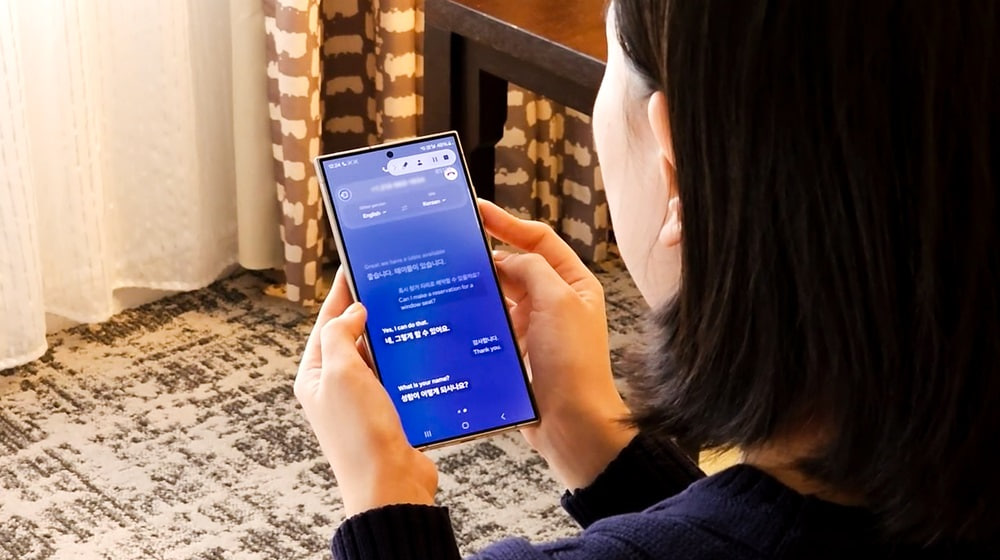
Google Translate may soon get a new feature, Smart Assist, that could make voice translation easier and clearer. The feature may remove extra words and repeated phrases from speech before translating it into another language.
When people speak, they often use words like “um” and “uh” or repeat themselves. These habits can make sentences harder to understand. Smart assist could clean up these sentences and help Google Translate provide clearer results.
Google has already introduced a similar feature, Rambler for Gboard. It removes unnecessary words from voice input and makes the text cleaner. Now, Google Translate appears to be preparing a similar feature for its Android app.
Smart Assist was spotted in version 10.39.34.995726622.4-release of Google Translate. Early findings suggest that users may be able to choose between normal word-for-word translation and Smart Assist.

Image via Android Authority
With Smart Assist turned on, the app could improve spoken sentences before translating them. This may be helpful when talking to people who speak different languages.
Smart Assist may only work in Conversation mode. Early findings suggest that the option will not be available in Listening and Text-only modes. It is also unclear which Android phones will support the feature. Google’s Rambler tool has limited device support, so Smart Assist may also have some restrictions.
Google has not officially announced Smart Assist or shared a release date. Details about supported devices and languages are also unknown. Stay tuned for more information.



Samsung is offering 6 months of free access to Canva Pro. The company has launched a promotion in Latin America, and the beneficiary products are the Galaxy Tab S12 series along with select Galaxy Tab S series tablets.
On October 10, Samsung announced a new Canva Pro promotion in Latin America, offering free premium access to the buyers of the Galaxy Tab S12 series as well as a handful of existing Galaxy Tab S series premium tablets.
Samsung offering 6 months of free access to Canva Pro
Samsung and Canva partnered to offer Galaxy tablet users six months of free access to Canva Pro.
The benefit will be available for an expanded number of devices: the new Galaxy Tab S12 Series, as well as the Galaxy Tab S11, Galaxy Tab S10 FE Series, and Galaxy Tab S10 Lite activated through a Samsung account.
The partnership with Canva expands the possibilities of the Galaxy Tab by bringing together mobility, productivity, and creation tools into a single experience.
What’s new in Canva Pro?
With Canva Pro, users get access to premium templates, images, and fonts, alongside AI tools that help create and edit different types of content with greater agility.
The combination of the Galaxy Tab and Canva can support various stages:
For students:
With Multi Window, it is possible to attend a class, take notes in Samsung Notes using the S Pen or the keyboard cover, and create a project presentation in Canva, all on the same screen, without switching devices and without losing focus.
For career changers:
With Samsung DeX, the Galaxy Tab offers a productivity environment that can be used to build a portfolio, update a resume, and work on personal branding in Canva from anywhere.
For entrepreneurs:
With split screen, it is possible to reply to customers, plan weekly content, and create posts, catalogs, and a business visual identity in Canva, bringing multiple activities together on a single device.
How to redeem Canva Pro access
After purchasing and activating an eligible Galaxy Tab, consumers can access the benefit in three steps:
- Activate your new tablet and sign in to your Samsung account during initial setup.
- Within up to four days, you will automatically receive a promotional code via the email address registered to your Samsung account.
- Access the link sent via email, enter the code on the redemption page, and enjoy six months of free access to Canva Pro.
WhatsApp is bringing a new feature to Android users that allows them to watch status videos at double speed. The feature will help users watch status updates faster and save time. It is currently rolling out to some beta testers.
Users can easily use this feature. They just need to press and hold the right side of the screen while watching a status video. The video will immediately start playing at double speed, allowing users to watch the content in less time.
When users lift their finger from the screen, the video returns to normal speed. The speed change is temporary and does not remain active for other status updates. Users can use the gesture whenever they want while watching a video.

Image via WABetaInfo
The new feature can be useful for people who watch many status updates every day. WhatsApp has increased the maximum music clip duration in status updates from 15 seconds to 30 seconds. Watching videos at double speed can help users catch up on longer updates more quickly.
The press-and-hold gesture may also feel familiar to users of Instagram, TikTok and YouTube, where similar controls are used to speed up videos. This makes the new feature easy to understand and use.
The feature was spotted in WhatsApp beta for Android version 2.26.40.4, available on the Google Play Store. WhatsApp introduced the same feature on iOS last month. WhatsApp is rolling out the feature gradually to Android beta testers.

Samsung has shared an important message for Galaxy users who use Good Lock with One UI 9.0. The company has confirmed that the Good Lock updates needed for One UI 9.0 are now ready.
The company advises users to update their Good Lock apps and modules to the latest version if they are using them on One UI 9.0. This will help make sure the apps work properly with the new software.
Updating Good Lock is simple. Open the Good Lock app on your Galaxy phone and go to the Apps tab. At the top, you will see the “Update All” option. Tap the update icon next to it to install all available updates.

You can also update each Good Lock app separately. Just find the app or module you want to update and tap the update icon next to it.
Good Lock offers different tools that let Galaxy users change and customize their phones. Since One UI 9.0 is a new software version, some Good Lock modules need updates to work correctly with it. Samsung’s latest message means users can now update their Good Lock apps and continue using them on One UI 9.0.
So, if you have updated your Galaxy phone to One UI 9.0, it is a good idea to check Good Lock for pending updates. Open the app, go to the Apps tab, and install the latest available versions before using the modules.
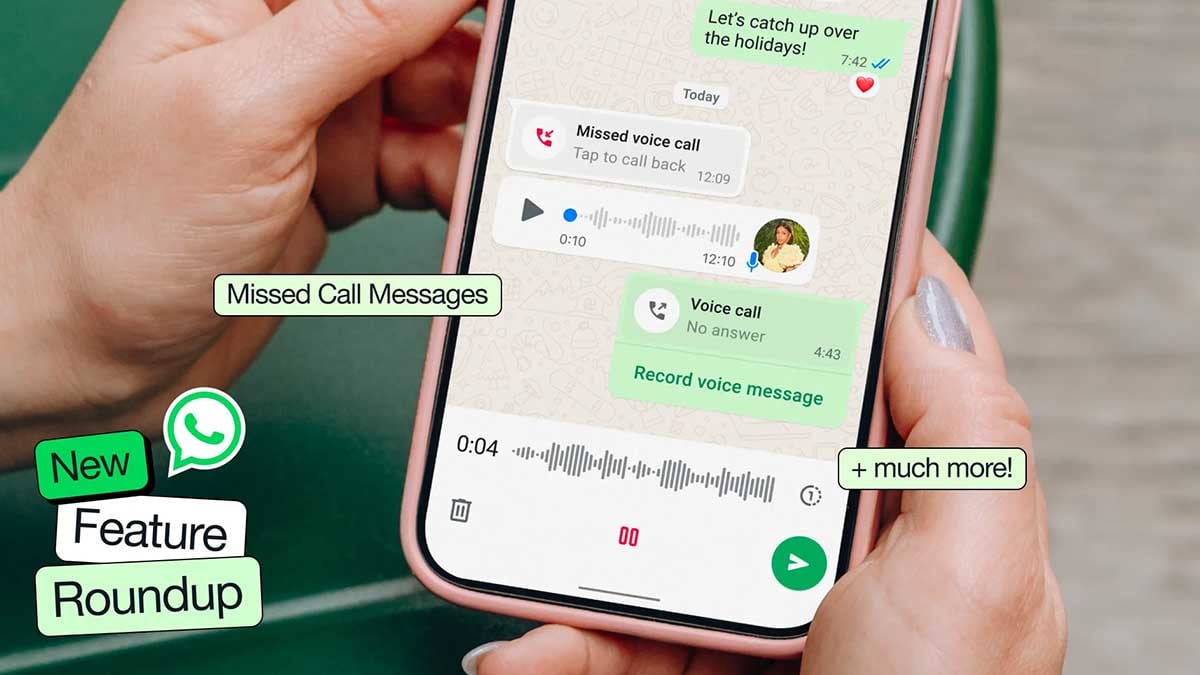
WhatsApp is testing a dedicated Contacts tab on Android that could make finding people and checking their availability much easier. The feature brings the contact list, online indicators, birthday reminders, and an option to invite friends into one place.
According to WABetaInfo, WhatsApp is testing the Contacts tab with Beta version 2.26.40.3. The change builds on an earlier plan to show online contacts inside Settings, but WhatsApp now appears to be moving that functionality into a dedicated section instead.
The new tab includes a search bar for finding contacts by name, phone number, or username. Users can sort contacts by activity or alphabetically. The Activity view puts people who are currently online first, followed by recently active contacts, while a green dot highlights those who are online.
WhatsApp is also preparing birthday reminders
Contacts with a birthday today could appear with a cake emoji and a “Birthday today” label, using information saved in the phone’s address book. There is also an “Invite a friend” option at the bottom, along with a shortcut to chat with Meta AI.

Contacts who hide their online or last-seen information will not suddenly become visible through this new tab. The feature organizes information WhatsApp is already allowed to show rather than creating a new way around privacy settings.
The Contacts tab is still under development and is not available to regular users yet. WhatsApp has not confirmed when it will roll out publicly.
More on WhatsApp:

Samsung has released a new update for its Always On Display (AOD) app. The update is now available through the Galaxy Store and comes with version 8.9.66.1.
This is a minor update, but it fixes an important problem with the Always On Display feature. According to the update details (via tipster Kailash), Samsung has fixed an issue where AOD did not work correctly under certain conditions.
The Always On Display is a useful feature on Samsung Galaxy devices. It allows users to see basic information such as the time, date, battery level, and notifications without turning on the full phone screen. This makes it easier to check important information quickly.
Before this update, some users may have faced problems where the Always On Display did not work as expected in certain situations. With version 8.9.66.1, Samsung has fixed this issue to make the feature more reliable.

Image via Kailash
The latest update does not bring any major new features. Instead, Samsung has focused on fixing the existing problem and improving the overall performance of the AOD app.
Users with compatible Samsung Galaxy devices can check the Galaxy Store for the new AOD update. If the update is available, users can download and install it to get the latest improvements.
The new Always On Display version 8.9.66.1 is a simple maintenance update. While it does not add new features, the fix should improve the AOD experience for users who were facing problems with the feature.
-
 One UI2 days ago
One UI 9.0 official update now rolling out to these Samsung phones
-
 One UI2 days ago
One UI 9.0 has this new Quick Panel for all Samsung phones
-
WhatsApp2 days ago
WhatsApp brings contacts, birthdays and invites into one new tab
-
 Updates2 days ago
Samsung Galaxy S26 October 2026 update now rolling out in the US and Canada