Good Lock
Samsung NotiStar now supports One UI 9 with new UI changes

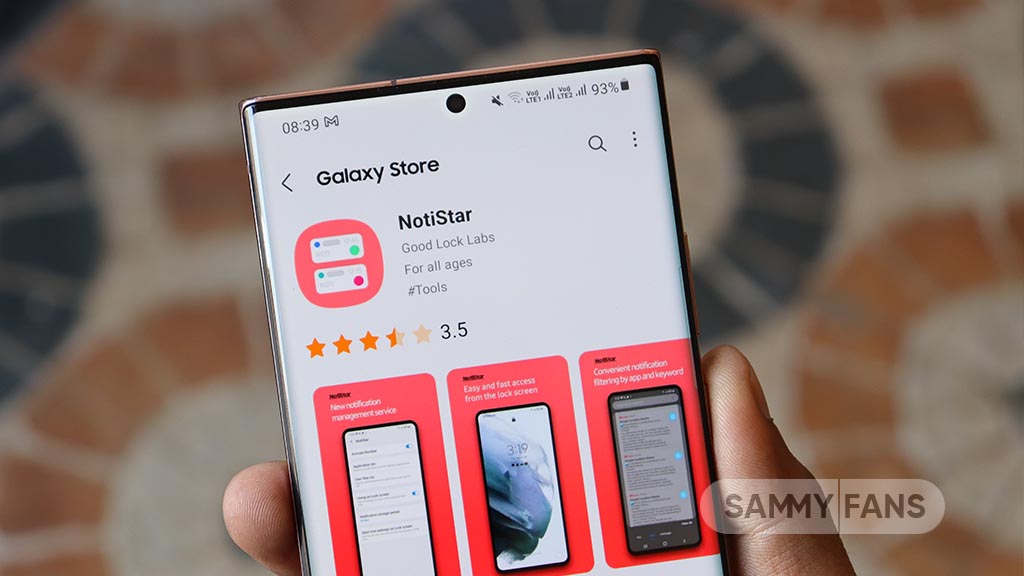
Samsung has released a new update for the NotiStar Good Lock module. The latest version brings support for One UI 9 along with a cleaner design and a few useful improvements.
The fresh update for Samsung NotiStar arrives with version 9.0.79.0. Along with One UI 9, it is also live for Galaxy devices running One UI 8.5 and older versions.
The new NotiStar update mainly focuses on making the app easier to use. Samsung has redesigned some parts of the interface and reorganized the settings menu for a cleaner look.
A new storage usage indicator has been added. This feature shows how much storage your saved notifications are using to make it easier to manage space.

Samsung has also improved the lock screen access setting. The option is now easier to understand, so users can quickly know whether NotiStar can be opened directly from the lock screen or only after unlocking the phone.
The update also removes one feature in One UI 9. Users can no longer save notifications from Work Profile, Dual Messenger, and Secure Folder. This option is still available on One UI 8.5 with the same NotiStar version. Samsung has not shared the reason behind this change, so it is not clear whether the feature will return in a future update.