
Good Lock
Samsung One UI 9 now supports 17 Good Lock modules, including MultiStar


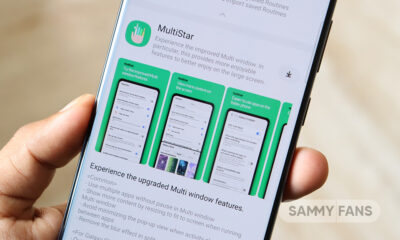
Samsung just released a One UI 9-compatible MultiStar module update, taking the supported Good Lock module numbers to 17. The new version is available on Galaxy Store with restricted support for the latest OS.
Last month, Samsung revealed Good Lock apps and plugins that work in One UI 9 software. The list comprised 16 apps/modules that work and 8 that don’t. MultiStar was one of those that weren’t functioning in One UI 9.
Enthusiast GalaxyTechie shared the latest MultiStar app update screenshot on X. The release notes confirm that the latest version works with One UI 9. This new release ramps the Good Lock compatibility list by one point.
MultiStar is a popular plugin among Galaxy users, specifically tablet and foldable owners. It extends Samsung’s multitasking feature capabilities. Galaxy S26 users will now be able to use the MultiStar on the One UI 9 Beta firmware.
If you are on One UI 8.5 or lower build, you have access to all Good Lock offerings. The compatibility issue is limited to Beta firmware. It’s a routine process as an OS upgrade requires deeper optimization across code.
These Good Lock apps/modules are supported in One UI 9:
- MultiStar
- One Hand Operation+
- Sound Assistant
- Keys Cafe
- Theme Park
- Wonderland
- Edge Lighting+
- Dropship
- Galaxy To Share
- Routines+
- Nice Catch
- Edge Touch
- Camera Assistant
- RegiStar
- Display Assistant
- Nice Shot
- Gallery Assistant
Apps/plugins that are under development are as follows:
Samsung has yet to fully support Good Lock modules with One UI 9. Useful apps such as QuickStar, LockStar, and Home Up are still unsupported. The development is underway and deployment likely around the July Unpacked event.
- QuickStar
- LockStar
- ClockFace
- NavStar
- NotiStar
- Home Up
- Game Booster+




May 2026 is about to end, and Samsung has pushed a new update for the Sound Assistant Good Lock module. This time, the company is rolling out the update for One UI 8 and One UI 9 users. However, Samsung is offering different versions for each software with separate improvements and fixes.
Samsung pushes version 8.5.002 for the Sound Assistant app for One UI 8 or One UI 8.5 running Galaxy devices. This update has improved the app’s stability to provide a smoother and better work experience.
At the same time, Samsung has released Sound Assistant version 9.0.00.3 for devices running One UI 9, currently under beta testing. This update comes with a few additional improvements. Samsung says it has applied SESL 9.0, which helps the app work better with the latest version of One UI.
In addition to this, Samsung has fixed bugs in One UI 9. The update fixes bugs related to volume panel icons and FC. This means the app should no longer crash unexpectedly in situations where some users previously experienced problems.
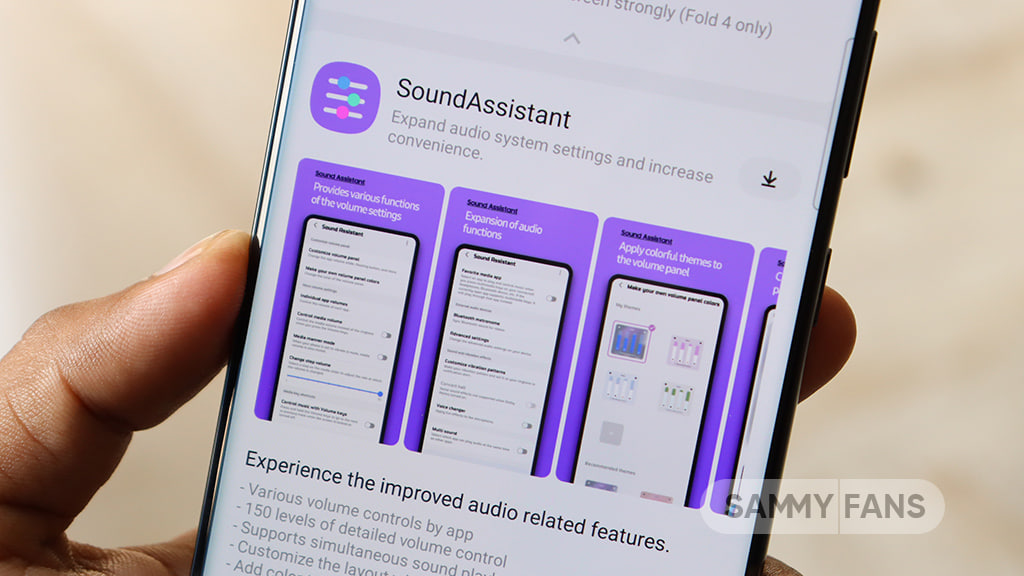
However, these updates do not bring major new features but they are important because they improve compatibility, fix bugs, and make the app more stable. Users running One UI 8 (including One UI 8.5) or One UI 9 are advised to install the latest version to enjoy a better and smoother experience.
You can download the update via Galaxy Store or directly from the Good Lock app. Install the update now to get better stability.
Samsung has a Nice Shot module that lets Galaxy users enhance their phones’ screenshot and screen recording tools. The module works on the backing of the Good Lock app, and a wide range of Galaxy devices are compatible.
Good Lock’s Nice Shot is receiving a version 2.3.09 update. The new release has initially dropped in South Korea, with Global users getting it soon. Release notes list three changes that aim to enhance performance and stability.
What’s new in Nice Shot v2.3.09
Samsung is enhancing the way your Galaxy smartphone’s screenshot and screen recording tools perform. We are not talking about the native functionalities, but the ones activated using Good Lock’s Nice Shot module.
The update improves system stability and performance and fixes errors linked to the user interface. These two improvements will offer a more reliable experience when you use the extended screenshot and screen recording.
Additionally, Samsung is addressing language display issues. This patch specifically arrives for Korean users. Based on the feedback and internal findings, the company has included necessary improvements in the app update.
If you use the Nice Shot module, an update should have been made available inside the Good Lock app. If you haven’t used the plugin yet, give it a try today, as it could offer you something you may have been waiting for.
You may like:


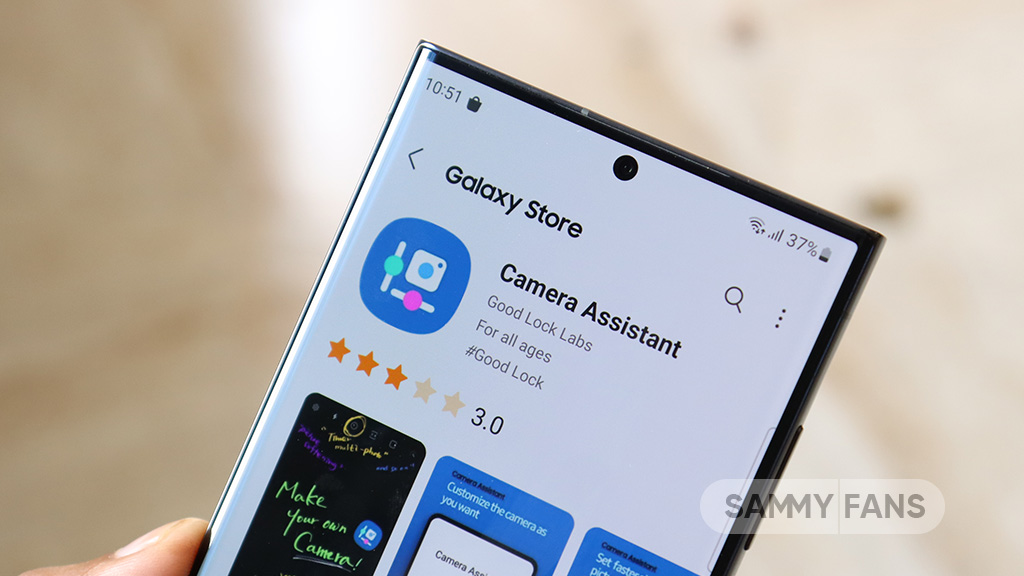
Samsung is expanding its Camera Assistant app support to more Galaxy devices with the One UI 8.5 update. This update will help more users enjoy better control and improved features in their phone and tablet cameras.
Camera Assistant is a special app made by Samsung that works with the default Camera app on Galaxy devices. It gives users extra settings to improve how photos and videos are taken. With this app, users can customize camera behavior instead of using only default settings.
It allows users to make photography more personal and flexible. This means people can adjust how their camera works based on their needs.
With One UI 8.5, Samsung is adding support for 19 more Galaxy devices. This includes mid-range Galaxy A series phones, Galaxy M series phones, and premium Galaxy Tab models. Earlier, these features were limited to fewer devices, but now more users will get access.
The newly supported devices include:
- Galaxy A34, Galaxy A35, Galaxy A36
- Galaxy M34, Galaxy M35, Galaxy M36
- Galaxy Tab S8, S8+, S8 Ultra
- Galaxy Tab S9, S9+, S9 Ultra
- Galaxy Tab S9 FE, S9 FE+
- Galaxy Tab S10+, S10 Ultra
- Galaxy Tab S10 FE, S10 FE+
Samsung’s expansion of Camera Assistant with One UI 8.5 will bring more powerful and flexible camera controls to more Galaxy users. It is improving the overall photography and video experience.

Samsung users who updated their phones to One UI 8.5 are now facing a small problem with the Home Up app. Many users wanted a cleaner and wider home screen after the update, but a feature inside Home Up is not working properly. Due of this, the Favorites bar at the bottom of the screen is still showing even after users try to remove it.
The issue started after users updated both One UI 8.5 and the Home Up module from Samsung’s Good Lock app. Usually, Home Up lets users hide the Favorites bar to make the home screen look bigger and cleaner. But now, the Favorites section stays visible for some users.
One user shared that even after updating everything, the Favorites bar did not disappear. The user wanted to use a wide home screen layout without the bottom dock showing, but the setting was not working.
The community moderator explained that the “Show Favorites” feature does not work correctly in this mode. Due to this bug, the Favorites bar remains on the home screen even when users try to hide it.

Samsung also said that this problem cannot be fixed by users right now. Reinstalling the app or changing settings may not help. The issue needs a system-level fix from Samsung itself.
The good news is that Samsung is already working on a solution. The company plans to fix the issue in the future with the One UI 9.0 update. Until then, users may need to keep the Favorites bar visible or turn off the “Use Home Screen Only” setting if they want different customization options.

Samsung is rolling out an updated version of Good Lock Sound Assistant, which brings One UI 9 compatibility. The Good Lock team has just outlined the status update on module supported and broken on the new software.
Sound Assistant plugin of Samsung Good Lock has scored support for One UI 9. This is Samsung’s latest version of custom skin built on Android 17. The Beta Program has just kicked off, and select apps have lost compatibility.
Users are getting the Sound Assistant 9.0.0.3 version update through Good Lock. You can also install the updated version from Galaxy Store. The rollout seems wider, with devices not running One UI 9 Beta may also get it.
In addition to One UI 9 support, the new Sound Assistant resolves the volume panel icon bug. Galaxy users will now have a more streamlined user experience while personalizing the volume panel using Sound Assistant.
Additionally, the update refines the overall stability and reliability of the app. These changes are aimed at elevating the user experience. Sound Assistant isn’t widely used, but an important member of the Good Lock family.
Samsung confirmed that the following modules are currently supported:
- One Hand Operation+
- Sound Assistant
- Keys Cafe
- Theme Park
- Wonderland
- Edge Lighting+
- Dropship
- Galaxy To Share
- Routines+
- Nice Catch
- Edge Touch
- Camera Assistant
- RegiStar
- Display Assistant
- Nice Shot
- Gallery Assistant
The apps currently under development include:
- QuickStar
- LockStar
- ClockFace
- NavStar
- NotiStar
- Home Up
- MultiStar
- Game Booster+
Samsung did not share exact release dates for the remaining apps.
-

 One UI2 days ago
These Samsung Galaxy devices received One UI 8.5 official update
-

 Updates3 days ago
Samsung Galaxy Watch 7 and 8 get new Wear OS update with security improvements
-

 Updates2 days ago
iOS 27 supports iPhones from 2019, Samsung’s 2022 flagship denied One UI 8.5
-
 Samsung3 days ago
7 Galaxy S26 Ultra features worth exploring, plus up to $720 off