
Android
Your Samsung phone may soon let you record Screen Reaction videos

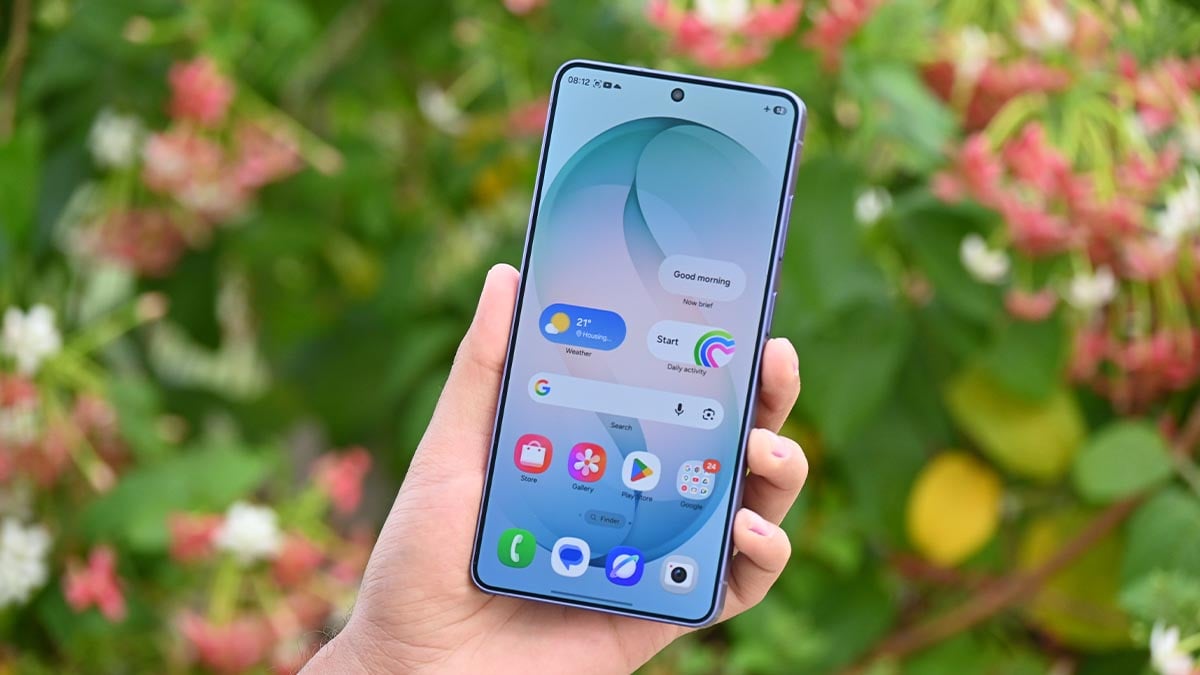
Your Samsung phone may soon become an ultimate creator tool, as Android Canary is showing signs of the upcoming feature to assist Screen Reaction videos.
Google’s Screen Reactions feature is yet to land on Pixel phones, but the Android Canary 2606 version has added the ability. The screen recording menu has added a switch to “Show selfie camera” when the recording is running.
Simply put, creating reaction videos is going to become a lot easier. Just record the screen through Android’s native screen recording tool and enable the selfie camera switch to include your reaction simultaneously.
The feature is smart enough as it automatically removes the background in real-time. The removal is accurate enough, matching third-party apps. However, you can also use a solid background from six different colors, AndroidAuthority reports.
Note that the selfie mode doesn’t work with partial screen sharing. It’s also unsupported for the selection of an app for screen recording. You need to record “Entire screen” to show yourself through the selfie camera.

Image credit – Android Authority
Meanwhile, more improvements and corrections are likely as Google tests the feature before broad rollout. You may find this feature boring, but it’s literally a big deal for the creator community, who is more active on social media.
Google hasn’t revealed when the feature will be publicly released. With Android Canary adding the Reactions feature recently, Pixel phones should soon be getting it in the near future. Samsung may bring it to Galaxy users through One UI 9.


Android’s AirDrop sharing compatibility expands to a Samsung Galaxy S phone and a foldable in its June 2026 expansion. Google has updated its Quick Share page and added the Galaxy S25 Edge and Galaxy Z Fold Special Edition phones.
Quick Share to AirDrop sharing first debuted on the Pixel 10 series. Google found a way to establish a connection between the two sharing tools. The feature lets users share files across devices without any additional app installation.
Galaxy S25 Edge and Galaxy Z Fold Special Edition have already received the One UI 8.5 update, which is necessary to support AirDrop sharing. Users have already gained access; Google’s page updation is more like a routine job.
Quick Share’s AirDrop support offers sharing between Android and Apple devices (with AirDrop). While no installation is necessary, users on both sides need to tweak a few settings inside the apps to establish the connection.
As of June 2026, these Samsung devices support AirDrop
- Galaxy S26, S26+, S26 Ultra
- Galaxy S25, S25+, S25 Ultra
- Galaxy S25 Edge – New
- Galaxy S24, S24+, S24 Ultra
- Galaxy Z Flip 7
- Galaxy Z Fold 7
- Galaxy Z Flip 6
- Galaxy Z Fold 6
- Galaxy Z Fold 6 (Special Edition) – New
- Galaxy Z TriFold
June 2026 expansion covers two Samsung phones along with a handful of Xiaomi, OnePlus, Oppo, Vivo, and Honor devices. Meanwhile, the AirDrop support is still away from popular phones like the Galaxy S23, Fold 5, and Flip 5.
Google is continuously expanding AirDrop compatibility. With Chinese phonemakers joining the party, a broad rollout to Galaxy devices seems on the verge.


Google may soon make Android phone backups easier and more flexible. A new feature found in a recent test version of Google Play Services shows that users could soon choose what data they want to back up to the cloud.
At the moment, Android backs up many things automatically when backup is turned on. This includes call history, text messages, phone settings, apps, and app data. While this is useful for restoring a phone later, some people may not want all of this information saved online.
The new feature could let users pick which types of data they want to back up. Google may add simple switches that can be turned on or off for each category. For example, a user could choose to back up messages and settings but not call logs or app data.
This would give users more control over their personal information. It could also help save space in Google One cloud storage. Since less data would be backed up, the process could become faster and use less internet data as well.

Image via Android Authority
Reports say that if a user turns off a backup category, Google will ask for confirmation. After that, the selected data will no longer be backed up. Any old backup of that data may also be removed from the cloud.
This is not the first backup improvement Google has been working on. Last year, reports suggested that the company was testing a feature that would allow users to turn backups on or off for individual apps.
Google has not officially announced this new feature yet, and it is not clear when it will be released. However, because it was found in a beta version of Google Play Services, it appears that Google is testing it.

Google has released a new update for Android phones in June 2026. It focuses on better safety, smarter search, easier sharing, and fun personalization to make daily phone use simpler and more useful. Here you check what’s new in June 2026 Android Drop.
Better Safety for Calls
Android is now safer from scam calls. The Phone by Google app can warn you if someone is trying to cheat you by pretending to be a trusted contact. If a call looks fake or suspicious, you will get an alert so you can hang up quickly. This helps protect you from fraud and unwanted calls.

Image via Google
Easy Outfit Search via Circle to Search
Now you can find clothes more easily. With “Circle to Search,” if you see a shirt, dress, or shoes on your screen, you can circle them. Android will quickly show similar items or where to buy them. You don’t need to switch between apps anymore.
Digital Wardrobe in Google Photos
Google Photos is getting a new feature, like a virtual closet. It automatically finds clothes from your photos and organizes them. You can check your past outfits, mix and match new looks, and get style ideas. This feature will roll out in some countries, including India, the US, and Brazil.

Stronger Safety for Kids and Teens
The Personal Safety app is adding new tools for children and teenagers. Kids can show emergency details on their lock screen, like medical info and emergency contacts. Teens can share their live location with trusted people. In emergencies like car accidents, the phone can even call for help automatically.

Image via Google
Reading Companion in Google Play Books
Google Play Books now helps you understand books better. It can give short summaries of chapters and explain difficult parts when you highlight text. This makes reading easier and more interesting.
Quick Share AirDrop Sharing
With Quick Share, Android users can send photos, videos, and documents to iPhone users easily, even without internet. This makes sharing between different phones much smoother. Along with other devices, this feature is live on several Galaxy devices.
Emoji Combinations
Emoji Kitchen now has new emoji mixes. You can combine emojis to create funny or cute expressions and share them with friends in chats.
Android
Android 17 Continue On feature will let you pick up where you left off across phones and tablets

At I/O 2026, Google introduced the Continue On feature as part of its Android 17 reveal. The feature will begin rolling out with the new OS upgrade. Samsung is expected to tailor it for Galaxy devices in the One UI 9 update.
Imagine you’re reading an email on your phone, you sit down at your tablet, and suddenly you’re hunting through your inbox again like it’s 2014. Continue On is Google’s answer to that specific, maddening friction.
The feature lets you start working in an app on one Android device and pick up exactly where you left off on another. At launch, the focus is on phone-to-tablet handoffs.
When you grab your tablet after using an app on your phone, Android surfaces a suggestion in the tablet taskbar. Tap it; you’re back in the same document, the same email thread, the same state.
Google shared two concrete examples.
A Google Docs file opened on a phone continued on a tablet in the same document state, same tab. Gmail on an Android phone is handed off to the Gmail web interface on a larger screen, with the same thread open.
This is proper cross-device thinking, the kind Apple has had with Handoff since 2014.

Samsung has built its own ecosystem with Link to Windows, Quick Share, and expansive connectivity. Some of it works well, but phone-to-tablet continuity within Android itself has always been a gap, and Samsung couldn’t paper over that gap alone.
Continue On feature lands with Android 17’s release candidate, coming in the next few weeks.

Google is showcasing its software advancements at the I/O 2026 keynote. At the same time, the company has also pushed the Android 17 QPR1 Beta 3 update for Pixel phones, bringing bug fixes, UI tweaks, and new features.
Android 17 QPR1 Beta 3 has new Pixel features
Blur UI is widening
With QPR1 Beta 3, the operating system has expanded the blur user interface. Pixel users now have blur UI in the Power menu when long-pressing the button or from Quick Settings.
New bouncy animation for Quick Settings
Google has also refined the Quick Settings experience. Android’s bouncy animation is being expanded from the Notification panel to the Quick Settings window.
9to5Google reports that Pixel phones now display a new bouncy animation when pulling down the Quick Settings, and this UI tweak matches the Notification shade.
Screen recording improvements
Pixel’s screen recording feature now has a memory, and it remembers the last preferred app for the job. Triggering the screen recording menu opens the interactive interface, and it retains the last used app as well as single app setting.
Android 17 QPR1 Beta 3 brings the following bug fixes:
- A recurring system error in ContextHubClientManager that caused excessive logcat noise when attempting to send messages to unregistered clients.
- Clicking on the date on at a glance prompts to open the terminal
- Wi-Fi unexpectedly disconnects due to erroneous low-quality detection despite strong signal strength.
- Users experienced frequent crackling or distorted audio during media playback from any source.
- UI elements are partially cut off or positioned off-screen when apps are expanded to full-screen mode.
- Home screen widgets would disappear or become unavailable in the widget picker after a device reboot.
- The mobile data icon incorrectly remains active in the Quick Settings panel after Airplane Mode is enabled.
-

 One UI21 hours ago
One UI 8.5 rollout begins for Samsung’s M-series; available on Galaxy M56, M55/M55s, M54
-
 One UI3 minutes ago
Samsung Galaxy A34 and A54 grab One UI 8.5 official version – Expanding now
-
 Updates2 days ago
Samsung June 2026 patch details are here; 45 crucial fixes for Galaxy devices
-
 One UI2 days ago
Samsung updates One UI software rollout roadmap – June 2026