
Good Lock
Samsung LockStar update delivers better AOD control and new unlock style

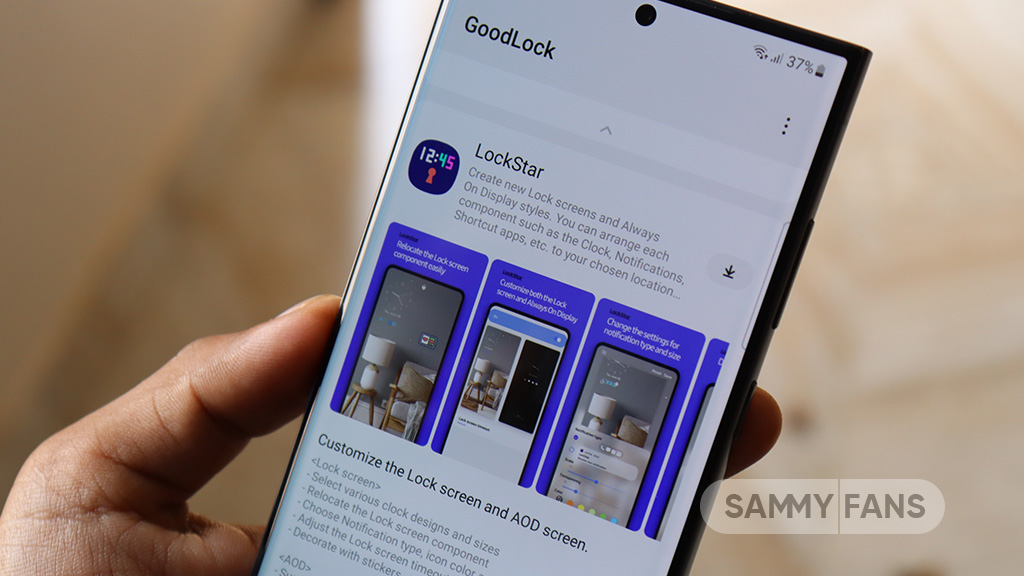
Samsung has released a new update for its LockStar Good Lock module, which helps users customize their phone’s lock screen. The new update comes with version 8.5.00.10. It does not bring big changes, but it adds a few small improvements that make the app better and easier to use.
The fresh update brings improvements to provide a better Galaxy experience. Samsung has adjusted the manual brightness range for full-screen Always On Display. This means users now have better control over how bright or dim the screen looks when AOD is on.
You can increase brightness if the screen looks too dark during the day. You can also lower it at night to make it comfortable for your eyes and save battery.

Image via SammyFans
Moreover, the update adds a new “Swirl” unlock animation. This is a new animation style that appears when you unlock your phone. It gives a smooth and stylish effect when moving from the lock screen to the home screen. It’s a simple but fun way to make your phone feel different.
Samsung has also improved the status bar visibility in the unlock animation edit screen. Now, icons like battery level and network signal are easier to see while editing animations.
LockStar lets users change how their lock screen looks. You can move the clock, adjust notifications, and choose different unlock effects. It gives more freedom to personalize your Galaxy phone. You can download the update via Galaxy Store or directly from the Good Lock app.




Samsung Good Lock users are facing an issue with the widget background blur effect in Home Up. While the blur effect works properly on Favorites and Edge Panel backgrounds, it does not seem to work on widget backgrounds.
According to users, widget backgrounds originally had a blur effect without becoming transparent. However, after changing the ‘Remove Blur’ option in Home Up’s Widget Settings, the widget background became transparent, and the blur effect stopped working. Users are now looking for a way to bring back the original blur effect.
In response to this, Samsung’s Good Lock Support Team explained that the ‘Remove Blur’ option is designed to remove the blur effect from widget backgrounds. Samsung suggested that users first turn off this option and check whether the widget background looks normal again.
To do this, open the Good Lock app, go to Home Up, select Widget Settings, find the ‘Remove Blur’ option, and turn it off. After that, check the widget background on your home screen.
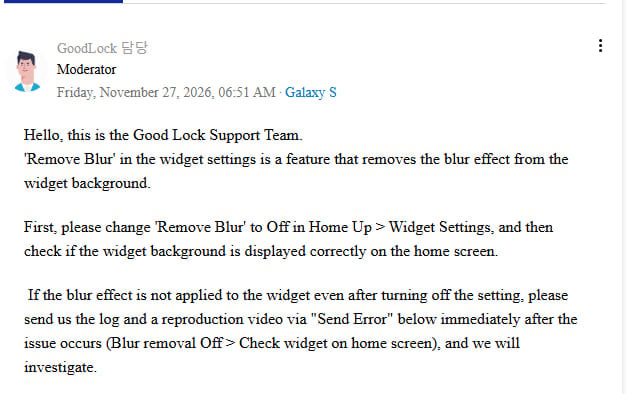
Samsung also asked users to send an error report if the blur effect does not return after turning off the option. Users should record a short video showing the issue and submit it along with the error log through the ‘Send Error’ option. Samsung recommends sending the report immediately after reproducing the issue by turning off Remove Blur and checking the home screen widget.
For now, Samsung recommends keeping the ‘Remove Blur’ option turned off. If the issue continues, users should share their logs and a reproduction video with Samsung so the team can investigate further.
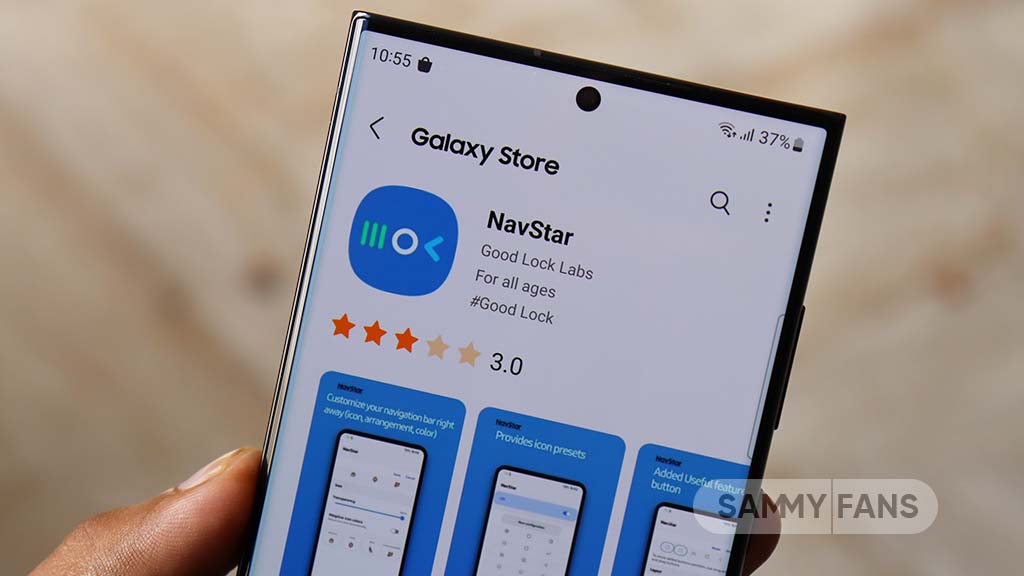
Samsung has officially released a new update for its Good Lock NavStar module, bringing support for One UI 9.5 along with some useful improvements for Galaxy users. The latest update comes with version number 9.5.01.2 and focuses on making navigation customization easier and more convenient.
With this update, Samsung has introduced a new floating tab layout on the NavStar main screen. This gives the app a fresh look and makes it easier for users to explore different settings and options. The company has also improved the custom button creation and editing screen. It makes it simpler to create new navigation buttons or edit existing ones.
The latest NavStar update now supports button alignment on the Galaxy Z Fold Cover Screen. This means users get more flexibility to adjust the position of navigation buttons according to their preferences.
However, Samsung has also announced an important change that users should know about. Starting with One UI 9.5, the Pin/Hide Button feature will no longer be available in NavStar. This means users upgrading to One UI 9.5 will lose access to this feature. However, those running One UI 9.0 or older versions can continue using it as before.
Galaxy users can check for the latest NavStar 9.5.01.2 update through the Samsung Good Lock app or Galaxy Store. This update brings a fresh design, better customization options, and improved support for Galaxy Z Fold users. While the removal of the Pin/Hide Button feature may disappoint some users, the other improvements make NavStar a better experience.

Samsung users are facing an issue with the white blur effect in the Quick Panel. They want Samsung to fix this problem instead of adding more colors to the blur effect.
The main request is simple. Users want the existing blur effect to work properly without changing its original look. They believe Samsung should focus on fixing the white blur issue rather than introducing extra color options.
In response to this complaint, a community moderator explained that the image shared by the user shows the settings for changing the Quick Panel background color. These settings allow users to adjust saturation and transparency. However, the moderator also made it clear that Theme Park does not offer any option to change the color of the Quick Panel blur effect.
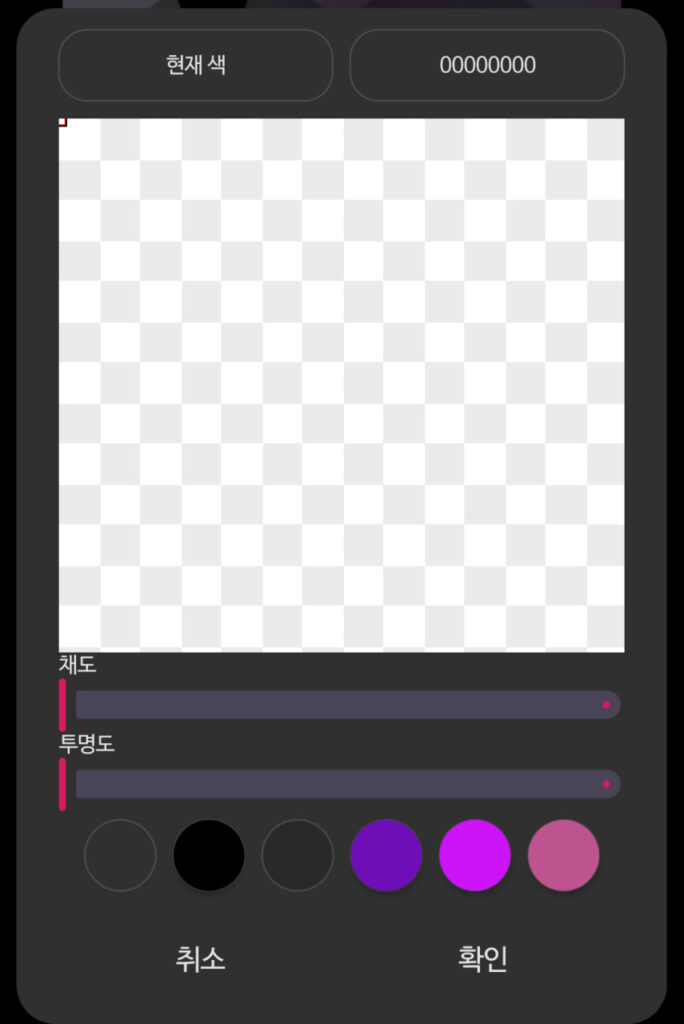
According to the moderator, the blur effect is a default feature provided by the device. This means users cannot change its color or customize it through the Theme Park app.
Although the moderator explained how this feature works, the user’s main concern is still not solved. Users simply want a better blur effect without having to add extra colors or change the overall appearance.
Many users would like Samsung to provide more control over the Quick Panel in future updates. A simple option to adjust the blur effect would make customization better and give users more freedom.
For now, users have to use the default blur effect. Hopefully, Samsung will consider this feedback and provide a proper solution in a future update.

Samsung Galaxy users are facing a problem after the latest software update. The update has reportedly stopped the side button shortcut that allowed users to start voice recording by double-pressing the button using Samsung’s RegiStar app. This issue has been spotted on the Galaxy Z Flip 5.
Earlier, users could quickly start recording by pressing the side button twice, even when the phone was locked. However, this feature is no longer working properly after the update. This has frustrated users who regularly use it for quick voice recordings.
Users have also questioned why Samsung has broken a useful feature, mainly since the Galaxy Z Flip5 is said to be getting its final major software update. Some users have also asked Samsung to provide an option to return to an older software version.

In response to the complaint, a Samsung community moderator apologized and confirmed that the company is aware of the issue. The moderator said that side button actions are not working properly on the lock screen in some situations.
Samsung has promised to fix the problem through an upcoming software update. Meanwhile, the company has shared a temporary solution for affected users.
Users need to go to Settings >> Lock screen and AOD >> Screen lock and biometrics and change the screen lock method to Drag or None. After that, restart the phone and set the previous screen lock method again.
According to Samsung, this should help bring back normal side button functions. If the problem continues, users should send an error report with system logs through the Samsung Members app. For now, users will have to wait for Samsung to release the promised fix.
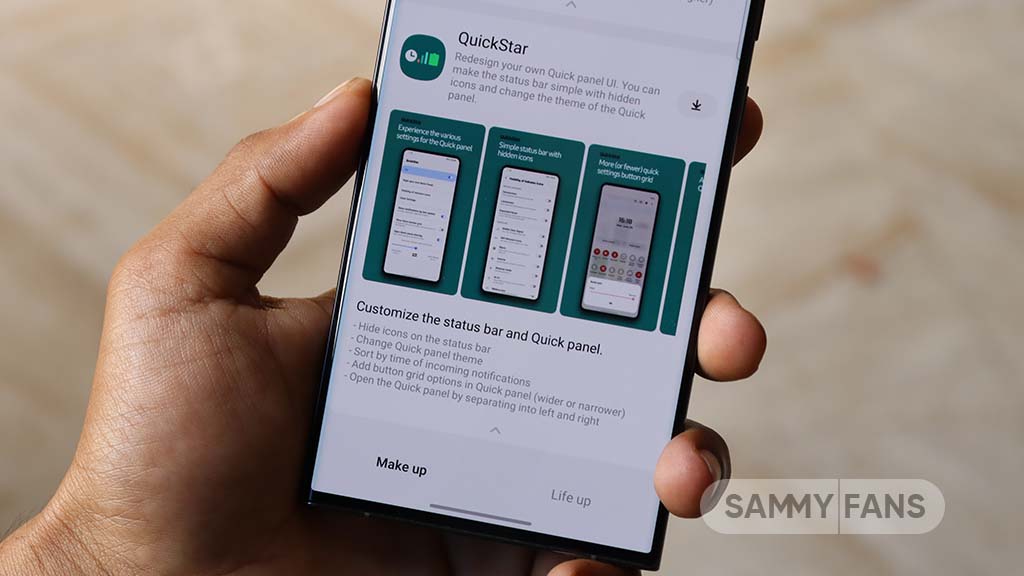
Samsung QuickStar has received support for One UI 9.5, bringing several new features and improvements. The latest update makes customization easier and provides a better experience for users running One UI 9.5 or higher.
The main addition in this update is the full image editing feature. With this feature, users get more options to edit images and customize their experience. It gives users better control over their edits and makes the overall process more convenient. Samsung has also improved the app’s layout to make it easier to use and navigate.
Samsung has also added Edit Screen Preview support. This feature allows users to preview their changes directly on the editing screen. This means users can see how their selected changes will look before applying them. It makes the editing process easier and helps users make changes without unnecessary steps.
The latest update also introduces a new Icon Activation option. This gives users another way to manage icon-related settings and improves the overall customization experience. These small additions can make QuickStar more useful for people who like to personalize their Samsung Galaxy devices.
For those who don’t know, QuickStar is part of Samsung’s Good Lock customization suite. It allows users to customize different parts of their phone’s interface and adjust the appearance according to their preferences.
The latest QuickStar update is good news for Samsung Galaxy users. With full image editing, Edit Screen Preview support, a new Icon Activation option, and an improved layout, QuickStar offers a better customization experience. Users running One UI 9.5 or higher can enjoy these new improvements and make their Galaxy devices more personal.
-
 One UI2 days ago
One UI 9.5 Eligible Devices: These Samsung devices could receive the next major update
-
 Wearables1 day ago
Samsung confirms Galaxy Watch 9 features for older models, including Watch 4!
-

 News2 days ago
Galaxy S25 could be banned in the US as Samsung loses camera patent case
-
 Deals3 days ago
Samsung Galaxy S26 Ultra is $350 off for Black Friday