
Updates
New Samsung Galaxy Note 20 update installs August 2023 security patch

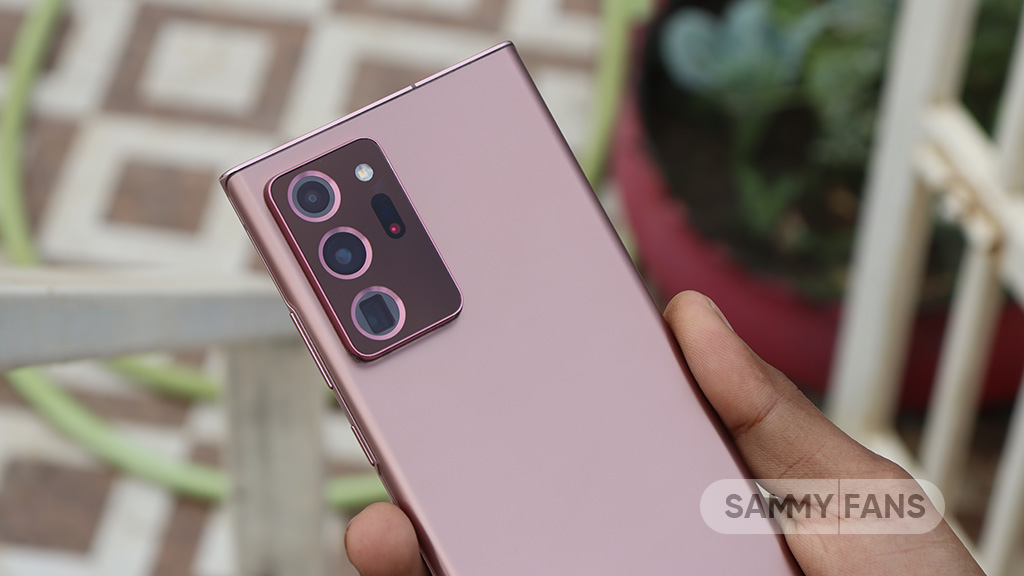
Samsung Galaxy Note 20 and Galaxy Note 20 Ultra smartphones are receiving a new update with an August 2023 security patch. This update fixes issues related to Galaxy Store, Members app, and Internet Browser for better performance.
Users of the Samsung Galaxy Note 20 series can identify the August 2023 update with One UI build version N98xFXXS8HWH3 in Europe and N98x0ZSS6HWG8 in China. The company will expand this update to more countries in the coming days.
The latest Android security patch is already available for Samsung Galaxy S20 FE, Galaxy S20 FE 5G, and Galaxy S23 series. This patch fixes over 70 issues to enhance the system stability, reliability, performance, and security of the device.
To install the update latest security update on your Samsung Galaxy Note 20 device, open Settings, press on the Software Update option, and then click on the Download and install option. Follow the on-screen instructions to install the latest update.
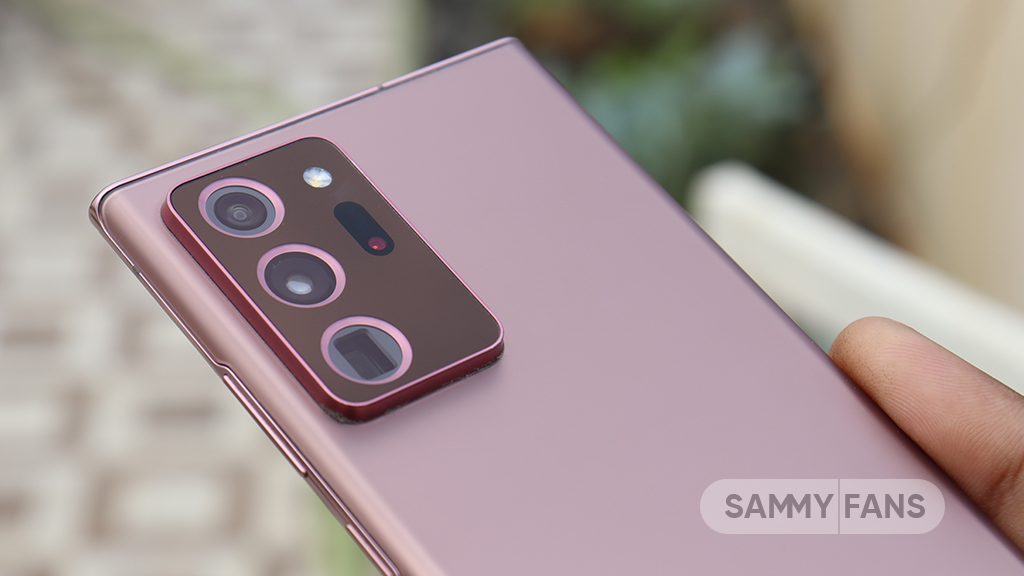


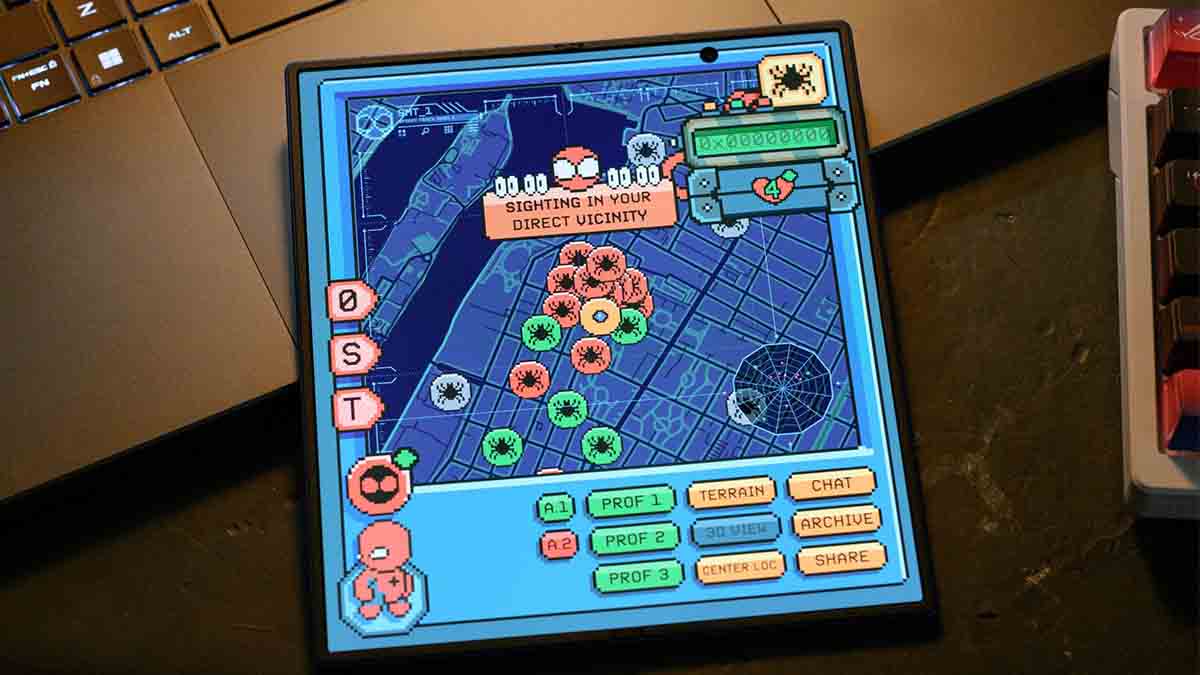


Your Samsung phone gets new One UI updates, Play system updates, and app updates. After installing the latest versions of the three, you might think everything is up to date. You might be wrong, as Google has three new updates for every Samsung phone that elevate the user experience behind the scenes.
Google is rolling out three updates, Android System SafetyCore, Android System WebView, and Google Play Services, to every Samsung phone. The availability of these updates may vary by region or carrier, but their arrival is certain.
System SafetyCore, System WebView, and Play Services are getting updated. You need to install them manually as they could stay outdated until your Samsung Galaxy smartphone receives a new One UI update.
Here are the latest versions:
- Android System SafetyCore (version 1.0.925574157)
- Android System WebView (version 149.0.7827.91)
- Google Play Services (version 26.22.33)
Patch/release notes are not available for these apps for now. Google may specify changes in a different way or medium, but the rollout is underway. You should install the latest versions to ensure the optimal state on your device.
Avoiding crucial updates may end up risking your phone with vulnerabilities, bugs, performance issues, and security problems. That said, ensuring their timely update should be your routine task after every One UI release.
Google’s System SafetyCore and WebView functions back various functionalities on Android. Certain features rely on these core apps, which you may think never existed, given their indirect backing rather than visibility.
How to update
The method to update these apps is something different and tricky. To do so, open your phone’s Settings, then Apps, and search for the apps by their names.
The searched app will be listed there, and you need to expand the page. Now, tap “App details in store” to get redirected to their listing page on Google Play Store, where you need to tap Update key.


Samsung phones are receiving a new Google Play system update this weekend, and it brings some real stuff and a version bump to June 2026.
Galaxy smartphone users in India confirm the availability of a new Google Play system update release, which weighs 77 megabytes. You can access the update from Settings > Security and privacy > Updates > Google Play system update.
Google has been updating its release notes for the June 2026 Play system update, which now has over two dozen changes and/or improvements for Android and Samsung phones.
The June 2026 Google Play System update adds 27 phone-focused changes, including better WhatsApp backup controls, improved Contacts sync settings, Wallet upgrades, and new Play Store features.
Google has also added Find Hub setup support, Quick Share contact cards, Ask Play AI search tools, stronger Play Protect checks, and easier password and passkey transfers.
The update improves Play Store discovery with clearer offers, refreshed dialogs, new content browsing options, and more ways to interact with Google’s Android ecosystem.
Google Play services v26.23 (2026-06-15)
System Management
- [Auto, PC, Phone, TV, Wear] Updates to system management services that improve Device Performance.
- [Auto, PC, Phone, TV, Wear] Bug fixes for System Management & Diagnostics related services.
Utilities
- [Phone] With this update, you can now manage your WhatsApp backups through device settings.
- [Phone] You’ll now get an improved experience when you view or update the Google Contacts sync setting.
Wallet
- [Phone, Wear] Bug fixes for Wallet related services.
- [Phone] Improve Wallet transaction history experience.
Google Play Store v51.9 (2026-06-15)
- [Phone] To comply with recently passed verification laws, new users on Google Play in applicable US states will be asked to complete a verification or set up supervision.
- [Phone] You can now get a “Trusted” badge on your Google Play Store reviews if you are eligible for the Trusted Contributor program and opt in.
- [Phone] You can now try the latest features in Play Labs and share your feedback to help improve the Play Store.
- [Phone] You can now manage content restrictions on Google Play using your Android Parental Controls PIN.
Android System Intelligence V.75 (2026-06-11)
- [Phone] Bug fixes and maintenance changes.
- Private Compute Services B.26 / C.4 (2026-06-08)
- [Phone] Maintenance changes.
Google Play services v26.22 (2026-06-08)
Device Connectivity
- [Auto] Bug fixes for Device Connections related services.
- [Phone] You can now view contact card information when you receive a contact card through Quick Share.
- [Phone] New developer features for Google and third party app developers to support Device Connectivity related processes in their apps.
Security & Privacy
- [Phone] This update adds Find Hub configuration to phone setup so you can locate your device remotely.
System Management
- [Phone, TV] This update archives stale achievements to remove them from game and developer interfaces.
Google Play Store v51.8 (2026-06-08)
- [Auto, PC, Phone, TV] With updates to Google Play Protect, you’ll receive additional security verifications for unverified apps to help keep your device safe.
- [Phone] This update adds an “Ask Play” button to the search suggest bar when you enter a query to open a full-screen conversational AI search experience.
- [Phone] You can now get faster, real-time streaming, and more flexible response formats with Ask Play Highlights on search results.
Google Play services v26.21 (2026-06-01)
Developer Services
- [Phone] New developer features for Google and third party app developers to support Maps related processes in their apps.
Security & Privacy
- [Phone] You can now import and export passwords and passkeys between Google Password Manager and third-party password managers with the Credential Exchange standard.
Google Play Store v51.7 (2026-06-01)
- [Phone] With this update, sales prices and discount details, such as offer and dates, are clearer and more visible across the Play Store.
- [Auto, Phone, TV] You’ll get a refreshed design in Play Store dialogs when you get or buy an app to continue.
- [Phone] With this update, pre-registration and auto-install use a single flow.
- [Phone] You can now receive notifications about monthly challenges through Play Store pop-up banners.
- [Phone] You can now receive notifications for Loyalty MAX challenges via pop-up banners on the Google Play Store.
- [Phone] You can now find app content on installed app store listing pages in the Play Store and visit Play Collections to browse similar content.

Updates
Samsung June 2026 security enhancements available on Galaxy S26, S25, S24, Fold 7, Flip 7 and more

Samsung has finally kicked off the June 2026 update rollout for the Galaxy S26 series, bringing security enhancements. It comes almost a week after the company detailed the information about the fixes and patches included.
Aside from One UI 8.5 and One UI 9 Beta rollouts, Samsung is also releasing maintenance releases for Galaxy devices. June 2026 security enhancements were first released for the latest Galaxy S26 series in South Korea.
Initial article – June 10
Samsung Galaxy S26, S26+, and S26 Ultra
Galaxy S26 users can identify the update via the PDA build version ending with AZF1. The firmware weighs around 565 megabytes for the devices. More Galaxy devices, including the S25 series and S24 series, would join the rollout shortly.
Update 1 – June 10
Samsung Galaxy S25 FE
Shortly after the S26 series, Samsung pushed the June patch to the Galaxy S25 FE in South Korea. The OTA weighs nearly 325 megabytes and ends with PDA build version BZF1.
Update 2 – June 11
Samsung Galaxy S25, S25+, S25 Edge and S25 Ultra
Samsung’s June 2026 patches are now expanding to the Galaxy S25 series, including the Edge version. Users in South Korea are getting the latest update through PDA build version ending with CZF1.
Update 3 – June 11
Samsung Galaxy Z Fold 7, Z Flip 7 and Z Flip 7 FE
Foldable phones released in 2025, including the Z Fold 7, Z Flip 7, Z Flip7 FE, and TriFold are also grabbing the latest security patches released in June 2026. PDA build number ends with BZF1.
Update 4 – June 15
Samsung Galaxy S25 and S26 series – India and Europe
June update is now expanding to the Galaxy S25 series and S26 series users in India and Europe region. Software information is as follows:
Update 5 – June 18
Samsung Galaxy S24 series – South Korea
Samsung’s 2024 flagship phones, the Galaxy S24, S24+, and S24 Ultra, have started getting the One UI 8.5-based June 2026 security enhancements in South Korea.
Unlike the Galaxy S25 series, the Galaxy S24 phones are not getting the AI-powered Notification highlights features with the latest software; details as follows:
- Galaxy S24 – DZF3 | ~ 417 MB
What’s new in June 2026 patch?
June 2026 OTA has patches for 44 Android and One UI vulnerabilities. If your device runs an Exynos chipset, you get 45 fixes. The additional Exynos patch is provided by Samsung Semiconductor with specific improvements.
One UI 9 Beta Program is available for the Galaxy S26 series only. However, the June patch rollout has begun for those running One UI 8.5 official version. Beta Program participants are scheduled to receive the third Beta update next week.
Galaxy S26 users don’t get any significant change with the June update. However, older devices, including the Galaxy S25 series, are rumored to receive a handful of One UI 8.5 features that were missing from the initial package.
Check for updates via Settings > Software update > Download and install.

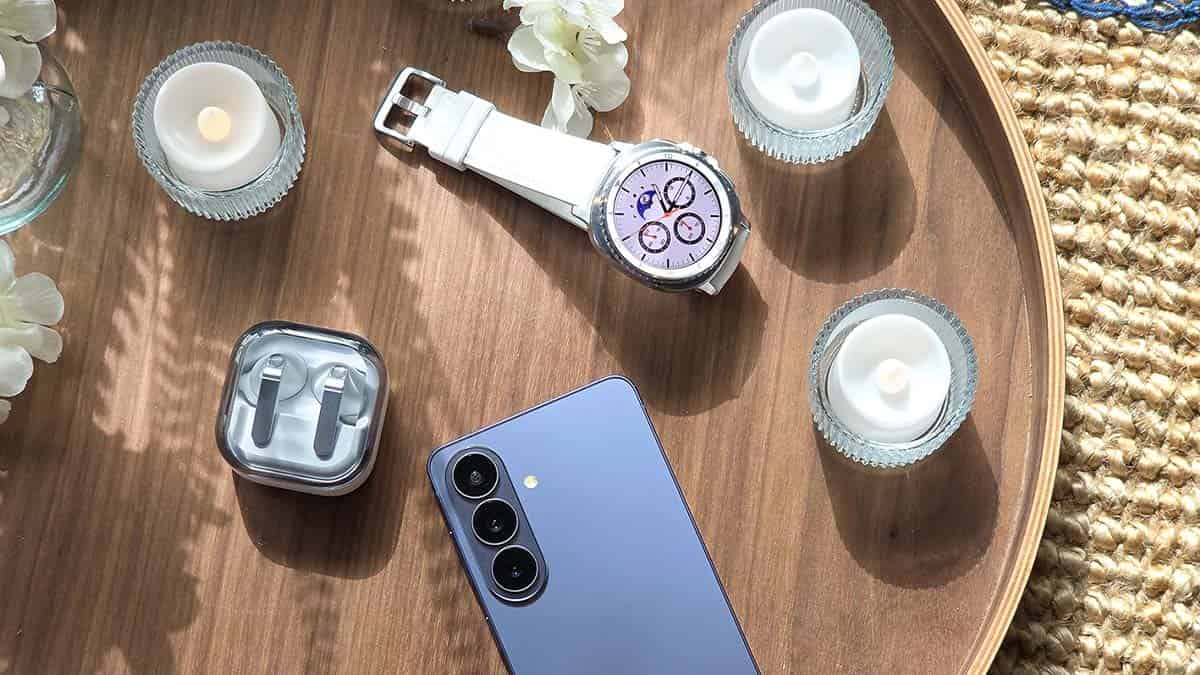
June 8, 2026 | Samsung has new firmware updates for its smartwatch portfolio. While users are busy exploring One UI 8.5, Samsung has started pushing the May 2026 Wear OS update to its smartwatch lineup, starting with Galaxy Watch 8 and Watch 7.
Galaxy Watch models receive new firmware updates once a quarter. Samsung strictly follows its Watch Update Mechanism to deliver timely releases. The latest update follows the March rollout, which brought the February patch.
May 2026 Wear OS update is available on these models:
- Galaxy Watch 8 [AZE1]
- Galaxy Watch 8 Classic
- Galaxy Watch 7 [BZE1]
- Galaxy Watch Ultra
- Galaxy Watch 6 – CZE1
- Galaxy Watch Classic
- Galaxy Watch 5 – DZE1
- Galaxy Watch 5 Pro
- Galaxy Watch 4 – JZE1
- Galaxy Watch 4 Classic
- Galaxy Watch FE – CZE1
The rollout began on June 8 in South Korea, covering the two recent Watch ranges. Remaining lineups, including the Galaxy Watch 6, Watch 5, and Watch 4, have joined the update party as of June 16, 2026. Details follow:
June 16, 2026 | Samsung is now rolling out the latest Wear OS improvements to the Galaxy Watch 4, Watch 4 Classic, Watch FE, Watch 5, Watch 5 Pro, Watch 6 and Watch 6 Classic smartwatch models in South Korea.
- Watch 4 – JZE1
- Watch 5 – DZE1
- Watch 6 – CZE1
- Watch FE – CZE1
June 13, 2026 | Verizon-bounded Galaxy Watch 7, Watch Ultra, Watch 8 and Watch 8 Classic have started to receive the May 2026 firmware update in the US.
- Changelog:
- The current software update provides the most up to date Android security patches for your device.
- Build versions:
- Watch 7 – L305USQU3BZB4 (40mm) / L315USQU3BZB4 (44mm)
- Watch Ultra – L705USQS3BZE1
- Watch 8 – L335USQS3AZE1 (44mm) / L325USQS3AZE1 (40mm)
- Watch 8 Classic – L505USQS3AZE1
What’s new in Watch firmware
Samsung announced it addressed 39 vulnerability items in its May 2026 package. Those vulnerabilities were linked to Android and One UI; meanwhile, the content may differ on smartwatch models.
Apart from fixes, Samsung updates usually clean the system cache and unnecessary files. OTAs also optimize the overall system stability and reliability. As a result, Galaxy users have a better experience with health tracking.
How to update your Galaxy Watch
You can update your Watch’s firmware through Galaxy Wearable or the smartwatch itself. I prefer installing OTAs using the Galaxy Wearable app as it’s seamless and ensures that everything goes perfect while installation.
To update the watch, open the Wearable app, followed by Watch settings. Now tap Watch software update so your watch finds a new firmware. Follow the on-screen instructions if the system delivers an update to your watch.


Samsung is now rolling out the June 2026 update to the Galaxy S25, S25+, S25 Edge, and S25 Ultra in more regions, bringing 3 new AI features from the latest Galaxy S26 series.
The update was initially released for Korean users last week. Samsung offered the AI-powered Notification highlights feature to last year’s flagship models. Notably, those tools were missing in the Stable One UI 8.5 update.
Here are the details of the newly added AI features, followed by the update’s availability status:
AI-powered Notification highlights
June update installs Galaxy S26-like Notification highlights tab in Galaxy S25 series devices. This page has two main notification handling tools along with a few supplementary settings/functions.
1 | Prioritise notifications
This feature uses Artificial Intelligence to smartly manage how notifications are displayed in the panel. The system is designed to push important notifications to the top of the page, even though there are newer alerts.
Notifications that are prioritised feature a separate glow-up appearance. It’s aimed at offering instant attention to the user and actually realizing the priority state.
2 | Summarise notifications
We use different apps and services for everyday communications, and they form a massive number of notifications. The Summarise notifications feature practically handles the overload of alerts and intelligently summarises them for you.
The feature, in the meantime, has some limitations, such as support for the device language only. Since it’s powered by AI, you should not solely rely on summaries, as it might deliver conflicting information for certain reasons.

3 | Summarise compatible files
Samsung has also updated its My Files app with a summarization feature. Found under the Settings of My Files, the Show file summaries feature offers AI-powered summaries of PDF and TXT files as well as recordings saved using Voice Recorder.
Availability
Initial rollout – June 11
- On June 11, Samsung started the June 2026 update rollout in South Korea, which came with PDA build version ending with CZF1 and weighing a lit lesser than a gigabyte.
USA, India, and Europe release – June 15
- Samsung starts expanding its feature-rich June 2026 update to users in the United States, India and Europe.
- Build version – CZF1
- Update size – Around 950 megabytes
The page will be updated with the next major expansion.
-
 One UI3 days ago
Samsung is testing One UI 9.0 (Android 17) for these 21 Galaxy devices
-
Updates3 days ago
Samsung phones get 27 improvements with June 2026 Google Play system update
-
Samsung3 days ago
3 Google updates quietly improving every Samsung phone
-
 WhatsApp2 days ago
WhatsApp gets online indicator and new message animations on Android and iOS