
Updates
11 Samsung Galaxy Watch models getting new Wear OS update with security improvements

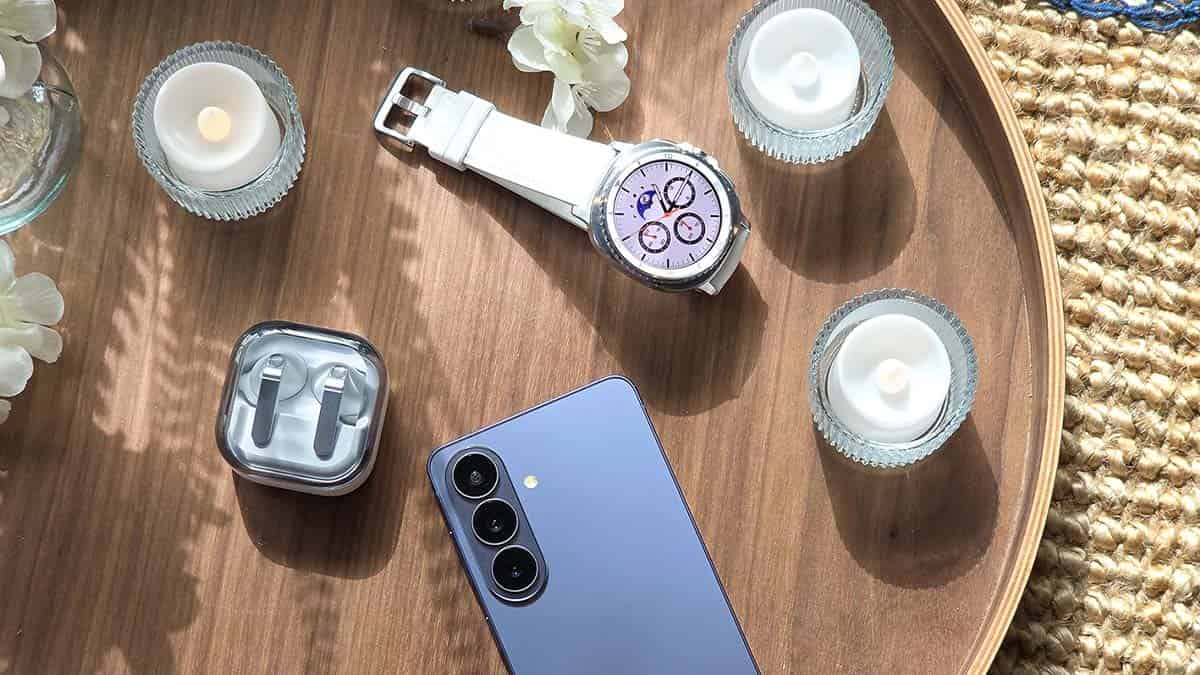
June 8, 2026 | Samsung has new firmware updates for its smartwatch portfolio. While users are busy exploring One UI 8.5, Samsung has started pushing the May 2026 Wear OS update to its smartwatch lineup, starting with Galaxy Watch 8 and Watch 7.
Galaxy Watch models receive new firmware updates once a quarter. Samsung strictly follows its Watch Update Mechanism to deliver timely releases. The latest update follows the March rollout, which brought the February patch.
May 2026 Wear OS update is available on these models:
- Galaxy Watch 8 [AZE1]
- Galaxy Watch 8 Classic
- Galaxy Watch 7 [BZE1]
- Galaxy Watch Ultra
- Galaxy Watch 6 – CZE1
- Galaxy Watch Classic
- Galaxy Watch 5 – DZE1
- Galaxy Watch 5 Pro
- Galaxy Watch 4 – JZE1
- Galaxy Watch 4 Classic
- Galaxy Watch FE – CZE1
The rollout began on June 8 in South Korea, covering the two recent Watch ranges. Remaining lineups, including the Galaxy Watch 6, Watch 5, and Watch 4, have joined the update party as of June 16, 2026. Details follow:
June 16, 2026 | Samsung is now rolling out the latest Wear OS improvements to the Galaxy Watch 4, Watch 4 Classic, Watch FE, Watch 5, Watch 5 Pro, Watch 6 and Watch 6 Classic smartwatch models in South Korea.
- Watch 4 – JZE1
- Watch 5 – DZE1
- Watch 6 – CZE1
- Watch FE – CZE1
June 13, 2026 | Verizon-bounded Galaxy Watch 7, Watch Ultra, Watch 8 and Watch 8 Classic have started to receive the May 2026 firmware update in the US.
- Changelog:
- The current software update provides the most up to date Android security patches for your device.
- Build versions:
- Watch 7 – L305USQU3BZB4 (40mm) / L315USQU3BZB4 (44mm)
- Watch Ultra – L705USQS3BZE1
- Watch 8 – L335USQS3AZE1 (44mm) / L325USQS3AZE1 (40mm)
- Watch 8 Classic – L505USQS3AZE1
What’s new in Watch firmware
Samsung announced it addressed 39 vulnerability items in its May 2026 package. Those vulnerabilities were linked to Android and One UI; meanwhile, the content may differ on smartwatch models.
Apart from fixes, Samsung updates usually clean the system cache and unnecessary files. OTAs also optimize the overall system stability and reliability. As a result, Galaxy users have a better experience with health tracking.
How to update your Galaxy Watch
You can update your Watch’s firmware through Galaxy Wearable or the smartwatch itself. I prefer installing OTAs using the Galaxy Wearable app as it’s seamless and ensures that everything goes perfect while installation.
To update the watch, open the Wearable app, followed by Watch settings. Now tap Watch software update so your watch finds a new firmware. Follow the on-screen instructions if the system delivers an update to your watch.






Samsung has released the September 2026 security update for the Galaxy Z Fold 8 and Galaxy Z Flip 8 in the US. The update was released earlier in South Korea and is now reaching US users. It mainly focuses on fixing security issues and keeping the phones safe.
September 2026 security update comes with a firmware version ending in AZI5. Users in the US can check their phone’s software version to see if the update is available. The rollout may happen in phases, so some users may get it later than others.
Samsung’s September 2026 security patch includes up to 90 fixes. Out of these, 58 are Android security fixes. They include 18 critical fixes and 40 high-level fixes. The update also includes Exynos-related improvements from Samsung Semiconductor.
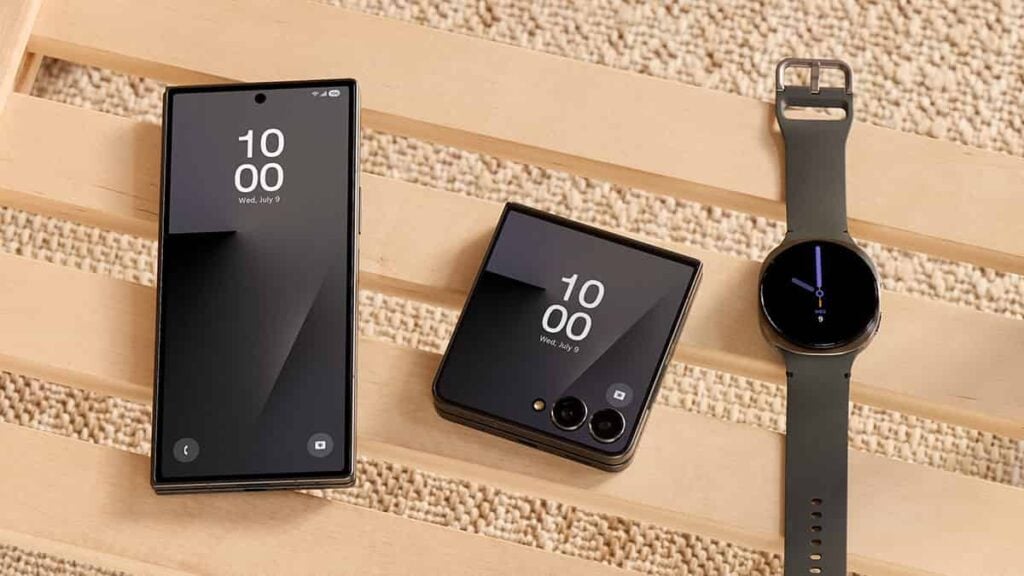
In addition, Samsung Electronics has added 31 One UI security fixes. These fixes help improve the safety of Samsung’s software and features. The update brings several important security improvements to Samsung’s latest foldable phones.
Galaxy Z Fold 8 and Galaxy Z Flip 8 users can check for the update manually. Open Settings on the phone, tap Software update, and then select Download and install.
If the update is available, follow the instructions on the screen to download and install it. It is recommended to use a Wi-Fi connection and keep the phone sufficiently charged before starting the update.
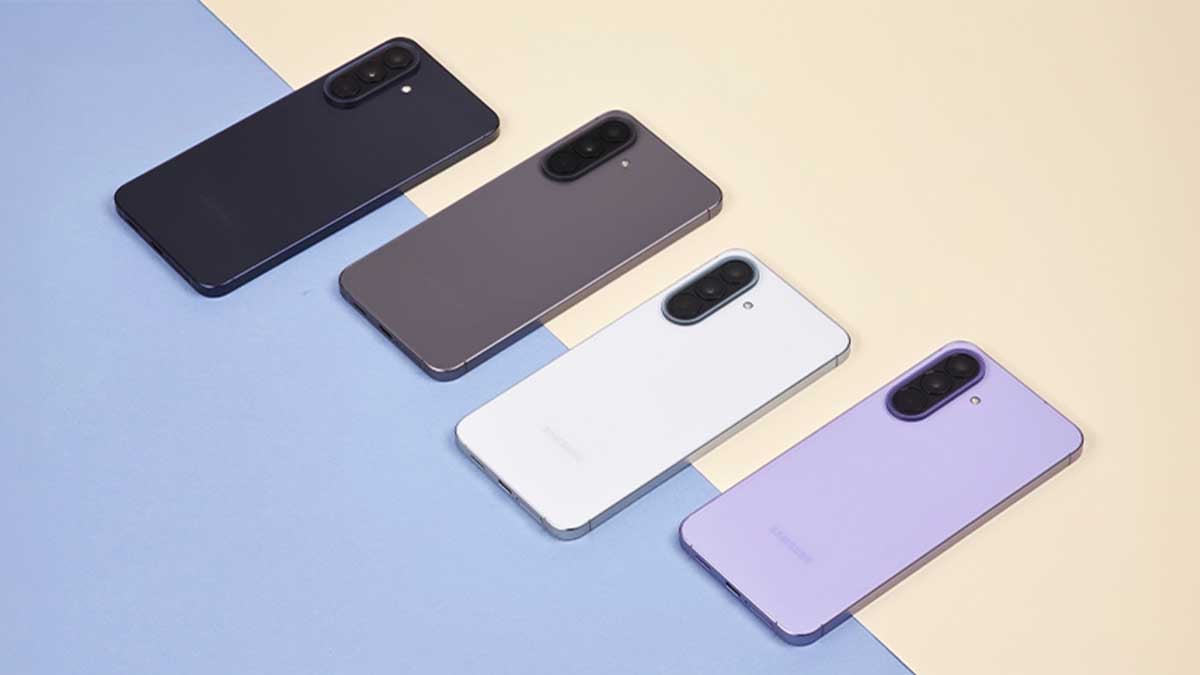
Samsung has started rolling out a new software update with a September 2026 security patch for the Galaxy A57. It is a regular security update that helps keep the phone safe and secure.
The new update comes with firmware version A576BXXS6AZI3. It is around 500MB in size. The update does not add major new features. Its main focus is on security improvements and fixing software issues.
September 2026 patch fixes security problems in the phone’s software. Installing it can help protect the Galaxy A57 from possible security threats. Samsung recommends keeping phones updated to get the latest security fixes.
The update is currently rolling out in India, Bangladesh, and Nepal. Samsung may expand the rollout to other markets later. The update may not reach every phone at the same time because Samsung usually releases software updates in stages.
To check for the update, open Settings on your Galaxy A57. Go to Software update and select Download and install. If the update is available, download and install it. Once the process is complete, restart the phone if required.
Users waiting for One UI 9.0 will have to wait a little longer. Samsung is still testing the new software. The Galaxy A57 is currently on its second One UI 9.0 beta update, so the stable version is not expected to arrive this month.

Samsung has begun rolling out its September 2026 security update to Galaxy devices. The firmware deployment was very slow in August, but the company has now returned to its usual pace of offering the latest patches.
What’s new in the September 2026 update
Samsung’s September 2026 OTA package includes as many as 90 fixes.
The update comes with 58 Android patches: 18 critical and 40 high. Besides, it has Exynos-specific improvements from Samsung Semiconductor, and 31 One UI-linked SVE items are provided by Samsung Electronics.
September 2026 update arrived for these Samsung devices
- Galaxy Z Fold 8 – AZI5 [as spotted by Alfaturk]
- Galaxy Z Fold 8 Ultra – AZI5
- Galaxy Z Flip 8 – Soon
How to download and install
Recent Samsung phones support Seamless Updates technology. This solution significantly reduces downtime while installing a new software update. Most of the process takes place without requiring the phone to shut down.
Update notifications arrive a bit late, but you can also manually check for updates. To do so, open Settings > Software update > Download and install.


Samsung has begun rolling out the first software update for the Galaxy Watch Ultra 2 in India. The new update enhances security and improves the overall performance of the smartwatch.
The update comes with the firmware version L715USQS1AZH4. It has a download size of around 230MB, so users may need a little time and enough internet data to install it.
The main highlight of this update is the August 2026 security patch. Samsung has not added any major new features with this update. Instead, the company is focusing on making the watch more secure and fixing possible software issues.
Galaxy Watch Ultra 2 users in India should start seeing the update on their devices. However, the rollout may happen in stages, so some users may receive it earlier than others.
To check for the update, users can open the Galaxy Wearable app on their connected smartphone. From there, go to Watch settings, select Watch software update, and tap Download and install if the update is available. Before installing the update, users should also keep the watch connected to their smartphone during the update process.
The first update is important even though it does not bring any major new features, but it enhances security and stability. The Galaxy Watch Ultra 2 is Samsung’s latest and premium smartwatch, so regular software updates will be important for keeping the device secure and running smoothly.
On September 8, 2026, Samsung released the latest security patch details and a revised software rollout roadmap for Galaxy devices. If you own a Galaxy phone, foldable, or tablet, this page is important to check the update frequency.
The South Korean tech giant shares its roadmap in two segments: Monthly and Quarterly. Flagship devices receive monthly updates, while others get them quarterly.
Here’s the comparison between August 2026 and September 2026 lists.
Category-shift (moved between Monthly and Quarterly)
Monthly → Quarterly
- Galaxy Z Fold 4 (was Monthly in August, now Quarterly in September)
- Galaxy Z Flip 4 (was Monthly in August, now Quarterly in September)
Additions
Monthly Devices
- Galaxy S26 FE (new in S Series)
Quarterly Devices
- Galaxy F70 Pro 5G (F Series, new)
Removals
Quarterly Devices
- Galaxy Z Fold 3 5G (removed; replaced in the lineup by Z Fold4 moving down from Monthly)
- Galaxy Z Flip 3 5G (removed; replaced by Z Flip4 moving down from Monthly)
- Galaxy M13 5G (removed from M Series)
- Galaxy F13 (removed from F Series)
Here’s the latest update frequency schedule released on September 8, 2026.
Samsung Monthly Devices
This is the top tier of Samsung Galaxy updates. All the flagship phones enter the “Monthly” category for up to 6 years. The last year of their software lifecycle spends on a “Quarterly” rollout plan.
Galaxy Foldable Series
- Galaxy Z TriFold
- Galaxy Z Fold5, Galaxy Z Fold6, Galaxy Z Fold7, Galaxy Z Fold Special Edition, Galaxy Z Fold8, Galaxy Z Fold8 Ultra
- Galaxy Z Flip5, Galaxy Z Flip6, Galaxy Z Flip7, Galaxy Z Flip7 FE, Galaxy Z Flip8
- W23, W23 Flip, W24, W24 Flip, W25, W25 Flip, W26
Galaxy S Series
- Galaxy S26, Galaxy S26+, Galaxy S26 Ultra, Galaxy S26 FE
- Galaxy S25, Galaxy S25+, Galaxy S25 Ultra, Galaxy S25 Edge, Galaxy S25 FE
- Galaxy S24, Galaxy S24+, Galaxy S24 Ultra, Galaxy S24 FE
- Galaxy S23, Galaxy S23+, Galaxy S23 Ultra, Galaxy S23 FE
Enterprise Models
- Galaxy A54 5G, Galaxy A55 5G, Galaxy A56 5G, Galaxy A57 5G
- Galaxy Tab Active5 Pro
- Galaxy XCover7, Galaxy XCover7 Pro
Samsung Quarterly Devices
All non-flagship Samsung phones and tablets receive “Quarterly” updates. They get listed in this expansive batch right after their debut. Flagship phones you see in this section are transferred from Monthly frequency.
Galaxy Foldable Series
- Galaxy Z Fold4
- Galaxy Z Flip4
Galaxy S Series
- Galaxy S22, Galaxy S22+, Galaxy S22 Ultra
- Galaxy S21 FE 5G
Galaxy A Series
- Galaxy A04, Galaxy A04s, Galaxy A04e, Galaxy A05, Galaxy A05s, Galaxy A06, Galaxy A06 5G, Galaxy A07, Galaxy A07 5G
- Galaxy A14, Galaxy A14 5G, Galaxy A15, Galaxy A15 5G, Galaxy A16, Galaxy A16 5G, Galaxy A17, Galaxy A17 5G
- Galaxy A23 5G, Galaxy A24, Galaxy A25 5G, Galaxy A26 5G, Galaxy A27 5G
- Galaxy A33 5G, Galaxy A34 5G, Galaxy A35 5G, Galaxy A36 5G, Galaxy A37 5G
- Galaxy A73 5G
Galaxy C Series
- Galaxy C55 5G
Galaxy M Series
- Galaxy M04, Galaxy M05, Galaxy M06 5G, Galaxy M07
- Galaxy M14, Galaxy M14 5G, Galaxy M15 5G, Galaxy M16 5G, Galaxy M17 5G, Galaxy M17e 5G
- Galaxy M34 5G, Galaxy M35 5G, Galaxy M36 5G
- Galaxy M44 5G, Galaxy M47 5G
- Galaxy M54 5G, Galaxy M55 5G, Galaxy M55s 5G, Galaxy M56 5G
Galaxy F Series
- Galaxy F04, Galaxy F05, Galaxy F06 5G, Galaxy F07
- Galaxy F14, Galaxy F14 5G, Galaxy F15 5G, Galaxy F16 5G, Galaxy F17 5G
- Galaxy F34 5G, Galaxy F36 5G
- Galaxy F54 5G, Galaxy F55 5G, Galaxy F56 5G
- Galaxy F70 Pro 5G, Galaxy F70e 5G
Galaxy Tab S Series
- Galaxy Tab S11, Galaxy Tab S11 Ultra
- Galaxy Tab S10+, Galaxy Tab S10 Ultra, Galaxy Tab S10 FE, Galaxy Tab S10 FE+, Galaxy Tab S10 Lite
- Galaxy Tab S9, Galaxy Tab S9+, Galaxy Tab S9 Ultra, Galaxy Tab S9 FE, Galaxy Tab S9 FE+
- Galaxy Tab S8, Galaxy Tab S8+, Galaxy Tab S8 Ultra
- Galaxy Tab S6 Lite (2024)
Galaxy Tab A Series
- Galaxy Tab A11, Galaxy Tab A11+
- Galaxy Tab A9, Galaxy Tab A9+, Galaxy Tab A9+(2025)
Enterprise Models
- Galaxy A53 5G
- Galaxy Tab Active4 Pro, Galaxy Tab Active5
- Galaxy XCover5, Galaxy XCover6 Pro
-
 One UI3 days ago
One UI 9.0 Beta and Stable testing on these Samsung devices
-
 Comparison3 days ago
Top 7 camera differences between iPhone 18 Pro Max and Galaxy S26 Ultra
-
 News2 days ago
Samsung Galaxy S26 refurbished phones arrive in Korea
-

 One UI2 days ago
Samsung Galaxy S24 grabs 4 great AI features with One UI 9 Beta 2