
Good Lock
Two more Good Lock modules receive Samsung’s One UI 9 support


Samsung has released new updates for two more Good Lock modules, bringing better support for devices running One UI 9. The updated modules are Game Booster+ and Pentastic.
Game Booster+ has received a new update with version 2.0.00.33. The new version adds support for Samsung’s One UI 9. This will help users continue using the module after updating their Galaxy phones to the latest software. This module offers different features for Galaxy users who play games on their phones.
However, there is one important change. Samsung has confirmed that the Gamepad Key Reset feature is not supported on One UI 9. Users who used this feature will not be able to access it on devices running the new software.

The second module, Pentastic, has also received a new update. It is now available in version 3.0.01. Samsung says the latest version has been optimized for One UI 9 devices.
Pentastic is mainly used to customize the S Pen experience on supported Galaxy smartphones and tablets. The new update should make the module work better with One UI 9.
Samsung is updating its modules to make them ready for the new One UI 9 software. Users can check the Good Lock app or Galaxy Store to download the latest versions.



Samsung Galaxy S26 Ultra users are facing a clock problem after updating their phones to One UI 9.0. The issue affects the lock screen and Always On Display.
Some users say the clock looks normal when they set it up in the LockStar app. The time and date appear in the correct places. But after applying the settings, the clock looks different on the actual lock screen.
The time can move very high on the screen and may almost touch the top. The date can also appear much farther away from the time. The same problem can happen on the Always On Display.
A Samsung Community moderator has confirmed that this is a known issue. According to the moderator, the problem happens when users use a clock style from Good Lock’s ClockFace.
Samsung’s development team is now checking the issue. Until it is fixed, Samsung recommends using the phone’s default clock instead of a ClockFace clock.

This is only a temporary solution. Users can switch back to their preferred ClockFace style after Samsung fixes the problem
Samsung also asked users to report the issue if it still happens with the default clock. Users should use the Send Error option and send the error logs immediately after the problem appears. The logs can help Samsung find the cause and fix the issue.
For now, Galaxy S26 Ultra users facing this problem can use the default clock and wait for a future update that may resolve the issue.
Some Samsung users are facing a new problem with the Home Up app. The issue is related to the app’s backup and recovery feature.
Users have reported that after backing up their home screen, they cannot restore it properly. When they try to recover the backup, the file may show an error saying that it is broken or damaged.
A Samsung Community moderator has confirmed that the company is aware of the problem. Samsung says its development team is currently investigating the issue.
According to Samsung, the problem can happen when users change the folder label colors in Home Up. These colors are used for the names shown under folders on the home screen.

Samsung says the issue needs changes to the platform software. The company plans to fix it in a future software update. However, Samsung has not given a specific date for the update yet.
Until the problem is fixed, Samsung recommends that users change the folder label colors back to the default colors before using the Home Up backup and recovery feature.
Samsung also asked users to report the problem if it happens even when they have not changed the folder label colors. Users can send an error report with logs to help Samsung find the cause of the problem.
For now, Home Up users should keep their folder label colors at the default setting when making or restoring backups. This is Samsung’s current recommended workaround while the company works on a permanent fix.
Samsung users have reported a small problem with the Good Lock Home Up app after updating their phones to One UI 9.0. The issue is related to the DIY Home feature.
Users say that icons inside hidden folders now appear a little late. When they open a hidden folder placed under an image, the icon takes about half a beat to appear.
This delay was not seen on One UI 8.5. Users say the DIY feature worked normally before the update. However, after installing One UI 9.0, the icon started appearing late. The problem mainly happens with hidden folders. Users have also reported that the feature works normally when they simply pull out the folder.
The issue has now been reported to the Good Lock team. A Good Lock community moderator confirmed that Samsung’s development team is investigating the problem.
The moderator said that the developers are aware of the delay with icons in hidden folders when using DIY Home. Samsung also confirmed that the issue will be improved through a future software update.

However, Samsung has not shared when the fix will be released. Until then, users facing this problem may have to wait for a new update to Home Up or the related software.
Users can also try using a different folder setup if they want to avoid the delay for now.
The issue appears to be related to the One UI 9.0 update, as users say the feature worked properly on One UI 8.5. Samsung is now working on a fix, which should improve the DIY Home experience in a future update.
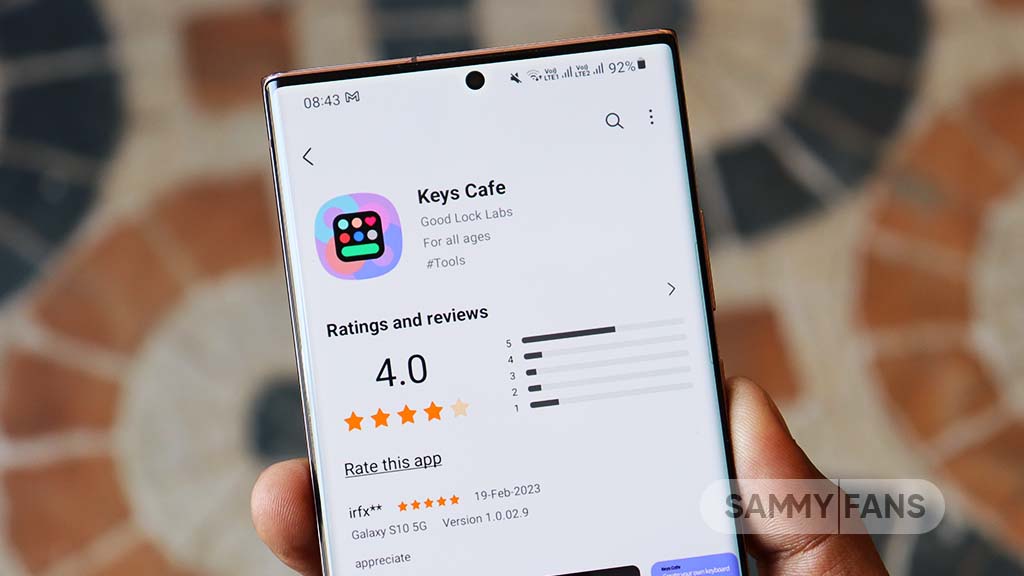
Some Samsung users have reported a problem with the Korean keyboard in Keys Cafe. The issue is related to the essential keys (‘ㅂ’, ‘ㅈ’). These keys are important for entering Korean double consonants.
Normally, when users press the Shift key with ㅂ, it should enter ㅃ. When they press Shift with ㅈ, it should enter ㅉ. However, some users noticed that the key design does not change and still shows ㅂ or ㅈ.
The keyboard input itself works correctly. When the Shift key is pressed, the correct double consonants are entered. The problem is only with the symbol shown on the keyboard key.
According to a Samsung Community moderator, this issue can happen when the essential keys (‘ㅂ’, ‘ㅈ’) are deleted and then added again in Keys Cafe. After doing this, the Shift function works, but the double consonants may not be displayed correctly on the keys.

Samsung recommends that users should not delete these essential keys when creating a new keyboard. Instead, users should keep the original (‘ㅂ’, ‘ㅈ’) keys and modify them as needed. This can help prevent the display problem.
Samsung has acknowledged the issue and said it will fix it in a future update. Until then, users should keep the essential keys (‘ㅂ’, ‘ㅈ’) and modify them instead of deleting and adding them again. This is the recommended way to avoid the problem.
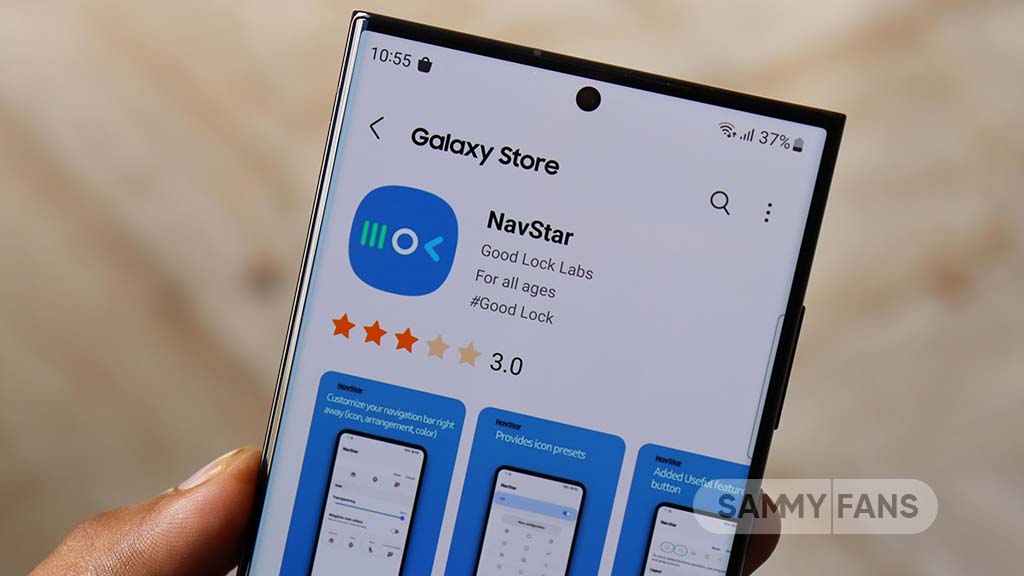
Samsung Galaxy users are facing a problem with the NavStar app. The app has a feature that lets users hide the navigation bar. However, this feature is not working for some users. The navigation bar stays on the screen even after users try to hide it.
NavStar is part of Samsung’s Good Lock app. It gives Galaxy users more ways to customize the navigation bar. Users can change the icons, add extra buttons, and make other changes. The hide option is also useful because it gives users more screen space.
A Galaxy S25 Plus user reported the problem on Samsung’s community forum. The user said that the navigation bar does not disappear after pressing the pin or hide button. Instead, the bar remains visible on the screen. Other Galaxy users have also reported similar problems.

Samsung has confirmed that this is a bug in NavStar. A Good Lock support team replied to the report and said that fixing the hide button requires changes to the phone’s software platform. This means the problem cannot be fixed only through a simple setting change.
Samsung also said that the problem will be fixed in a future software update. However, the company has not given any exact date for the update. Users may therefore have to wait until Samsung releases the required software changes.
For now, affected Galaxy users can continue using the other features in NavStar. They can also check for new Good Lock and phone software updates. Once Samsung releases the fix, the navigation bar hide feature should work normally again. It is still unclear how many users and Galaxy models are affected. Stay tuned for more information.


