Samsung
Samsung shares tips to get the most out of My FanCam

Samsung is sharing a few practical tips to help Galaxy Z Fold 8 users get better results from My FanCam, one of the more interesting video features introduced with the company’s latest foldable lineup.
How to get better My FanCam results
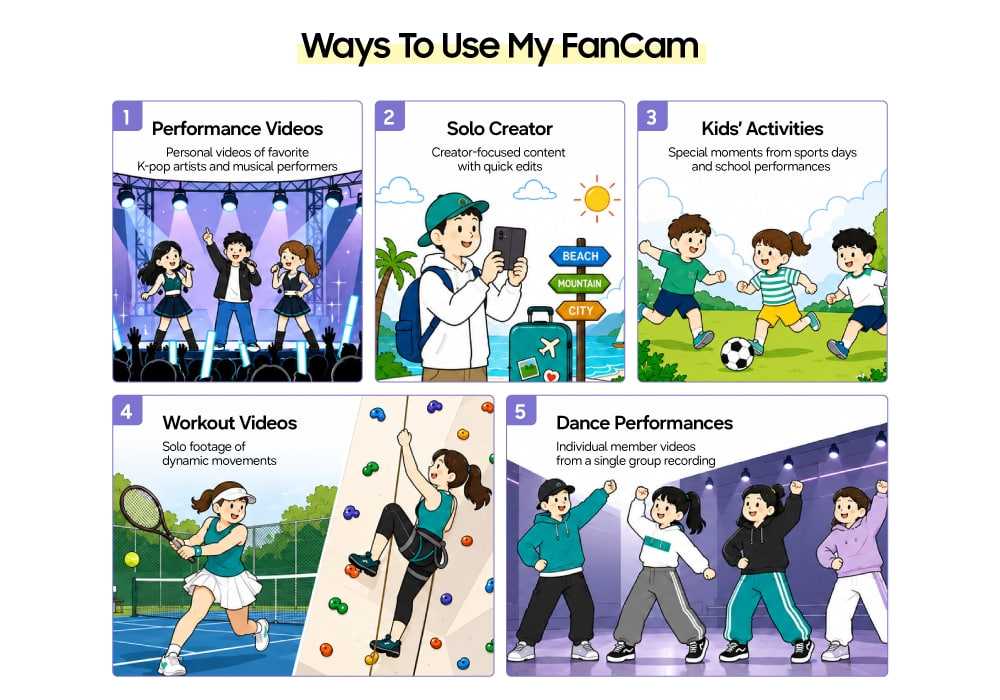
My FanCam uses on-device AI to identify and follow a selected person throughout a video. That makes it particularly useful for concert recordings, family events, school performances, sports footage, and other situations where several people appear in the same frame.
For the best results, Samsung recommends recording at a higher resolution and leaving some extra space around the subject. A slightly wider composition gives the feature more room to keep the selected person within the crop as they move.
The moment you choose for subject selection also matters. Picking a frame where the person is clearly visible, with minimal overlap from others, gives the AI a better starting point. Their face, upper body, or full body should ideally be visible.
One of the feature’s biggest advantages is that it doesn’t require you to record specifically for My FanCam. Existing videos can also be used, including older concert clips, travel memories, family recordings, and other footage.
That means users can concentrate on recording the overall event rather than constantly keeping one person centered. A tripod recording can even be turned into a personal highlight video afterward.

My FanCam also processes footage directly on the device, rather than relying on a separate server. Samsung has optimized the AI processing to balance tracking accuracy with processing time, heat, and battery consumption.
For Galaxy Z Fold 8 owners, the result is a simpler way to turn ordinary footage into a more focused video without manually tracking and cropping the subject frame by frame. These Samsung My FanCam tips should help users get more consistent results, especially with busy scenes and moving subjects.