Samsung
Samsung Notes, Gallery and more apps now support all Windows devices

Samsung has finally made its popular apps, including Samsung Notes, Samsung Gallery, and Samsung Account, available for all Windows computers. Before, these apps only worked on Samsung laptops, like the Galaxy Book. This was frustrating for people who had a Samsung phone but used a different brand of computer. Now, Samsung has resolved this issue.
Samsung Notes is a useful app for writing down ideas, making to-do lists, and saving important information. Many people use it on their Samsung phones and tablets. But until now, they couldn’t use it on their Windows computers unless they owned a Samsung laptop. Now, that has changed with the new update.
To use Samsung Notes on your Windows 10 or 11 computer, just download it from the Microsoft Store. You will also need to install the Samsung Account app to sign in and sync your notes.
When you open the app, you might see a message saying it’s made for Galaxy Book laptops, but it still works fine on other PCs too. You just need to install it and use it.
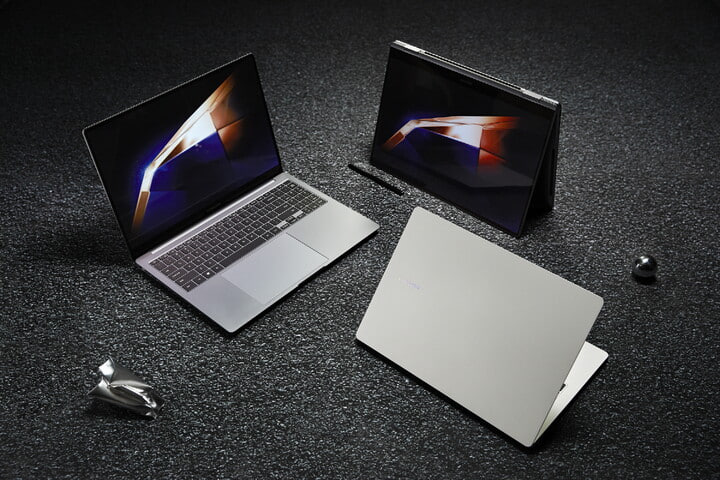

In addition to Samsung Notes, other apps like Samsung Gallery and Samsung Account also now work on non-Samsung computers. However, the Samsung Find app is still only for Samsung laptops.
Now, many users are hoping Samsung will also make a web version of Samsung Notes. That would let people with iPhones, iPads, or Mac computers use it too.
Many users are excited about this update. Some even said they started using Samsung Notes again because it now works on their computer. It is expected that Samsung might soon bring Windows support for more stock apps.